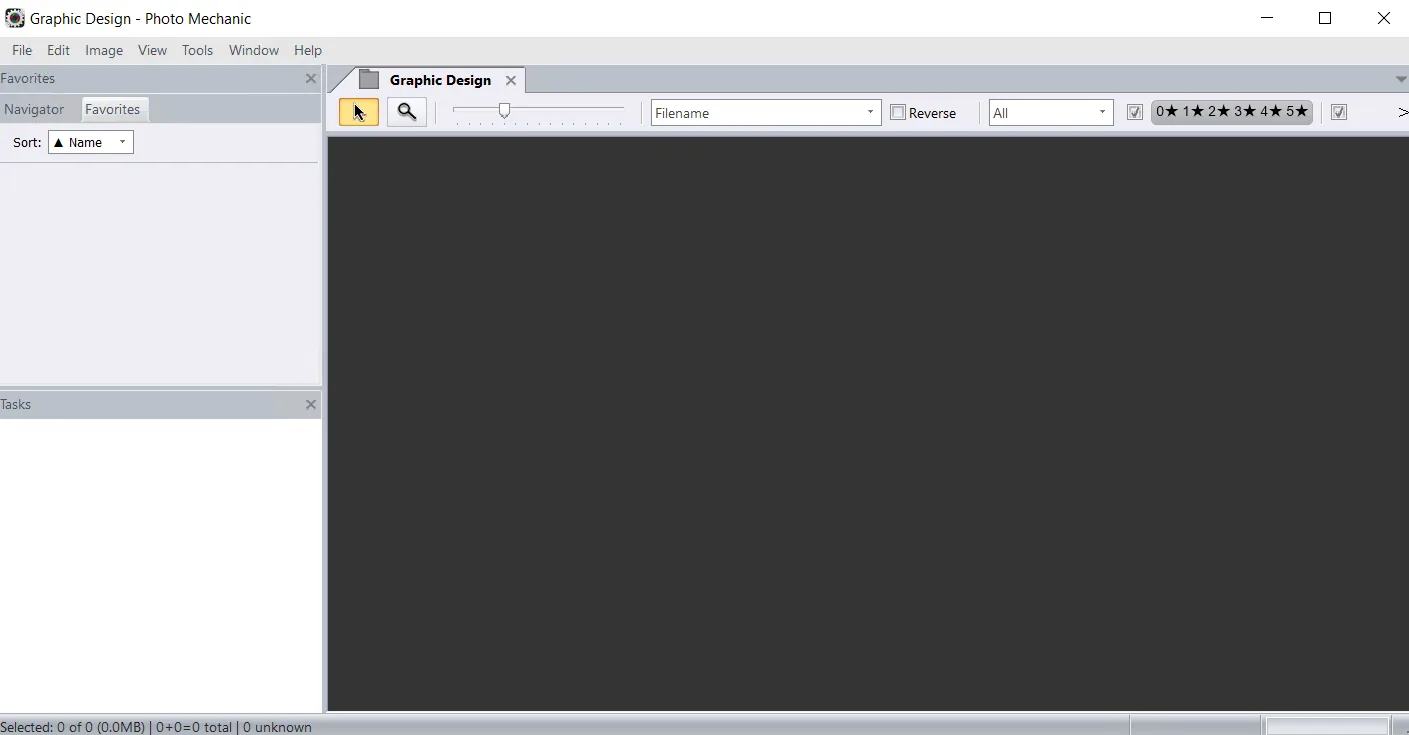
Description
Photo Mechanic is a powerful and incredibly fast tool designed specifically for digital photographers to dramatically speed up the process of working with images. With its super-fast browsing capabilities, the program allows the user to quickly ingest , edit, and export , eliminating repetitive tasks from the workflow. With full support for powerful batch processing, image variables, and IPTC and Exif metadata, Photo Mechanic is the ideal tool for any professional or novice photographer. The software allows the user to start working immediately after copying images from memory cards and perform tasks such as rating, tagging, and adding copyright information simultaneously and quickly. Its main focus is on high speed in selecting, organizing, and adding metadata to photos so that photographers can spend more time creating images.
Program features and functions
- Quick import and use: Importing images, which involves copying files from a memory card to your hard drive, is enhanced by Photo Mechanic . The program makes the process much easier for the user by automating other tasks at the same time as the copy.
- Start editing immediately: No need to wait. Users can view thumbnails of images as they are copied from the memory card. Cull , rate, and tag images are available during the process.
- Faster File Browsing: Moving from image to image is faster than ever in Photo Mechanic 6. This high speed helps the user find the images they want and only bring the files they want into the post-processing workflow.
- Multi-card input: If the user uses multiple card readers, they can save time by copying images from multiple memory cards simultaneously.
- Add metadata during import: Adding copyright and credit information during the copy process eliminates one step for the user.
- Fast Image Editing: In the blink of an eye, users can view all their images, identify keepers, tag replacements, and add vital metadata without slowing down. Photo Mechanic helps users do all of these things.
- Contact Sheet: This sheet is the heart of the workflow. It is where the user sees thumbnails of their images and can edit and organize them quickly and efficiently. Photo Mechanic puts the user in complete control.
- View images at full size: Zoom in up to 800% to check critical sharpness . You can also quickly switch between viewing a JPEG preview or the Raw file.
- Keywords: Sometimes more than one keyword is needed to describe and find an image. Photo Mechanic supports a variety of methods to help you add keywords. Structured keyword lists allow the user to quickly add relevant keywords.
System requirements
- A 64-bit edition of Windows 10 or higher .
- A display with a minimum resolution of 1024×768 .
- A display using a 32-bit color space or millions of colors.
Pictures

Installation Guide and Tips
Copy and replace the contents of the Crack folder in the software installation location.
Download link
Download Photo Mechanic All-in-One 2026.2.9034
Download Photo Mechanic All-in-One 2025.10 build 8858
File(s) password: www.downloadly.ir
File size
272 MB