Description
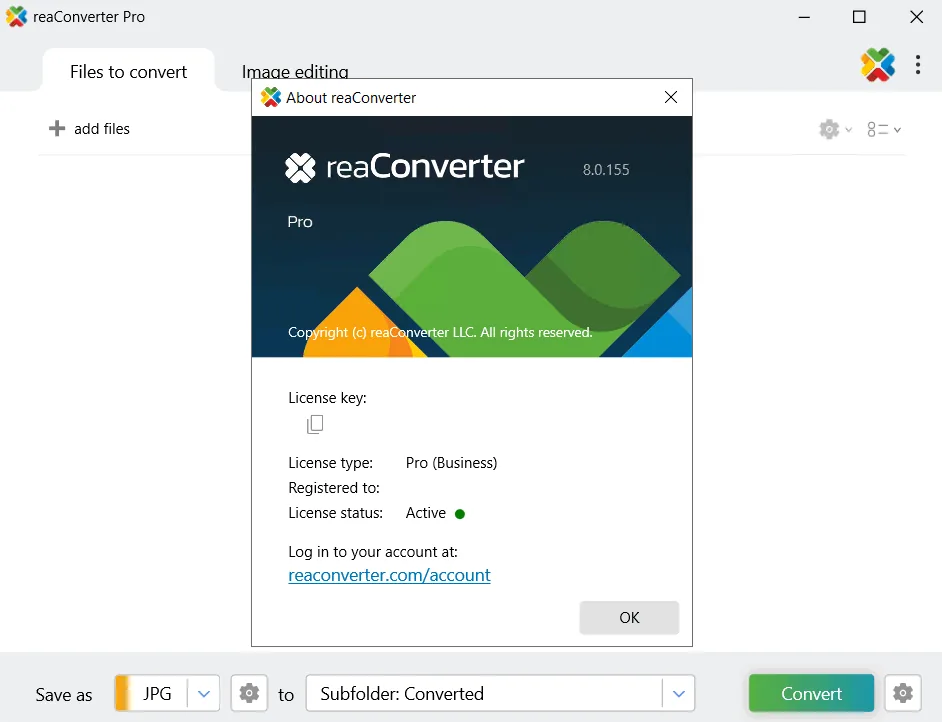
reaConverter Pro is a powerful desktop software designed for professionals, allowing them to process entire batches of files and folders with ease. Combining powerful automation capabilities and intuitive tools, the program simplifies the image conversion process and eliminates the need for repetitive editing. The software works offline, thus ensuring complete data confidentiality and high performance speed. ReConverter supports over 700 image formats, including RAW, PSD, HEIC, PDF and many others, allowing users to convert thousands of images at once and apply edits such as resizing, cropping, rotating, adding watermarks and color adjustments to them. This tool is especially used by designers, photographers, publishers and corporate IT departments who need accuracy, speed and reliability in processing large volumes of images. Overall, this program offers a complete and professional solution for managing large volumes of image files.
Program features and functions
- Support for over 700 file formats: This software offers high-performance batch conversion for a wide range of file formats, including all types of images, vectors, RAW formats, Adobe, Microsoft files, and even rare and archived files.
- Efficient Conversion: A powerful file conversion toolbox with advanced processing features that give users precise and detailed control over each output. These features include format-specific settings, advanced file management, and support for multi-page processing.
- Image Editing: ReConverter makes batch editing of images very easy, allowing users to apply minor fixes, shape changes, and effects to an unlimited number of images at once. Editing tools include resizing and cropping, changing orientation and color adjustments, creative retouching, and adding watermarks.
- Automation: Professional-level automation features for large file conversions and batch processing of images are built into the program. These include the ability to use the Context Menu as well as the “Watch Folders” feature that automatically processes new files.
- Development and Integration: ReConverter capabilities can be integrated into programming code, applications, or websites using a command-line interface (CLI) or dynamic link library (DLL). This feature allows developers to fully automate repetitive tasks.
System requirements
Windows (all modern versions, including Windows 10 and 11, are supported) . Older versions supported systems as far back as Windows 95/98/ME/NT/2000/XP .
Pictures

Installation Guide and Tips
Read the Readme.txt file in the Crack folder.
Download link
Download reaConverter Pro 8.0.229
File(s) password: www.downloadly.ir
File size
430 MB