Description
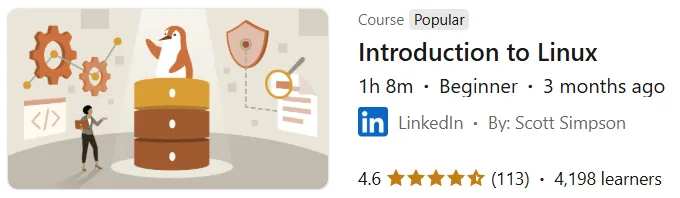
Introduction to Linux. This course introduces the basics of the Linux operating system and explains the kernel structure, graphical environments, and usage strategies to get started. Getting started with Linux can often be challenging due to its extensive technical jargon, open source culture, and numerous options. Experienced instructor Scott Simpson covers the essential concepts for a smart start. The course begins with an introduction to the Linux kernel, which manages the communication between user commands and hardware. It then explains the key differences between graphical desktop environments and text-based terminal interfaces to help you decide which is best for you. Standard tools and the hierarchical structure of file storage are also introduced to help you understand where your data and system settings are located. Another important section is a guide to choosing the right Linux distribution based on your personal or professional needs. Finally, the course teaches you how to develop an effective learning strategy and use online resources and user communities to solve problems.
What you will learn
- A complete understanding of the Linux Kernel concept and how it interacts with hardware components.
- Understanding different desktop environments and choosing a user interface that suits the user’s taste and needs.
- Familiarity with text and terminal interfaces to execute system commands.
- Introducing standard and essential tools that are installed on most Linux-based systems.
- Learn about file structure and how to organize system folders in Linux.
- Learn the criteria for choosing an ideal distribution for your startup or work environment.
- Methods for developing a specific plan and strategy for mastering Linux skills.
- Gaining skills in searching for answers to technical questions and the correct way to ask questions in specialized forums.
This course is suitable for people who:
- Beginner users who have no prior experience using the Linux operating system.
- Computer engineering and information technology students who intend to enter the world of systems management.
- Professionals who need to become familiar with basic Linux concepts due to job requirements.
- People who are confused by the wide variety of Linux distributions and need a roadmap.
- Those interested in the world of open source software who want to strengthen their technical knowledge from the ground up.
- Programmers who plan to develop or deploy their code in Linux environments.
Introduction to Linux course details
- Publisher: LinkedIn
- Instructor: Scott Simpson
- Training level: Beginner
- Training duration: 1 hour and 8 minutes
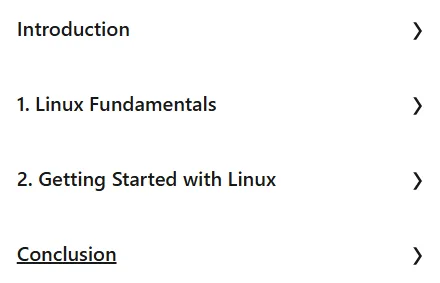
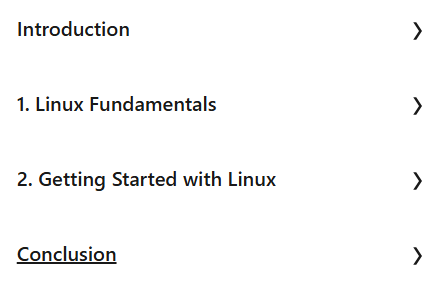
Course headings
Course images
Sample course video
Installation Guide
After Extract, view with your favorite player.
Subtitles: English
Quality: 720p
Download link
Downloadly
Rapidgator link
File(s) password: www.downloadly.ir
File size
116 MB