Description
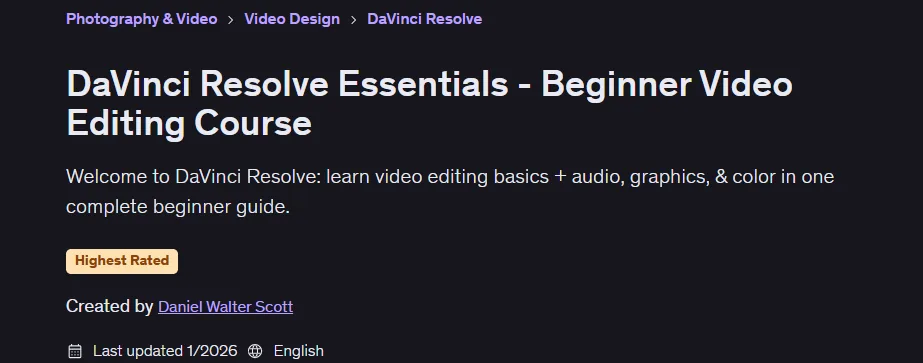
DaVinci Resolve Essentials – Beginner Video Editing Course is a comprehensive introduction to professional video editing using DaVinci Resolve, published by Udemy Online Academy. This course is a comprehensive introduction to professional video editing using DaVinci Resolve. Designed for beginners, content creators, YouTubers, filmmakers, and aspiring video editors, the course covers the complete editing workflow from importing footage to exporting edited videos. Students learn how to organize media, trim and arrange clips, add transitions, apply visual effects, edit audio, create titles, perform initial color correction, and export videos for multiple platforms.
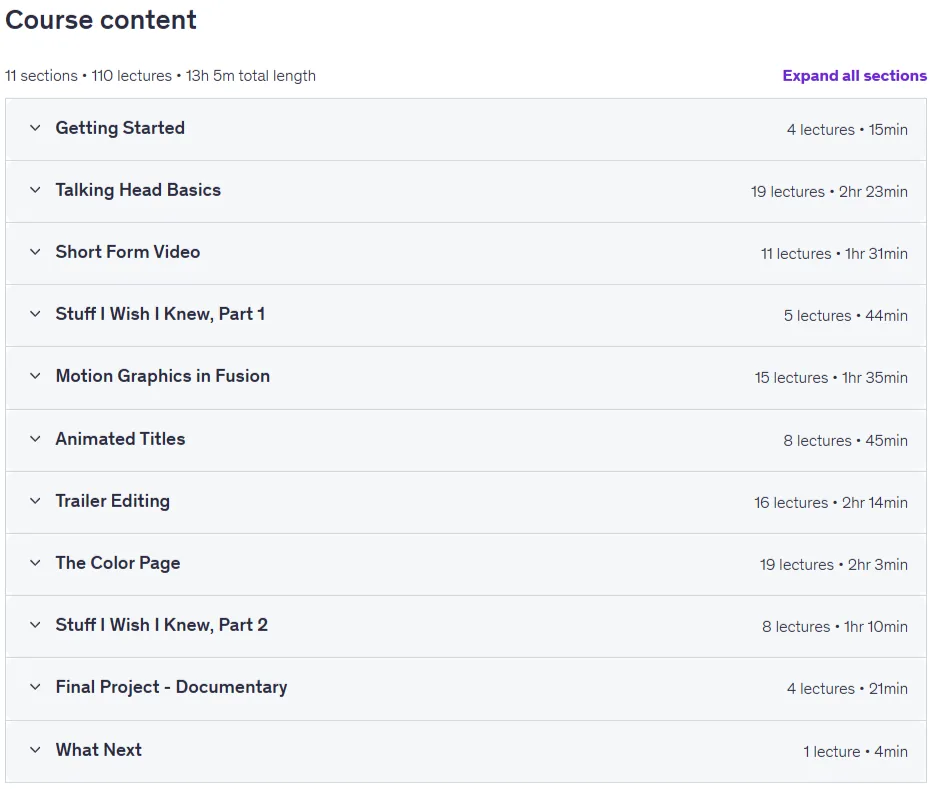
Whether you’re editing a social clip, trailer, or documentary, DaVinci Resolve brings editing, audio, motion graphics, and color together in a single program. This comprehensive 12-hour course shows you how to confidently harness this power, so you can focus on telling better stories instead of fighting the software. The course is designed to help you focus on just the core features you need to get started, so you can build your confidence and make informed decisions, no matter what kind of film you’re working on. By the end, you’ll have a handful of completed projects that reflect your editing sensibilities, including a teller video, a short social piece, a trailer, and a polished short documentary.
What you will learn in DaVinci Resolve Essentials – Beginner Video Editing Course:
- Import, organize, and manage media with bins and timelines
- Edit voiceover videos from start to finish
- Remove ums, uhs, and dead space to improve speed
- Cut footage using wave removal, blade edits, and keybinds
- Create smooth edits using J cut and L cut
- Add and schedule b-roll to support the story
- Select and place music and sound effects
- Balance dialogue, music, and SFX for a clean, purposeful sound
- Edit short, vertical videos for social platforms
- Sync external audio with video footage
- Use adjustment clips to apply effects to multiple clips
- Work with composite clips for consistent organization
- Create and use power bins for reusable assets
- Use proxies for smoother playback in larger projects
- In-place rendering to simplify complex timelines
- And…
Course specifications
Publisher: Udemy
Instructors: Daniel Walter Scott
Language: English
Level: Introductory
Number of Lessons: 110
Duration: 13 hours and 5 minutes
Course topics

DaVinci Resolve Essentials – Beginner Video Editing Course Prerequisites
Download DaVinci Resolve, either the free version or Studio (paid)
A computer that meets DaVinci Resolve minimum system requirements, with at least 8 GB of RAM recommended
Enough storage space for exercise files and included footage, either on your computer or an external hard drive
Headphones strongly recommended to properly hear dialogue, music, and sound effects
A mouse can be helpful for precise timeline and Fusion work, though a trackpad also works
Pictures
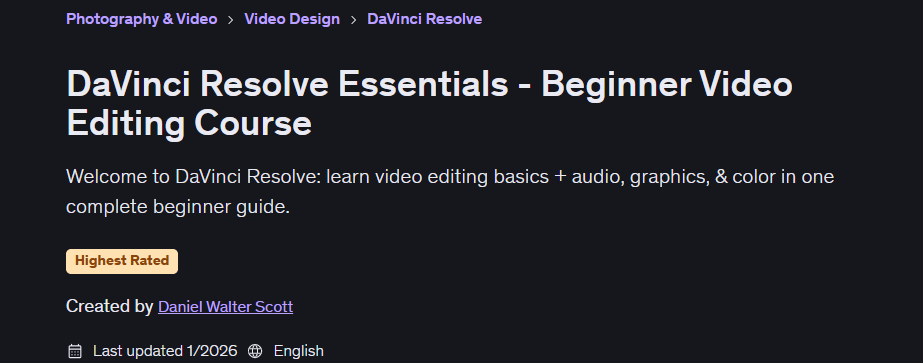
DaVinci Resolve Essentials – Beginner Video Editing Course introduction video
Installation guide
After Extract, watch with your favorite Player.
Subtitle: None
Quality: 1080p
Downloadly link
Rapidgator link
File password (s): www.downloadly.ir
Size
11.7 GB