Description
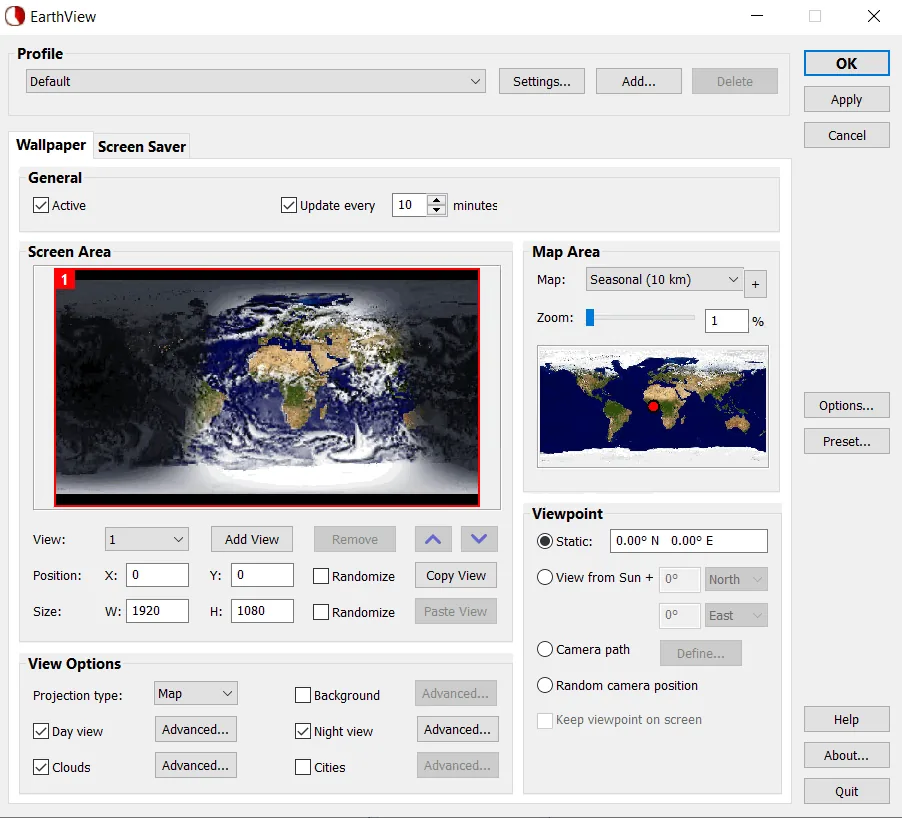
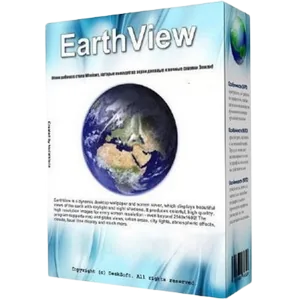
EarthView is a dynamic wallpaper and screen saver that displays stunning views of the Earth with daylight and nighttime shadows. It produces colorful, high-quality, high-resolution images for any screen resolution, even beyond $3840 times 2160$ pixels.
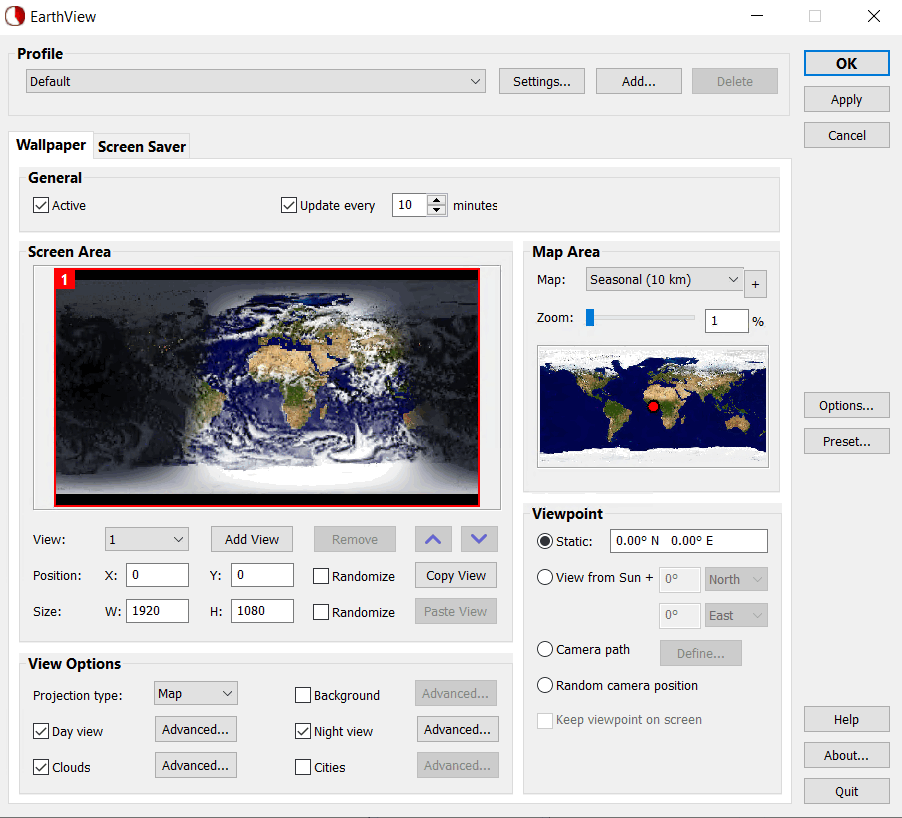
EarthView supports a variety of views, including map and globe views, urban areas, city lights, atmospheric effects, clouds, weather information, and local time display. The software also features a variety of maps that show our planet in a variety of ways, including seasonal changes in vegetation, snow cover, and ocean ice . The program’s extensive features allow for full customization of all display parameters. EarthView has won numerous awards for its absolutely breathtaking imagery.
EarthView initially supports five beautiful, different maps at 10 km resolution, meaning that at 100% zoom level, each pixel on the screen is equivalent to 10 km on the ground. If you purchase the full version, you can download more detailed versions of some maps with higher resolution and more detail, allowing users to zoom in even deeper.
Program features and functions
- High-detail displays: Deliver highly detailed views of the Earth, with the ability to display day and night.
- Visuals and information: Display atmospheric effects, urban areas and city lights. Also, it is possible to download current cloud data from the Internet and display weather information (including temperature, humidity, wind speed, pressure and METAR data).
- Map support: Choose from several beautiful maps, seasonal displays of vegetation changes, ocean snow and ice, and various map and globe projects.
- Multi-view support: A multi-view system that allows multiple different views to be viewed simultaneously, as well as support for background images and overlays (such as company logos or advertisements).
- Location and Time: Display the location and local time of over 140,000 cities worldwide.
- Multiple display support: Ability to support multiple monitors, with the ability to display different and multiple views on each monitor.
- Multiple profile support: Ability to define multiple profiles for different settings and screen configurations.
- Full customization: There are plenty of options for complete and comprehensive customization of all aspects of the display.
- Automatic installation and uninstallation: Supports silent installation and uninstallation for mass deployment.
- Wallpaper and Screensaver Support: Function as desktop wallpaper and screensaver.
System requirements
- Windows 11, 10, 8, 7
- Windows Vista, and Windows Server are also supported
Pictures
Installation Guide and Tips
It is included in the Readme file in the Crack folder.
Download link
File(s) password: www.downloadly.ir
File size
21 MB