Description
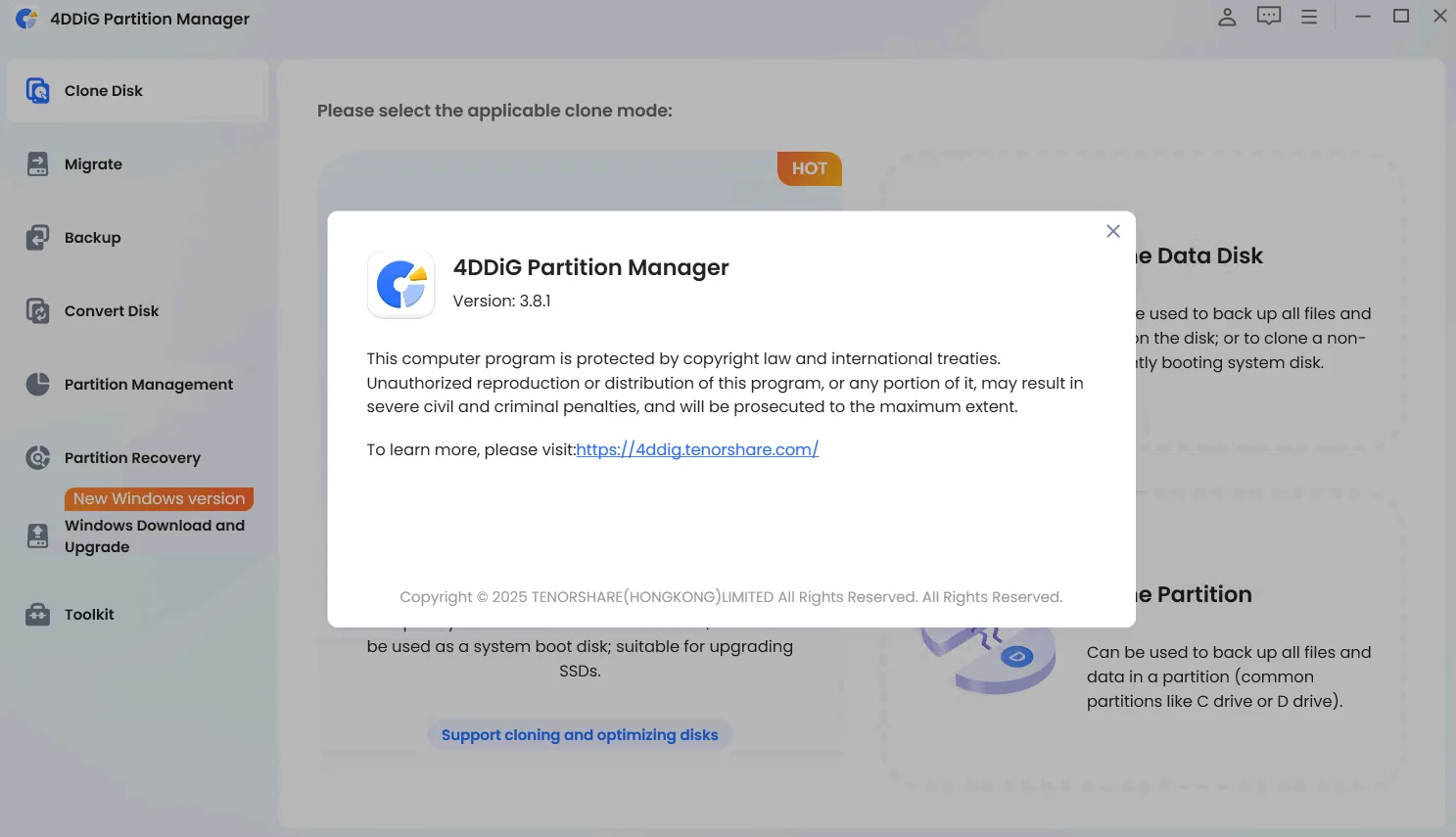
4DDiG Partition Manager is a powerful and specialized tool for managing disk partitions in Windows operating system. It has special functions in critical areas such as operating system migration, disk cloning, and comprehensive partition management. By integrating all the necessary tools into one program, 4DDiG Partition Manager allows users to migrate their Windows to a solid state drive (SSD) with just one click and without the need to reinstall. Users can also use this tool to upgrade their hard disk to a larger drive without losing any data. The program offers extensive disk space optimization capabilities, including flexible resizing, splitting, creating, deleting, and formatting partitions. In addition, the tool effectively clones the entire hard disk for data backup. Other important features include the safe transfer of installed programs and applications, system updates, drivers, and custom settings from one computer to another. Together, these features make this program an all-in-one solution for disk management and system migration.
Program features and functions
- Disk Cloning Mode: Users can effortlessly and securely copy or move data from one drive to another. This feature allows them to back up their data and seamlessly upgrade to a larger hard drive without losing any data.
- Partition Cloning Mode: Designed to clone data from specific partitions, this mode allows users to transfer or back up the contents of a specific partition on a drive to another partition without any data loss.
- Migrate OS to SSD/HDD: Migrate Windows OS to another hard disk drive (HDD) or solid state drive (SSD) with just one click to improve computer performance.
- Upgrade to a larger SSD: Allows you to replace or upgrade a smaller drive to a larger SSD drive or disk.
- Securely transfer everything: The operating system transfer process securely transfers all data on the system drive, including installed programs, system updates, drivers, custom settings, and more, from one computer to another.
- No need to reinstall the system: The operating system is transferred to a new drive without the need to reinstall Windows; this saves users time and effort.
- Partition Resize/Move: The partition size is adjusted without losing data, the partition is moved within the disk boundaries, and the free space is redistributed.
- Extend/Shrink Partition: Using free or unallocated space from the same disk, the partition is extended or shrunk to create enough space for other partitions.
- Partition splitting: A partition is divided into two or more smaller partitions to store different types of data.
System requirements
operating system: Windows 7, 8, 8.1, 10, or 11
Pictures

Installation Guide and Tips
Copy and replace the contents of the Crack folder in the software installation location.
Download link
Download 4DDiG Partition Manager 4.3.1.8 x64 Multilingual
Download 4DDiG Partition Manager 3.9.1.9 x64 Multilingual
File(s) password: www.downloadly.ir
File size
86 MB