Description
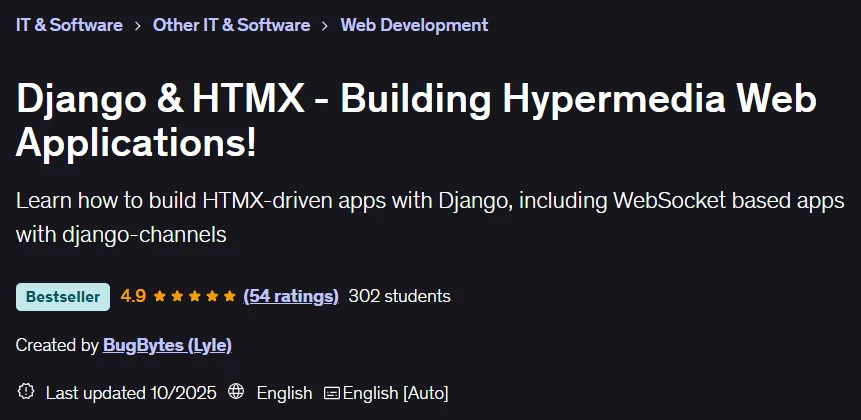
Django & HTMX – Building Hypermedia Web Applications! This course focuses on developing web applications with these two technologies, making the build process simpler and more scalable by reducing dependency on JavaScript. The course starts with learning the basics of HTMX and features like hx-get and hx-trigger, and then moves on to building a full CRUD application and an advanced chat room using django-channels and websockets. Throughout the course, you’ll learn how to integrate HTMX with tools like Sweetalert2 for validations, GSAP for animation, and Alpine.js for advanced interactions. Topics include uploading files to Amazon S3, managing real-time connections with Redis, and deploying your application to the Render platform. Other key topics include using common patterns like active search, using Django helper packages like django-htmx, and styling with TailwindCSS and DaisyUI. Combining the power of Django on the backend and the simplicity of HTML on the frontend, this course provides an efficient path to developing dynamic, modern web applications.
What you will learn
- HTMX core features and behavior.
- How to build a CRUD application with Django and HTMX.
- How to build a websocket-based chat application using Django, HTMX, and django-channels.
- HTMX integration with tools like Alpine.js, GSAP, and Sweetalert.
- How to deploy Django applications (with django-channels and Redis) on the Render cloud platform.
- How to work with file uploads and cloud storage (Amazon S3).
This course is suitable for people who:
- Python web developers who want to build applications with HTML/hypermedia tools.
- Django developers looking to build chat/websocket functionality from scratch.
Course details
- Publisher: Udemy
- Instructor: BugBytes (Lyle)
- Training level: Beginner to advanced
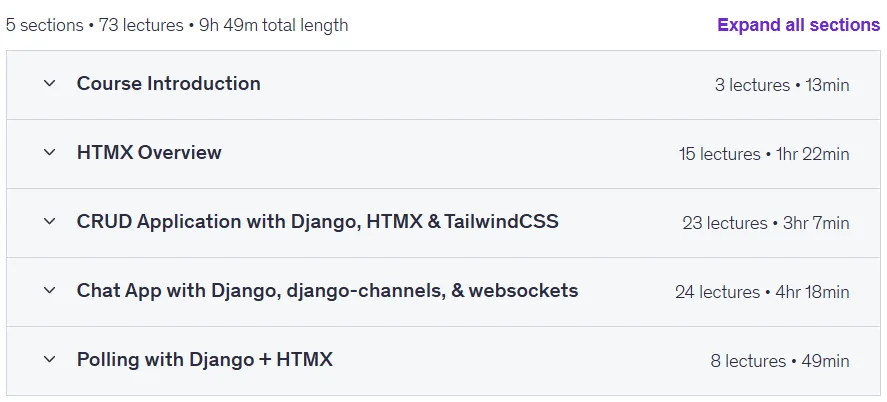
- Training duration: 9 hours and 49 minutes
- Number of lessons: 73
Course headings

Prerequisites for the Django & HTMX – Building Hypermedia Web Applications course!
- Some exposure to Django and Python would be beneficial before taking the course
Course images

Sample course video
Installation Guide
After Extract, view with your favorite player.
Subtitles: None
Quality: 720p
Download link
Downloadly
Rapidgator link
File(s) password: www.downloadly.ir
File size
5.2 GB