Descriptions
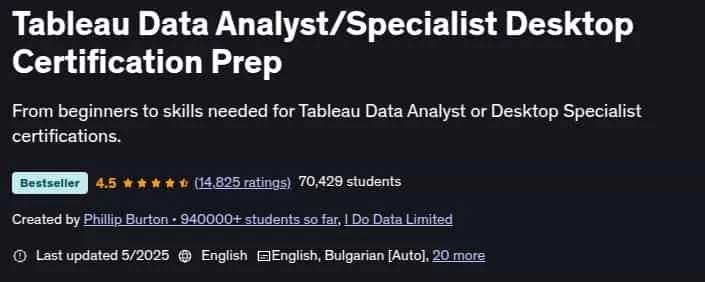
Tableau Data Analyst/Specialist Desktop Certification Prep This course covers all of the content required for the Data Analyst (the new version of the Certified Associate) or Desktop Specialist certifications. It has been updated based on the changes in late 2024 for the Tableau Certified Data Analyst exam. In this course, learn the skills that Tableau wants you to know, add another tool to your CV, and even pursue either of the first two official Tableau certifications. Tableau is one of the most in-demand reporting tools in today’s job market, and knowing how to use it can be highly beneficial for your current role and future job opportunities.
We’ll download and install Tableau Public for free, which offers most of the features of the paid Tableau Desktop. We’ll begin by creating our first visualizations (vizzes) and exploring the Tableau interface. We’ll build dashboards and storyboards to help you tell compelling data stories. You’ll create maps, hierarchies, groups, sets, and various chart types. We’ll enhance charts with reference lines and bands, and expand our analysis using trends and forecasting. You’ll learn to apply formula calculations, quick table calculations, and LOD calculations. Finally, we’ll explore advanced data connections and mapping techniques.
What you’ll learn
- Download for free and install and run the full version of Tableau Public, the BI and analysis software.
- Be able to create analyses, such as line charts, stacked bar charts, or geographic analyses using maps.
- You will also be able to show an overview using dashboards, and tell a story using storyboards.
- You will be able to format numbers and dates, and add labels, tooltips and animation.
- You can also become used to more advanced features, such as Calculated Fields, Parameters and Hierarchies.
- By the end of the course, you will, with some experience, have the knowledge to take (and pass) the Tableau Qualified Associate certification.
Who this course is for
- This reporting course is meant for anyone who has no prior experience of Tableau. It’s also for you if you have used it, but never designed a report.
- It’s great if you have created analyses in other reporting tools, such as Microsoft Access, WebI, SSRS or Yellowfin, but it not essential. If you have, then it will be another string to your bow.
- No prior experience in reporting tools is required.
- This course is probably not for you if you always know how to use Tableau and know how to create reports, although we will be looking at some more advanced topics.
Specificatoin of Tableau Data Analyst/Specialist Desktop Certification Prep
- Publisher : Udemy
- Teacher : Phillip Burton • 940000+ students so far , I Do Data Limited
- Language : English
- Level : Beginner
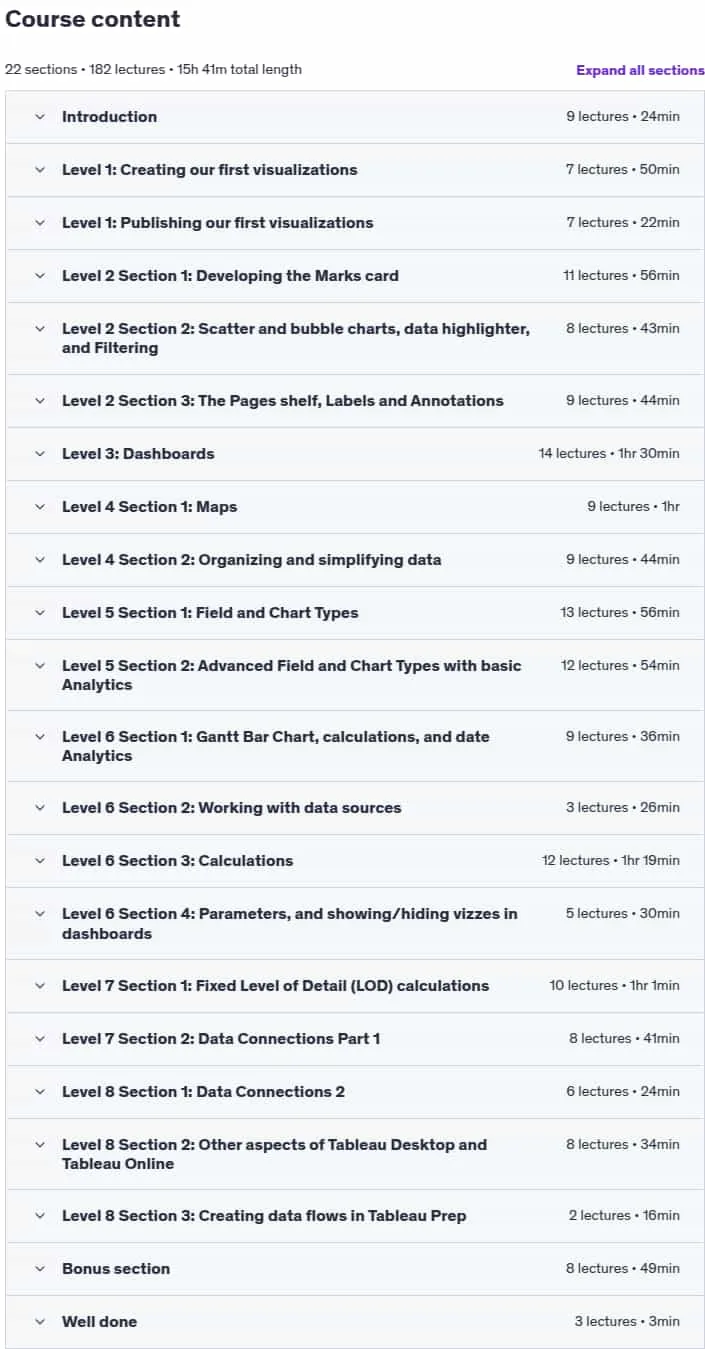
- Number of Course : 182
- Duration : 15 hours and 41 minutes
Content of Tableau Data Analyst/Specialist Desktop Certification Prep

Requirements
- Before you begin this course, you should have a computer with access to the internet, and be able to install programs.
- That’s it! The more experience in reporting using other packages, the better, but it is not essential.
- You need to have a 64-bit PC, or a Mac. To be honest, that’s most modern computers – you would probably know if you have a 32-bit computer (for which you can’t download Tableau).
Pictures

Sample Clip
Installation Guide
Extract the files and watch with your favorite player
Subtitle : English
Quality: 720
Download Links
Password file(s): www.downloadly.ir
File size
4.03 GB