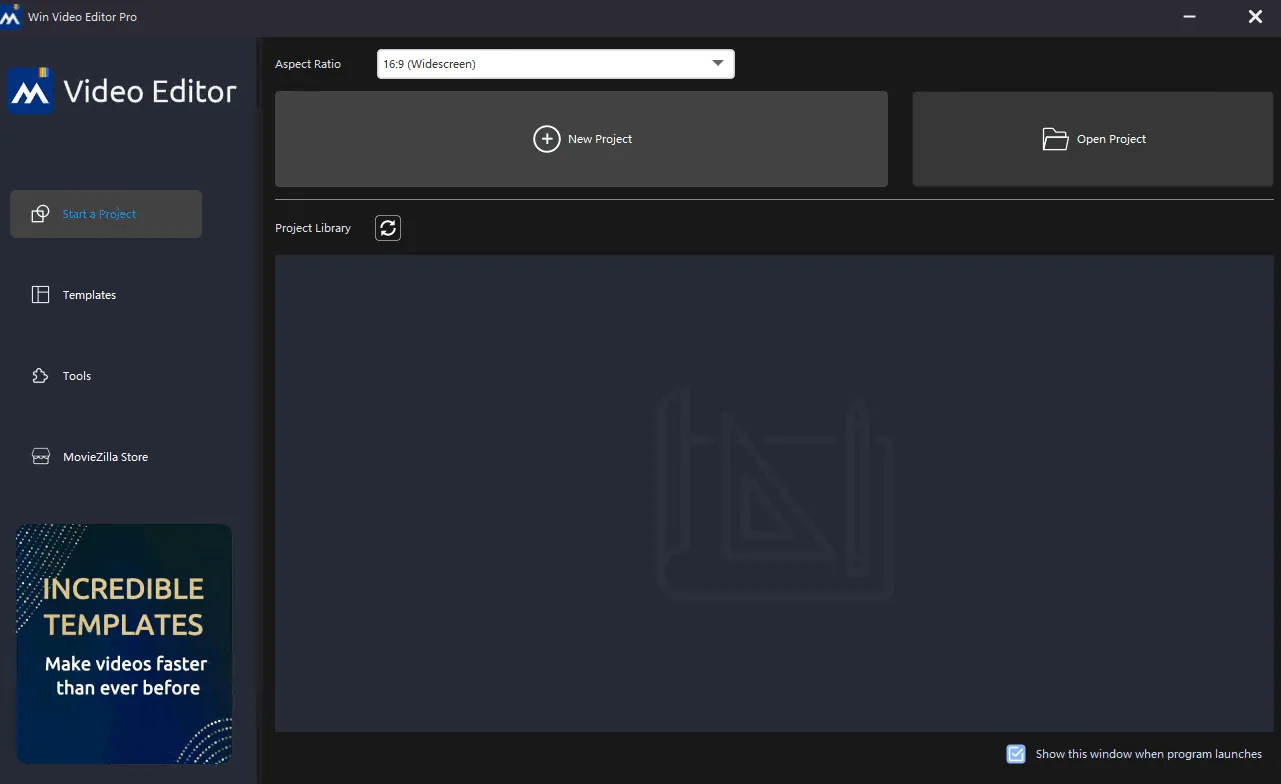
Description
Windows Video Editor version 2024 is introduced as a comprehensive and integrated platform that covers all the needs of users for editing video files. The developers of this software have tried to provide people with high-performance and easy-to-use tools. This editor allows users to easily cut , resize , rotate , split , trim , or even join multiple videos together without the need for complex knowledge .
This suite goes beyond basic editing and provides the ability to add creative elements such as visual effects , texts , animations , watermarks , subtitles , and background music . It also allows you to fine-tune the visual characteristics of videos, including playback speed , brightness , contrast , and saturation . One of the important features is the Batch Editing feature, which facilitates work for large projects or large file sizes and quickly performs almost any type of editing operation required. This software has been fully tested and verified for various versions of Windows, including Windows 11, 10, 8, and 7.
Program features and functions
- Cutting, Trimming, and Splitting: The software has the ability to easily perform common operations such as precisely cutting (Cut) unwanted parts, shortening (Trim) the overall length of the video, and splitting (Split) the video into smaller parts.
- Joining and organizing: It is possible to join multiple clips together to create a single, cohesive movie.
- View and orientation correction: Tools are provided to change the dimensions (Crop) of the video frame, as well as the ability to rotate videos to correct improper orientations.
- Batch editing: The software supports the ability to edit multiple videos simultaneously, which increases efficiency in high workloads.
- Add graphic and text elements: Add a variety of visual effects , text , and text animations to clips.
- Intellectual and material rights: To protect intellectual rights, it is possible to insert a watermark (logo or emblem) on the video.
- Audio and Language: Supports adding subtitles and background music to videos.
- Fine-grained visual adjustments: Tools for adjusting playback speed , brightness , contrast, and saturation are available for fine-tuning.
- Advanced features: The ability to create Picture-in-Picture videos is now available.
- Integration of tools: By integrating Windows Movie Maker capabilities with Windows Video Editor , all stages of editing and creating movies are performed in a single software environment.
System requirements
- OS: Microsoft Windows 7, Windows 8, Windows 8.1, Windows 10, Windows 11
- Processor: 1GHz Intel/AMD processor or above
- RAM: 256MB RAM (512MB or above recommended)
- Free Hard Disk: 300MB space for installation
- Graphic Card: Super VGA (800×600) resolution, 16-bit graphics card or higher
Pictures

Installation Guide and Tips
Copy and replace the contents of the crack folder in the software installation location.
Download link
Download Windows Video Editor Pro 2025 10.0.0.1 Multilingual
File(s) password: www.downloadly.ir
File size
422 MB