Description
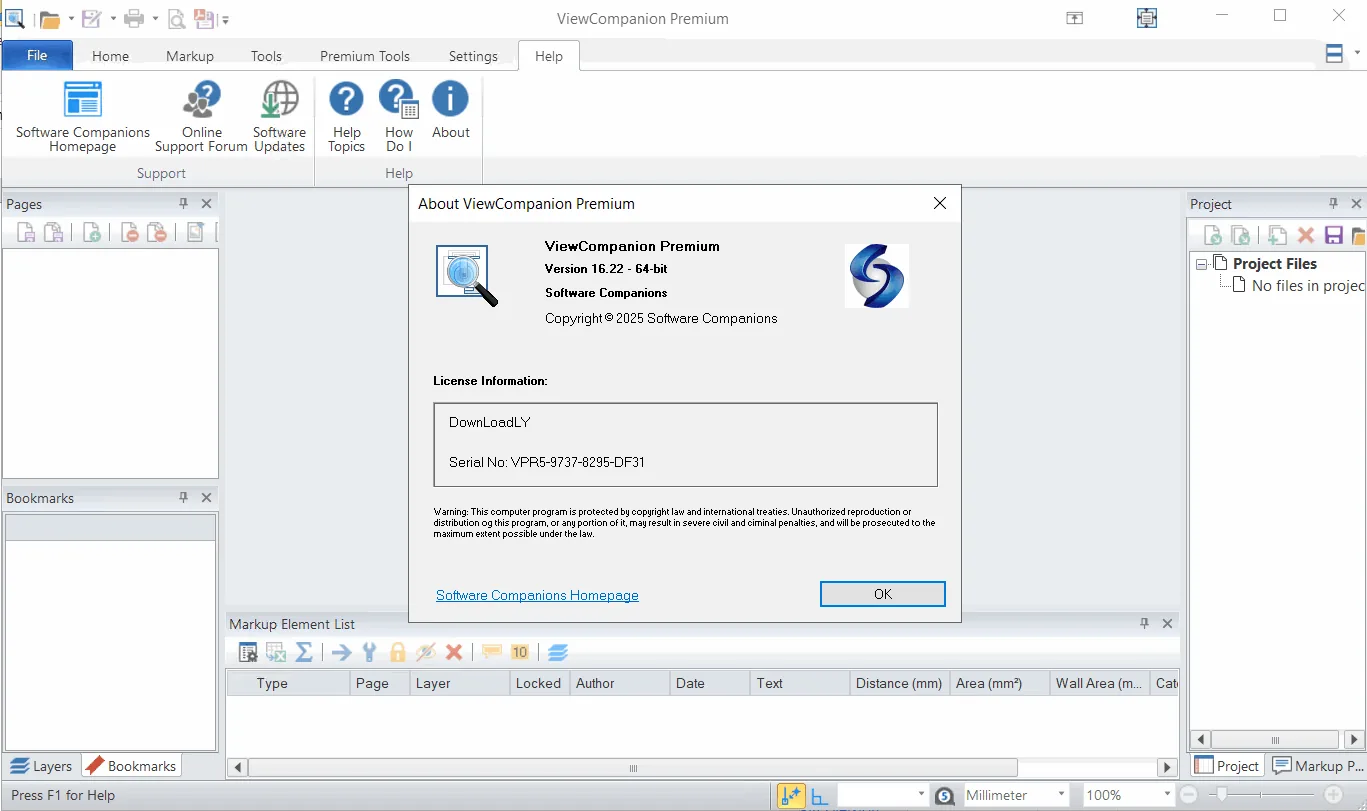
ViewCompanion Premium is the most powerful version of the ViewCompanion software family. It is a comprehensive tool for viewing, printing, and converting a wide range of file formats. ViewCompanion Premium allows users to open and manage files such as Adobe PDF, PDF/A, Autodesk DWF, PLT, CGM, TIFF, CALS, EDMICS , and several other formats.
With its advanced conversion capabilities, this software allows you to convert input files to a variety of output formats. One of its notable features is the conversion of files such as PLT, CGM, Gerber and DWF to Autodesk DXF format , which can be read and edited by all popular CAD programs , including Autodesk AutoCAD™. In addition, the built-in PDF to CAD conversion tools allow you to even convert PDF files to editable formats such as DXF, Gerber, CGM or SVG .
Program features and functions
- File Management: ViewCompanion Premium includes Batch Convert and Batch Print capabilities. The program can be configured to monitor a user-defined folder, so that all files copied to that folder will be automatically printed using the specified settings .
- Merge and split files: The software has the ability to merge multiple files of different formats into a single multi-page PDF, DWF or TIFF file. ViewCompanion can also split a multi-page file such as PDF, TIFF or DWF into multiple separate files . Splitting a PDF file can be done based on the maximum number of pages allowed for each output file or based on the maximum size allowed for each output file.
- Accurate Measurement: Users can use ViewCompanion to measure lengths, dimensions, and areas . All measurements can be made using the snap to drawing geometry feature for the highest level of accuracy. Measurement tools can be calibrated to ensure accurate results, even if the user’s drawings are not at 1:1 scale. Measurement results can be exported to an Excel workbook (XLSX) or a CSV file that can be opened by any spreadsheet program.
- Compare Versions: ViewCompanion can be used to compare files with different revisions and visualize the differences. All supported file formats, including PDF, can be compared. A multi-page PDF file can be compared page by page with another version.
- Markup: Files can be annotated using annotation elements such as text, highlights, measurement lines, area measurements, stamps, freehand drawings, arrows, barcodes, symbols, images, and more.
- Symbol Libraries: ViewCompanion supports symbol libraries , which make it easy to add commonly used symbols as annotations. Users can create their own symbol libraries from any image file. After installation, a number of libraries will also be available for use.
- Original file security: All annotation elements are stored in a separate file, and the original file remains unchanged . These annotation elements can be added to the output when printing or converting the viewed file.
System requirements
- Windows 11 (recommended)
- Windows 10 (32 and 64-bit)
- Windows 8 (32 and 64-bit)
- Windows 8.1 (32 and 64-bit)
- Windows 7 (32 and 64-bit)
- Supports Terminal Server and Citrix
Pictures

Installation Guide and Tips
Activate the software using the Key.txt file.
Download link
Download ViewCompanion Premium 16.24.0.1118
File(s) password: www.downloadly.ir
File size
56 MB