Description
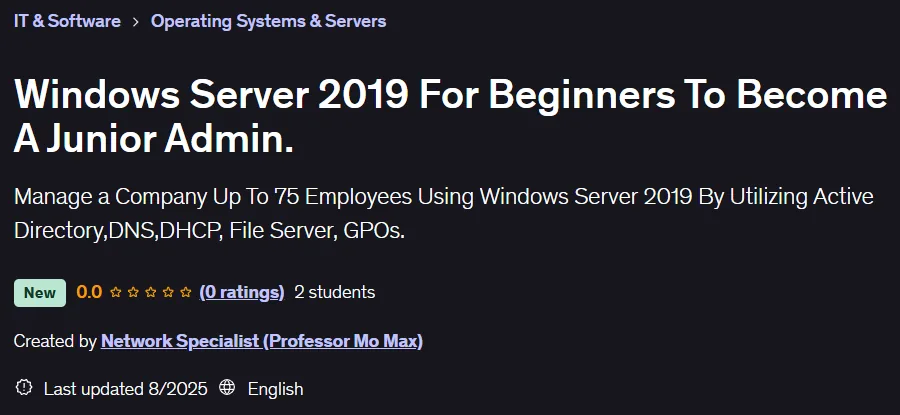
Windows Server 2019 For Beginners To Become A Junior Admin Course. This comprehensive, hands-on training course prepares you for the role of a novice network administrator in a small business environment. The course content is based on Windows Server 2019 and is designed to be project-based so that participants can learn the skills of server administration in an enterprise with up to 75 users in a tangible way. During the course, you will perform everyday tasks like a real network administrator in a simulated environment, including installing, configuring, and managing various network services. This hands-on experience gives you the equivalent of two years of valuable work experience that you can confidently list on your resume. By completing four-hour, step-by-step labs, you will learn each concept in a practical, real-world setting, so that upon completion of the course, you will be fully prepared to enter the job market as a junior administrator.
What you will learn
- Working with virtualization tools: You will learn to work with a variety of virtualization tools such as Hyper-V, VMWare Player, and Virtual Box by installing Windows Server 2019 and Windows 11.
- Working with a Workgroup: You will learn how to work in a Workgroup (peer-to-peer network) and become familiar with its problems.
- Migrating to a Domain Environment: By installing Active Directory on Windows Server 2019, you are migrating to a Domain environment (client-server network).
- Joining Client Computers to the Domain: You will learn how to join client computers to the Domain.
- Managing User Accounts: You will learn how to manage user accounts, including password resets, deactivating accounts, time and account limits, account expiration, user profiles, home directories, and template accounts.
- Troubleshooting Name Services (DNS): You will learn to troubleshoot name services by understanding all the resource records for internal and external name resolution and use NSLookup to test name resolution.
- Assign IP addresses and create a DHCP server: Using a Scope, you assign static IP addresses and create a DHCP server to distribute IP addresses to clients.
- Working with Group Policy Objects (GPOs): You will learn how to work with GPOs and how to assign restrictions to users and computers.
- Setting up a file server: You will learn how to set up a file server.
This course is suitable for people who:
- Want to become a junior network administrator.
- They are technical or network specialists.
- Want to gain more confidence in their IT skills.
Windows Server 2019 For Beginners To Become A Junior Admin Course Details
- Publisher: Udemy
- Instructor: Network Specialist (Professor Mo Max)
- Training level: Beginner to advanced
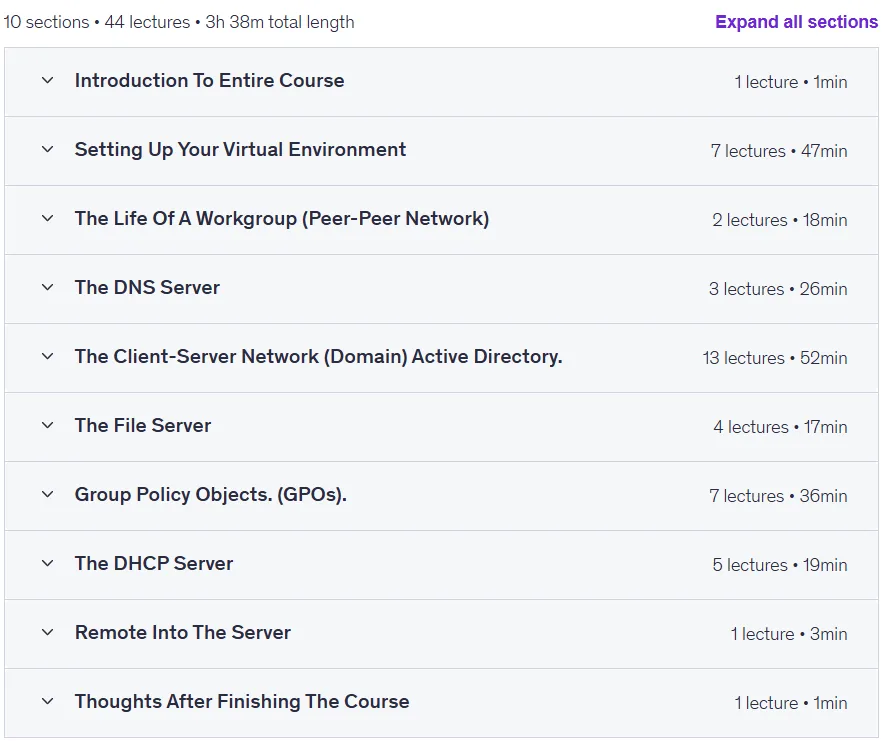
- Training duration: 3 hours and 38 minutes
- Number of lessons: 44
Course topics

Prerequisites for the Windows Server 2019 For Beginners To Become A Junior Admin Course
- A computer with at least 16 GB of RAM.
- Basic Networking Skills
Course images

Sample course video
Installation Guide
After Extract, view with your favorite player.
Subtitles: None
Quality: 720p
Download link
Downloadly
Rapidgator link
File(s) password: www.downloadly.ir
File size
1.6 GB