Description
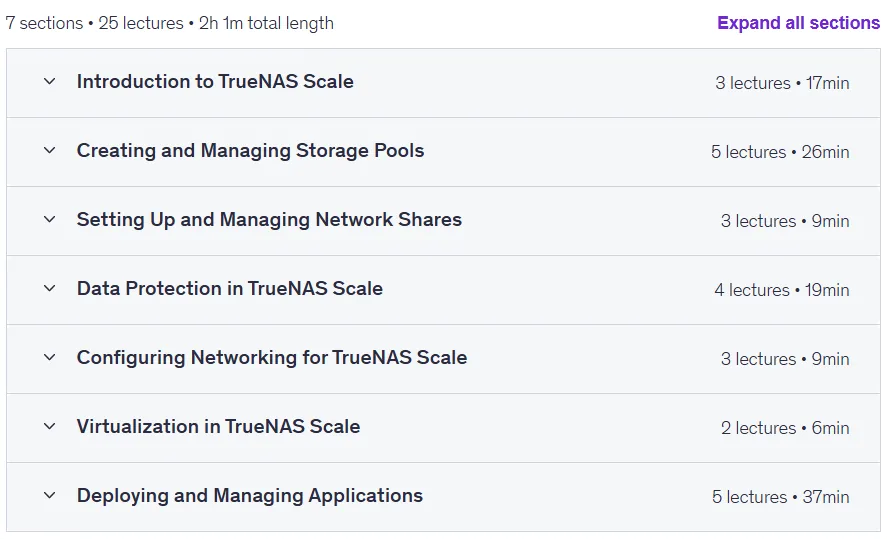
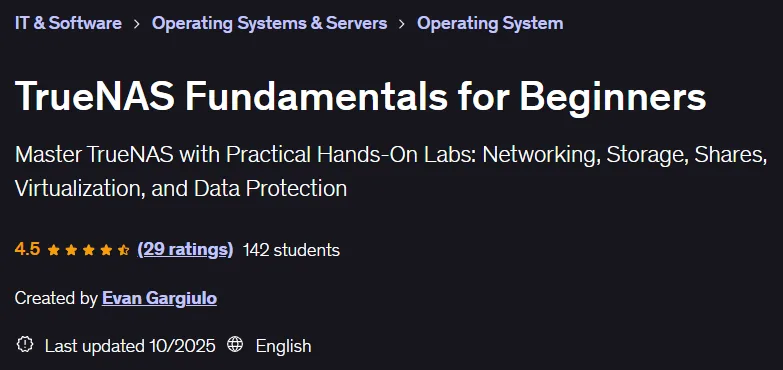
TrueNAS Fundamentals for Beginners. This course is a hands-on, step-by-step tutorial that teaches beginners the basics of installing, configuring, and maintaining a TrueNAS network storage system. This course is designed for those who want to manage a home server, set up a business network, or enter the data storage and virtualization fields, and requires no prior experience. During this training, participants will learn how to set up and manage storage pools using the ZFS file system through hands-on labs and real-world examples. They will also learn how to configure the network, set up remote access, and share files via SMB and NFS protocols. Working with the TrueNAS application catalog to deploy Docker containers and virtual machines, as well as implementing data protection solutions such as backup, scrubbing, snapshots, and data replication are other key parts of this course. Learners will learn how to implement virtualization and use Linux virtual machines and containers, and how to ensure system security and health through regular maintenance and monitoring tools. By the end of this course, individuals will have the skills to deploy and manage a secure TRONOS system and will be able to troubleshoot and tune the system for optimal performance and reliability.
What you will learn
- Installing and setting up TrueNAS:
- Follow a step-by-step process to install TrueNAS, configure network settings, and access the Web Interface.
- Creating and managing storage pools:
- Practical setup of ZFS storage pools, datasets, and snapshots for efficient data management.
- Deployment and use of applications:
- Install and configure TrueNAS applications, including Docker containers and virtual machines.
- NAS security and maintenance:
- Implement user access controls, set up automated backups, and perform regular maintenance for long-term reliability.
- Network configuration for TrueNAS:
- Set static IPs and DNS for optimal network performance.
- Setting up and managing network shares (SMB and NFS):
- Configure and manage SMB (Windows) and NFS (Linux) shares for seamless access to files across devices.
This course is suitable for people who:
- This course is for beginners and tech enthusiasts who want to set up and manage their own NAS (Network Attached Storage) using TrueNAS.
- Ideal for home users, small business owners, and IT professionals looking for a practical guide to building a reliable, secure, and efficient storage system.
- No prior NAS experience is required.
Course details
- Publisher: Udemy
- Instructor: Evan Gargiulo
- Training level: Beginner to advanced
- Training duration: 2 hours and 1 minute
- Number of lessons: 25
Course headings

Prerequisites for the TrueNAS Fundamentals for Beginners course
- No prior experience with TrueNAS or NAS systems is required—this course is beginner-friendly. Basic understanding of computers and networking (helpful but not required). A computer or server to install TrueNAS (physical hardware or a virtual machine). A USB drive (if installing TrueNAS on physical hardware). Internet access for downloading TrueNAS and installing applications.
Course images

Sample course video
Installation Guide
After Extract, view with your favorite player.
Subtitles: None
Quality: 1080p
Download link
Downloadly
Rapidgator link
File(s) password: www.downloadly.ir
File size
849 MB