Description
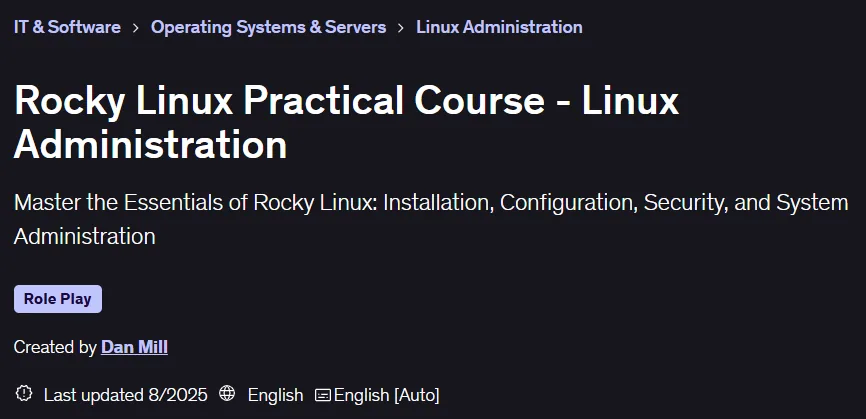
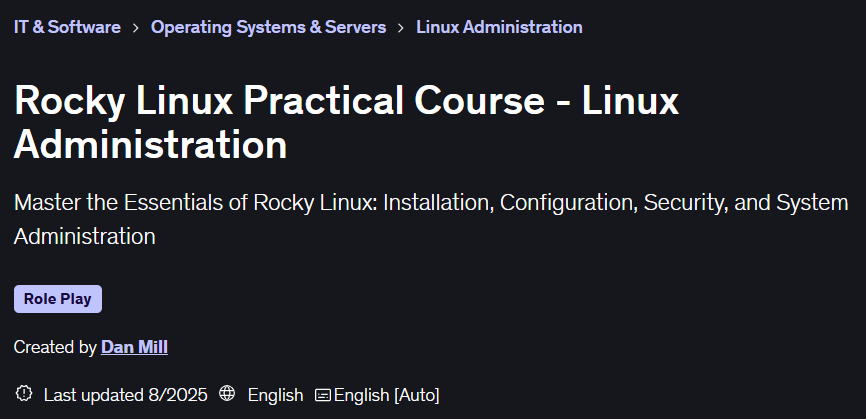
Rocky Linux Practical Course – Linux Administration. The Rocky Linux Practical Course provides the essential skills to administer this operating system from basic to advanced levels. Designed for newcomers to Rocky Linux as well as those migrating from other Linux distributions, the course covers the basics of installing, configuring, and securing servers. Participants will experience installing Rocky Linux using a bare metal installation, initial network setup, user management, and monitoring system resources such as disk and memory in a virtual environment. Working with the Linux command line, managing files and directories, and setting permissions are taught in a hands-on manner. Using the VI text editor to modify configuration files, managing software packages with DNF, and troubleshooting common problems are also key parts of the course. Security topics include securing SSH access, defining appropriate user roles, and adhering to best practices for maintaining system security. By the end of this course, learners will be able to fully manage Rocky Linux systems, run critical processes, and maintain a secure environment. This training serves as a starting point for entry into the fields of system administration, DevOps, and beyond, and with a certificate of completion, it allows you to showcase your expertise on your resume and LinkedIn profile to differentiate yourself in the competitive IT job market.
What you will learn
- Installation and setup:
- How to install Rocky Linux on a virtual machine using a minimal ISO.
- Understand the different installation options and system requirements.
- Setting up and configuring network settings in Rocky Linux.
- User management and access:
- Manage user accounts, groups, and permissions.
- Understand file permissions and how to modify them for system security.
- Configure and secure SSH access to the system.
- File and package structure:
- Understanding file system structure and disk space management.
- Use the DNF package manager to install, update, and remove software.
- Understand how to manage repositories and troubleshoot package issues.
- File Manager and Editor:
- Create, copy, move, and delete files and directories using Linux commands.
- Use the VI text editor to edit configuration files and scripts.
- Performance monitoring:
- Check system performance, including CPU, memory, disk, and network usage.
This course is suitable for people who:
-
If they are new to Linux and want to get started with a stable, enterprise-level distribution, this course will guide them step by step.
Course details
- Publisher: Udemy
- Instructor: Dan Mill
- Training level: Beginner to advanced
- Training duration: 2 hours and 17 minutes
- Number of lessons: 41
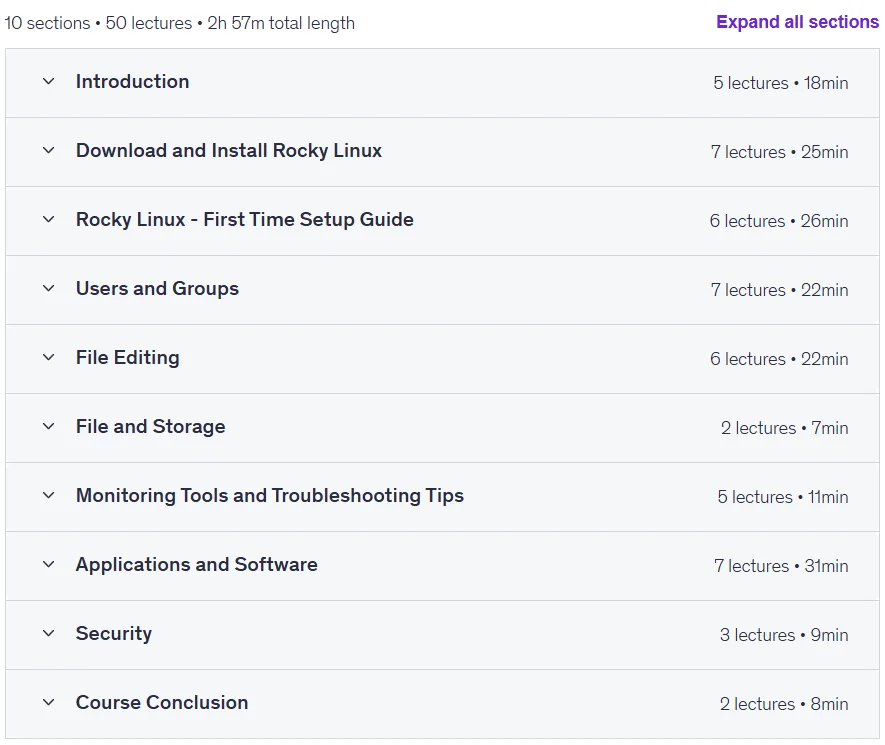
Course syllabus in 2025/8

Prerequisites for Rocky Linux Practical Course – Linux Administration
- You should be comfortable using a computer.
- Although not mandatory, some familiarity with the command line interface (CLI) can be helpful
- (Optional but recommended) Access to virtualization software such as VMware Workstation, VirtualBox, or Hyper-V.
Course images
Sample course video
Installation Guide
After Extract, view with your favorite player.
Subtitles: None
Quality: 720p
Download link
Downloadly
Rapidgator link
File(s) password: www.downloadly.ir
File size
394 MB