Description
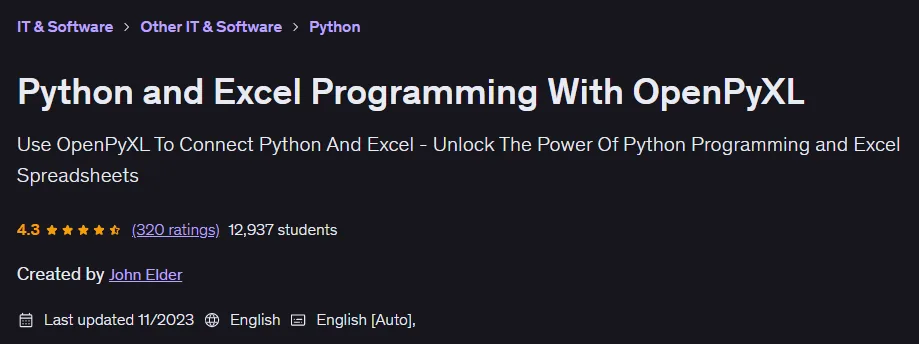
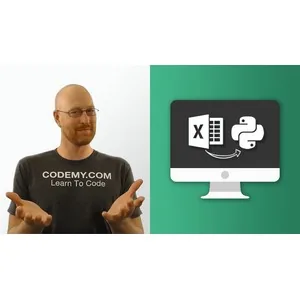
Python and Excel Programming With OpenPyXL Course. This course teaches how to use the powerful OpenPyXL library for the Python programming language so that participants can connect their Python programs to Excel software. Using this library, it is possible to perform a wide variety of tasks in the Excel environment through coding; including creating new spreadsheets directly from within the codes or updating existing files. By completing this course, programmers will be able to load data from an Excel file into their Python program, perform the necessary processing on them, and finally save the results back to the file. An important part of this training is dedicated to visual aspects and styling. Students learn how to change the appearance of Excel sheets, modify fonts, and even draw various graphic charts using Python codes. This course simplifies the process of automating repetitive tasks in Excel, allowing users to use the power of Python loops and functions to manage thousands of rows of data instead of doing it manually. The instructor explains all the steps, from installing the basic tools to advanced concepts, step by step, so that the student can gain a deep understanding of how these two useful tools interact.
What you will learn
- Learn how to use Python and Excel simultaneously with the help of the OpenPyXL tool.
- Learn how to install Python and peripheral tools such as Sublime Text and the Git Bash terminal.
- How to set up a virtual environment and install a dedicated library.
- Load Excel files into Python programs and automatically retrieve cell data.
- Extracting entire columns and rows from a spreadsheet using programming code.
- Modify the data in the file and save the modified versions through the program.
- Create completely new spreadsheets from scratch without having to manually open Excel.
- Use Excel formulas directly in Python coding for complex calculations.
- Change the appearance of text, including color, size, bold, and italics.
- Add borders to cells and visually sort data.
- Drawing a variety of useful charts, including pie charts, bar charts, and line charts.
- How to programmatically traverse and execute loops over large Excel data.
This course is suitable for people who:
- Beginner to intermediate programmers who want to learn how to work with Excel files in their Python projects.
- Anyone looking to build functional applications by combining the power of Python and Excel.
- Data analysts who want to automate reporting and data entry processes in Excel.
- Students and professionals who want to improve their skills in the field of office automation.
Python and Excel Programming With OpenPyXL Course Details
- Publisher: Udemy
- Instructor: John Elder
- Training level: Beginner to advanced
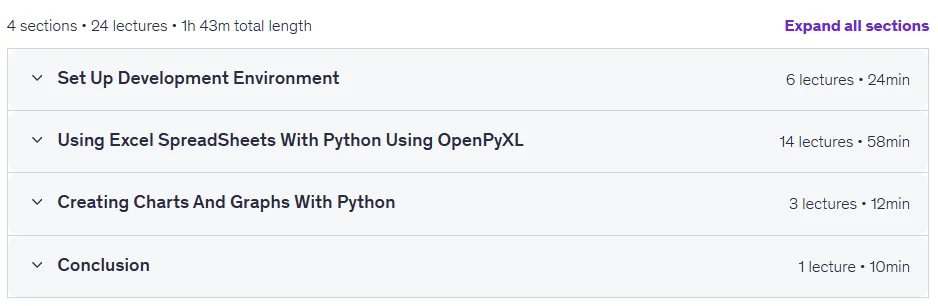
- Training duration: 1 hour and 43 minutes
- Number of lessons: 24
Course topics

Prerequisites for the Python and Excel Programming With OpenPyXL course
- No special tools are necessary to take this course
- A Basic Understanding of Python and Excel Is Helpful
Course images

Sample course video
Installation Guide
After Extract, view with your favorite player.
Subtitles: English
Quality: 720p
Download link
Rapidgator link
File(s) password: www.downloadly.ir
File size
2.01 GB