Description
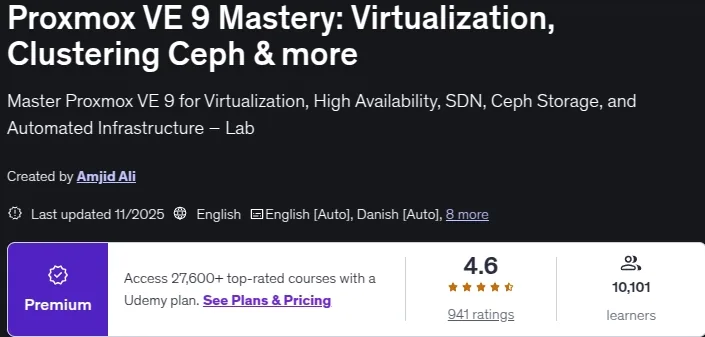
Proxmox VE 8: A Comprehensive Virtualization Course is a course to master virtualization using Proxmox Virtual Environment (VE) version 8, published by Udemy Online Academy. This course covers everything from the basics of virtualization concepts to advanced techniques in deploying and managing virtual machines, containers, and high-availability clusters. Individuals will learn how to optimize resource allocation, configure backups, and integrate Proxmox with external storage solutions. Whether you are a beginner or an experienced IT professional, this course provides an in-depth exploration of Proxmox and allows you to run multiple virtual machines and containers efficiently on a single physical machine.
Key points of this course include comprehensive Proxmox VE 8 training, virtualization fundamentals, advanced virtual machine and container management, high-availability clusters, resource optimization, backup configuration, external storage integration, network management, secure infrastructure, and hands-on exercises suitable for IT professionals and system administrators. This training course is recommended for system administrators and network engineers, aspiring Proxmox administrators, technology enthusiasts and enthusiasts, and anyone interested in open source virtualization.
What you will learn in Proxmox VE 8: A Comprehensive Virtualization Course :
- Installing and setting up Proxmox VE
- Navigating the Proxmox interface and configuring the network
- Managing virtual machines and containers
- Advanced Proxmox settings
- Mastering the Proxmox network
- Integrating with existing servers and platforms
- Using the Proxmox mobile app
- And…
Course specifications
- Publisher : Udemy
- Teacher : Amjid Ali
- Language: English
- Level : All Levels
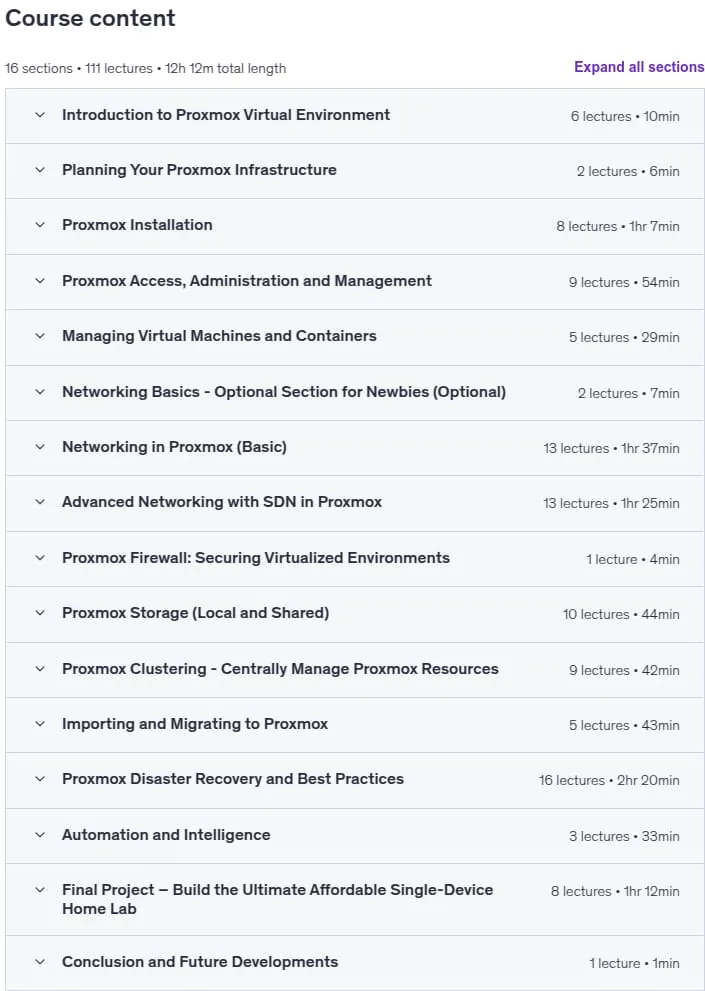
- Lectures : 111
- Duration : 12 hours and 12 minutes
Course topics

Proxmox VE 8: A Comprehensive Virtualization Course Prerequisites
Basic IT Understanding: Familiarity with fundamental IT concepts will enhance your learning experience.
Computer Literacy: Proficiency in using computers and navigating software interfaces is beneficial.
Hardware Requirements: A physical machine meeting Proxmox VE 8.0 system requirements. Ample storage space for virtual machines and containers.
Software Requirements: Access to a reliable internet connection for downloading Proxmox VE. A computer with the capability to run virtualization software.
Desire to Learn: An eagerness to explore and master virtualization concepts with Proxmox.
No Previous Experience Required:
Pictures

Proxmox VE 8: A Comprehensive Virtualization Course introduction video
Installation guide
After Extract, watch with your favorite Player.
subtitle: English
Quality: 720p
The 2025/9 version has increased the number of lessons by 29 and the duration increased by 3 hours 17 minutes compared to 2024/12.
The 2025/11 version has increased the number of lessons by 3 and the duration increased by 57 minutes compared to 2025/9.
Download link
Downloadly
Rapidgator
File password (s): www.downloadly.ir
Size
9.38 GB