Description
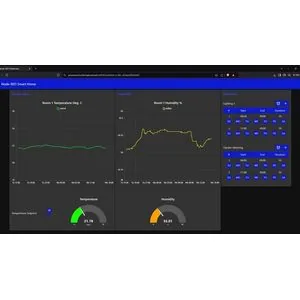
Practical Home Automation Using Node-RED and Raspberry Pi Course. This course provides a step-by-step tutorial on how to build a smart home without any specialized background. The course starts by installing the operating system on the Raspberry Pi and introducing the necessary equipment, then the Node-RED environment and necessary modules are installed. Next, a flow is created to control the thermostat, which is connected to a Modbus temperature and humidity sensor and a WiFi smart plug to automatically manage the heating, cooling and lighting systems. A web-based graphical dashboard is also designed so that users can monitor and control their system via the Internet and from any location, which is very suitable for second properties. The supplementary part of the course includes a downloadable flow for setting up email alerts. Finally, the future applications of Node-RED in the commercial field and its combination with artificial intelligence for intelligent energy management in buildings are also examined.
What you will learn
- Installing and configuring Raspberry Pi:
- Learn how to install an operating system (OS) on a Raspberry Pi (RPi) and configure settings for a WiFi connection.
- Learn how to connect to RPi over WiFi using SSH via Putty or Mac OS Terminal.
- Installing and using Node-RED:
- Learn how to install the latest version of Node-RED (version 4) including setting up a username and password on your Raspberry Pi.
- Home equipment control:
- Learn how to interface with a WiFi-based smart plug to control lighting, heating, cooling, or any other electrical equipment using Node-RED.
- Learn how to connect and monitor a Modbus room temperature sensor to control a Node-RED flow meter for heating and cooling control.
- User interface design and use:
- Set up a Dashboard UI Time Scheduler to control your smart plug for lighting, cooling, heating, garden watering, etc.
- Create a web browser-based graphical user interface (GUI) and application to monitor and control an automated smart home system using Node-RED Dashboard.
- Remote access and alerts:
- Pilot testing a secure and personalized cloud version of the Node-RED smart home system for monitoring and control from anywhere, anytime.
- Use Node-RED to set up and test your email alerts and dashboards, including downloadable flows.
This course is suitable for people who:
- Tech-curious homeowners: Those who want a practical, economical, flexible, expandable, secure, and efficient automated smart home system and are looking to take control of their living environment.
- Educational Target Audience: Teachers, students, schools/technical colleges interested in a STEAM platform with NR/RPi/IoT. (Note: This course is ideal for student projects and extracurricular activities and is designed with step-by-step guidance for younger students, teachers, and parents who may not have a strong technical background.)
- Makers, Hobbyists: Those who want to gain additional NR/RPi/MB/IoT experience.
- Building Control Engineers/Technicians: Those who want to upgrade their skills with RPi/NR/MB/IoT experience.
- Future Building Control Engineers, Technicians: Those who need RPi/NR/MB/IoT experience. (Note: There is a high demand for Building Control Engineers in most Western countries, so this course is very useful as an introduction to the fundamentals of building environmental control such as hysteresis control (dead band), Modbus protocol, etc. for those interested in a career in smart building control engineering.)
Course details
- Publisher: Udemy
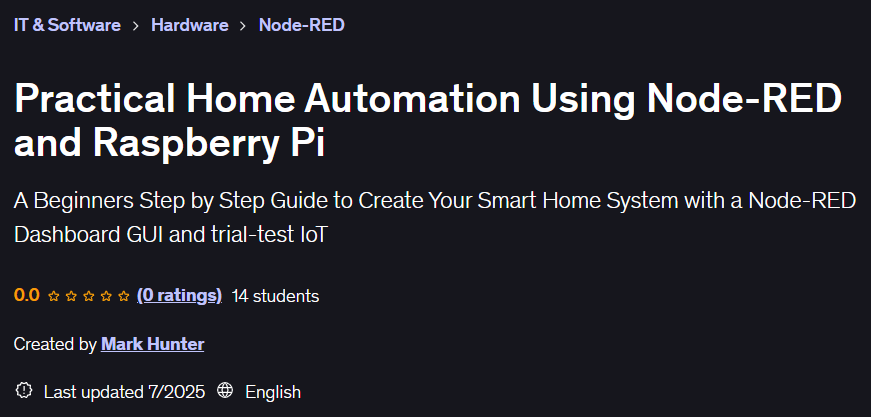
- Instructor: Mark Hunter
- Training level: Beginner to advanced
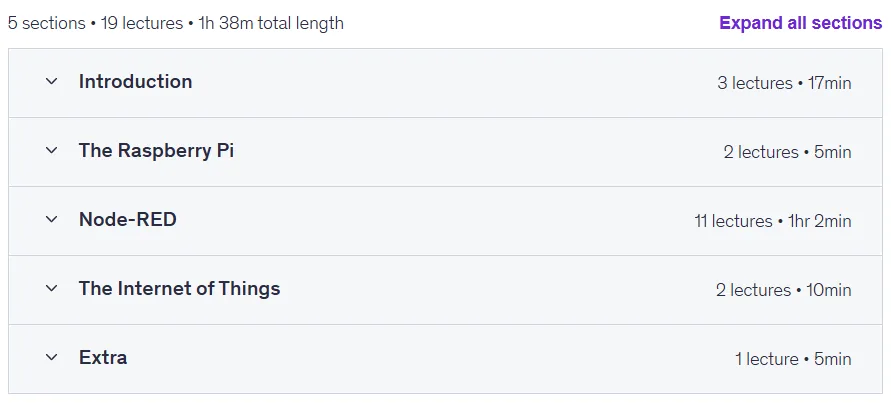
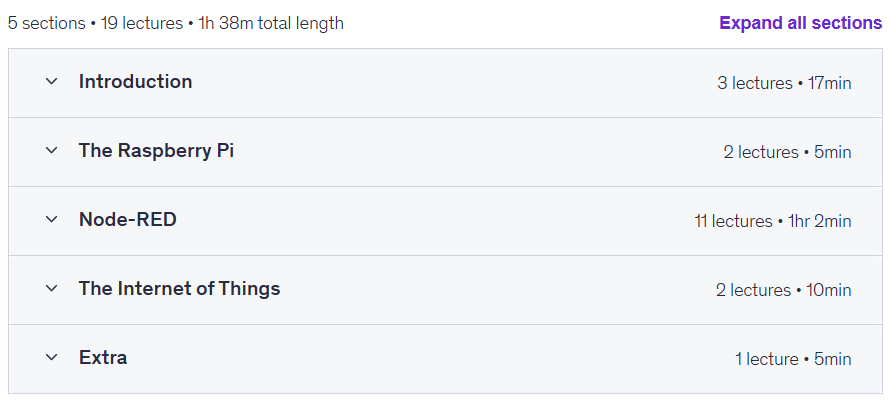
- Training duration: 1 hour and 38 minutes
- Number of lessons: 19
Course topics
Prerequisites for the Practical Home Automation Using Node-RED and Raspberry Pi course
- A list of hardware components (provided in a preview Required Hardware lecture). If you already have a Raspberry Pi, you can still start the course without those other components.
- You will need a PC or Laptop (Mac or Windows OS) connected to your home WiFi router.
- You should have knowledge or ability to access your router to ascertain the IP addresses of connected devices.
- Some beginners level experience of Linux would be helpful but not a requirement.
- No software programming experience is needed.
Course images
Sample course video
Installation Guide
After Extract, view with your favorite player.
Subtitles: None
Quality: 720p
Download link
Downloadly
Rapidgator link
File(s) password: www.downloadly.ir
File size
661 MB