Description
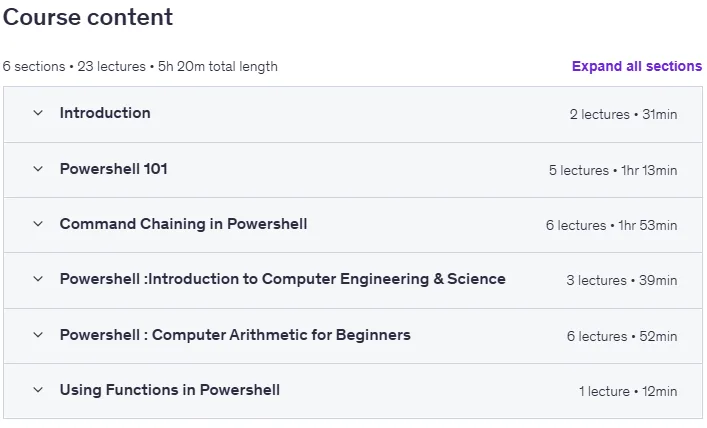
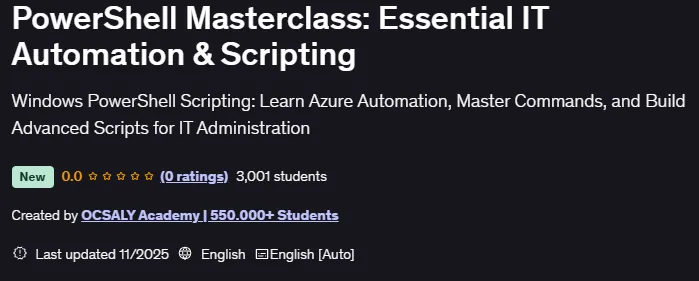
PowerShell Masterclass: Essential IT Automation & Scripting is a course on confident automation using Microsoft PowerShell published by Udemy Online Academy. It is a hands-on course designed to transform you from a beginner to a confident automation expert using Microsoft PowerShell. This course teaches you how to efficiently manage Windows systems, automate repetitive IT tasks, and write clean, reusable scripts. You will learn basic command-line techniques, pipeline concepts, manipulating objects, modules, functions, error handling, and real-world administration tasks such as managing users, processes, files, services, networking, and event logs. Through guided exercises and practical scenarios, you will develop the skills you need to streamline workflows, build automation solutions, and strengthen your capabilities as a system administrator or IT support professional.
This definitive Windows PowerShell course is designed to take you from a beginner to an IT automation expert. In the modern IT landscape, the ability to write robust PowerShell scripts is the most valuable skill a system administrator or DevOps engineer can have. We guarantee that you will learn PowerShell scripting efficiently and effectively, and gain a set of skills that will significantly increase your career potential and salary. This course quickly dives into practical applications, teaching you essential PowerShell commands and how to use the powerful Pipeline to efficiently chain commands.
What you will learn in PowerShell Masterclass: Essential IT Automation & Scripting:
- Master the basic syntax and structure of PowerShell.
- Automate repetitive IT management tasks.
- Understand variables, objects, and data types (strings, booleans).
- Use PowerShell pipelines to chain commands.
- Write, secure, and execute PowerShell scripts (.ps1).
- Manage complex data using arrays, hash tables, and array lists.
- Implement If/Else and Switch logic for decision making.
- Apply looping constructs (such as ForEach, While) to data sets.
- Use Continue and Break to control modified loops.
- Create and call custom functions for code reuse.
- Implement basic error handling to build robust scripts using PowerShell.
- Configure execution policies for Azure script security.
- Manage server maintenance using loop commands.
- Build a utility to check disk space.
- And…
Course specifications
Publisher: Udemy
Instructors: OCSALY Academy | 550.000+ Students
Language: English
Level: Introductory to Advanced
Number of Lessons: 14
Duration: 3 hours and 49 minutes
Course topics on 2025/11

PowerShell Masterclass: Essential IT Automation & Scripting Prerequisites
No requirements or prerequisties for taking this course
Pictures

PowerShell Masterclass: Essential IT Automation & Scripting introduction video
Installation guide
After Extract, watch with your favorite Player.
Subtitle: None
Quality: 720p
Downloadly link
Rapidgator link
File password (s): www.downloadly.ir
Size
1.5 GB