Description
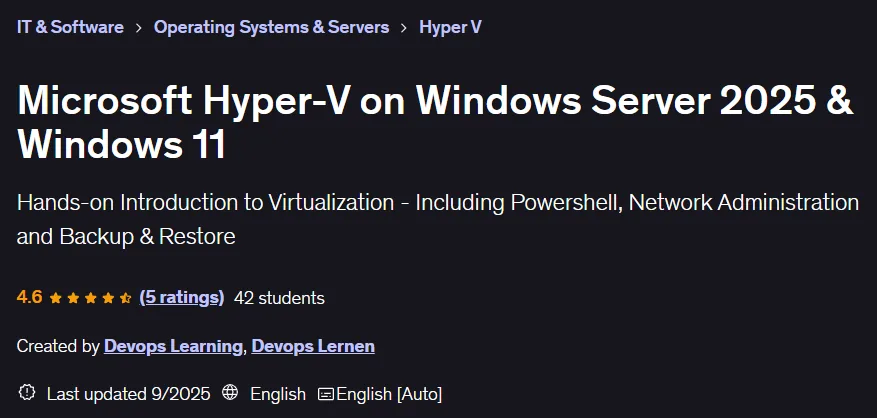
Microsoft Hyper-V on Windows Server 2025 & Windows 11 Course. This course provides comprehensive and specialized training for managing virtual machines on the Hyper-V virtualization platform on these operating systems. This course is designed to meet the growing need for efficient alternatives to legacy solutions for system administrators, IT professionals, and even novice enthusiasts. The training is completely practical and based on real-world scenarios, from basic installation and configuration in Windows Server 2025 to advanced management in Windows 11, and clearly explains the key differences between server and client environments. It also covers working with modern tools such as Windows Admin Center for centralized monitoring and leveraging artificial intelligence capabilities to increase productivity. By the end, learners will be able to confidently manage Windows and Linux virtual machines and implement virtualization solutions in the Microsoft ecosystem. All training content is structured in a way that makes learning effective and straightforward.
What you will learn
- Install and configure Hyper-V in Windows Server 2025 and Windows 11 environments.
- How to set up a complete lab environment for software testing.
- Create, configure, and manage virtual machines for Linux and Windows operating systems.
- Automate administrative tasks using PowerShell commands and cloning methods.
- Create and restore backups and restore points (Snapshots/Checkpoints).
- Master advanced features such as virtual network management and nested virtualization.
- Install and work with the Windows Server Backup (WSB) tool for data security.
- Export and import methods for moving and archiving virtual machines.
- Performing storage expansion operations in Windows and Linux environments.
- Use the Windows Admin Center tool for centralized, modern management via a web interface.
This course is suitable for people who:
- Anyone who wants to learn the concepts of virtualization and working with Hyper-V from a basic level.
- IT technicians looking for a powerful and free alternative to their current solutions.
- System administrators who want to update their skills with the latest versions of Windows Server.
- Network enthusiasts who want to implement virtual infrastructures on their personal computers.
- Professionals who plan to migrate from the VMware ecosystem to integrated Microsoft tools.
Course details
- Publisher: Udemy
- Instructor: Devops Learning , Devops Lernen
- Training level: Beginner to advanced
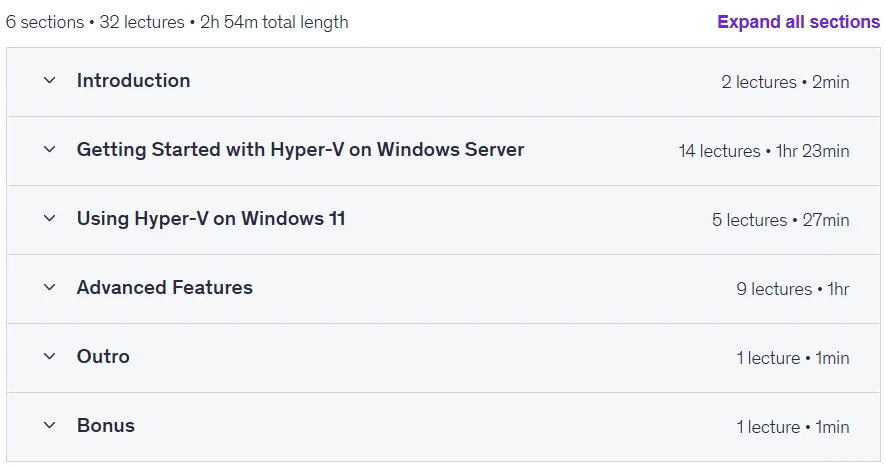
- Duration: 2 hours and 54 minutes
- Number of lessons: 32
Course headings

Microsoft Hyper-V on Windows Server 2025 & Windows 11 Course Prerequisites
- No prior experience with Hyper-V is required.
- Previous experience with virtual machines is helpful.
Course images

Sample course video
Installation Guide
After Extract, view with your favorite player.
Subtitles: None
Quality: 720p
Download link
Downloadly
Rapidgator link
File(s) password: www.downloadly.ir
File size
1.07 GB