Description
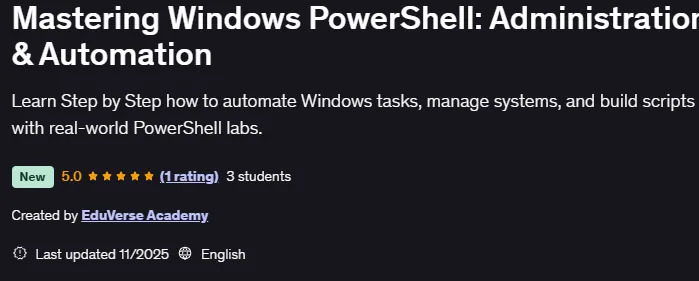
Mastering Windows PowerShell: Administration & Automation is a course on using the full power of PowerShell for system administration, automation, and workflow optimization published by Udemy Online Academy. This is a practical, hands-on course designed to help learners use the full power of PowerShell for system administration, automation, and workflow optimization. The course starts with the basics of the PowerShell environment, commands, and scripting structure, then progresses to real-world administrative tasks such as managing users, configuring systems, managing files, working with modules, and integrating automation into organizational workflows. Through step-by-step lessons and real-world examples, learners will confidently develop the ability to write effective scripts, automate repetitive tasks, and manage Windows environments.
This course is ideal for IT administrators, support engineers, DevOps learners, or anyone looking to increase productivity with automation. Whether you’re a system administrator, IT support professional, or a student starting your IT career – this course will teach you how to automate repetitive tasks, manage Windows servers, and write powerful scripts that save time and improve productivity.
What you will learn in Mastering Windows PowerShell: Administration & Automation:
- Understand the core concepts, architecture, and history of Windows PowerShell.
- Configure and use PowerShell to efficiently run, find, and manage cmdlets.
- Perform Windows administration using Active Directory, Network, and Server cmdlets.
- Work with PowerShell pipelines – filter, sort, measure, and format data.
- Create custom objects, hash tables, and computed properties.
- Query and manage system information using CIM and WMI technologies.
- Use variables, arrays, and hash tables to store and manipulate data.
- Write and debug PowerShell scripts to automate complex administrative tasks.
- Manage remote computers, background jobs, and scheduled tasks using PowerShell.
- And…
Course specifications
Publisher: Udemy
Instructors: EduVerse Academy
Language: English
Level: Introductory to Advanced
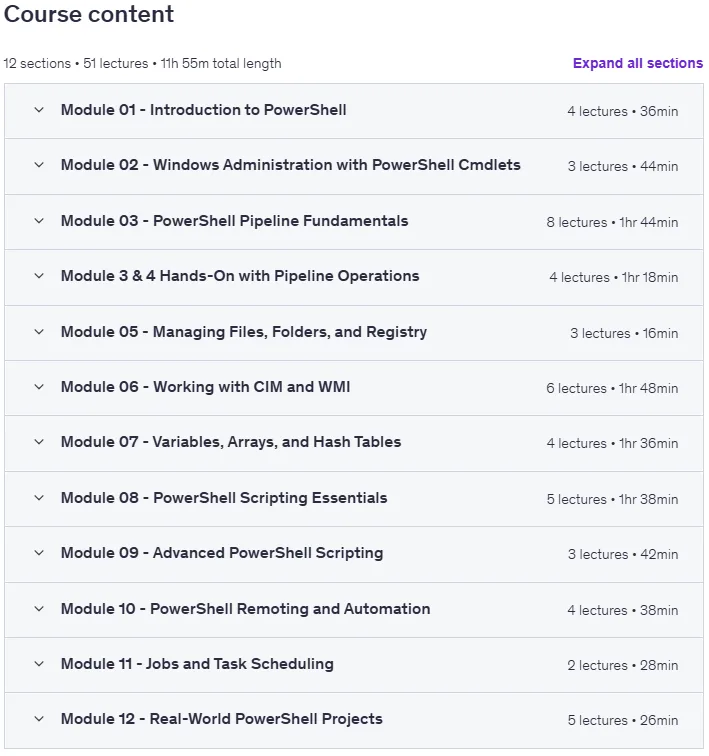
Number of Lessons: 51
Duration: 11 hours and 56 minutes
Course topics

Mastering Windows PowerShell: Administration & Automation Prerequisites
Basic understanding of Windows operating systems (any version).
No prior PowerShell or scripting experience required — beginners welcome.
Access to a Windows computer with PowerShell installed.
Internet connection for downloading tools and following labs.
Willingness to practice commands and complete hands-on labs.
Administrative rights on your system (for certain exercises).
Curiosity to learn automation and scripting for IT tasks.
Pictures
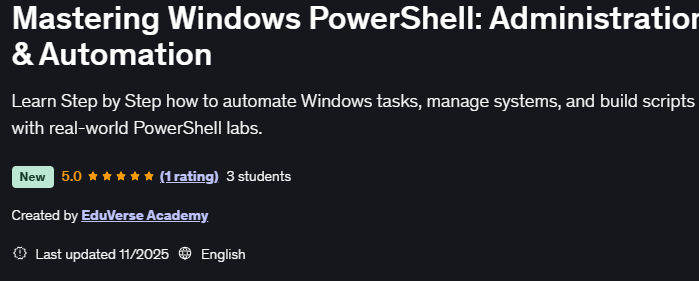
Mastering Windows PowerShell: Administration & Automation introduction video
Installation guide
After Extract, watch with your favorite Player.
Subtitle: None
Quality: 1080p
Downloadly link
Rapidgator link
File password (s): www.downloadly.ir
Size
5.5 GB