Description
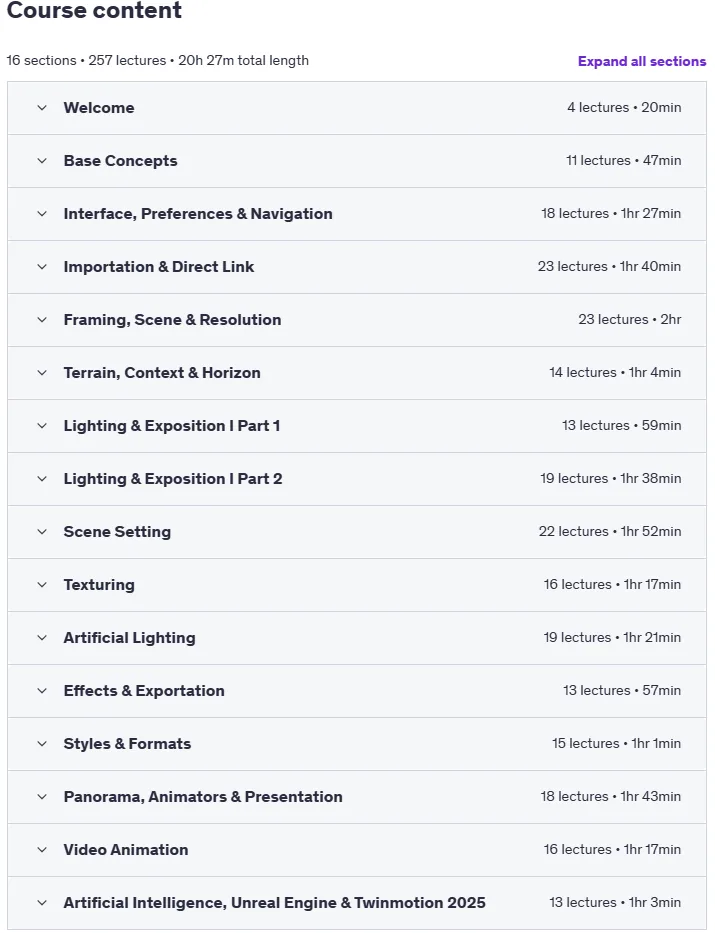
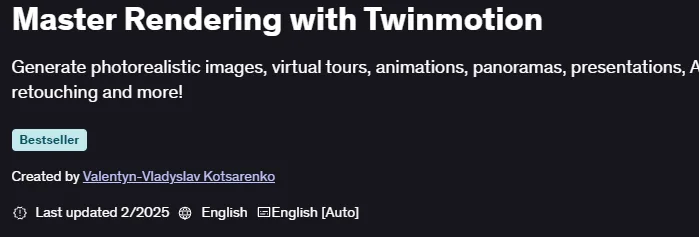
Master Rendering with Twinmotion is a course on how to create stunning architectural visualizations and immersive environments using Twinmotion, published by Udemy Online Academy. This is a comprehensive course that focuses on teaching people how to create stunning architectural visualizations and immersive environments using Twinmotion. The course covers everything from the basics of the user interface and navigation to advanced rendering techniques, realistic lighting, materials, and animation. With step-by-step guidance, people will gain the skills needed to transform 3D models into visually appealing scenes that effectively convey design ideas.
This course covers the basics of Twinmotion, including navigating the user interface, importing 3D models, and managing project settings, then moves on to applying realistic materials, textures, and advanced lighting settings to real-world scenes. Students will explore tools for landscaping, creating environments and weather effects, as well as animation techniques, hands-on tutorials, and VR integration. The course emphasizes optimizing rendering for high-quality, real-time output, along with workflows for architectural presentations. By the end, students will be able to confidently deliver professional visualizations that bring designs to life with clarity and impact.
What you will learn in Master Rendering with Twinmotion:
- Learn the basics of the rendering process, tools, and methodology.
- Continue registering, downloading, and installing the application software.
- Get to know the welcome menu and panels that make up the Twinmotion user interface.
- Optimize Twinmotion quality settings based on hardware.
- Learn the different Twinmotion navigation commands and parameters.
- Import different 3D model formats correctly into Twinmotion.
- Link Twinmotion with external modeling tools in real time.
- Define frames, resolution, and composition for each scene in Twinmotion.
- Shape the terrain, background, and horizon for each scene in Twinmotion.
- Plan the correct lighting and exposure for each scene in Twinmotion.
- Create parametric settings with the crowd tools in Twinmotion.
- And …
Course specifications
Publisher: Udemy
Instructors: Valentyn-Vladyslav Kotsarenko
Language: English
Level: Introductory to Advanced
Number of Lessons: 257
Duration: 20 hours and 27 minutes
Course topics
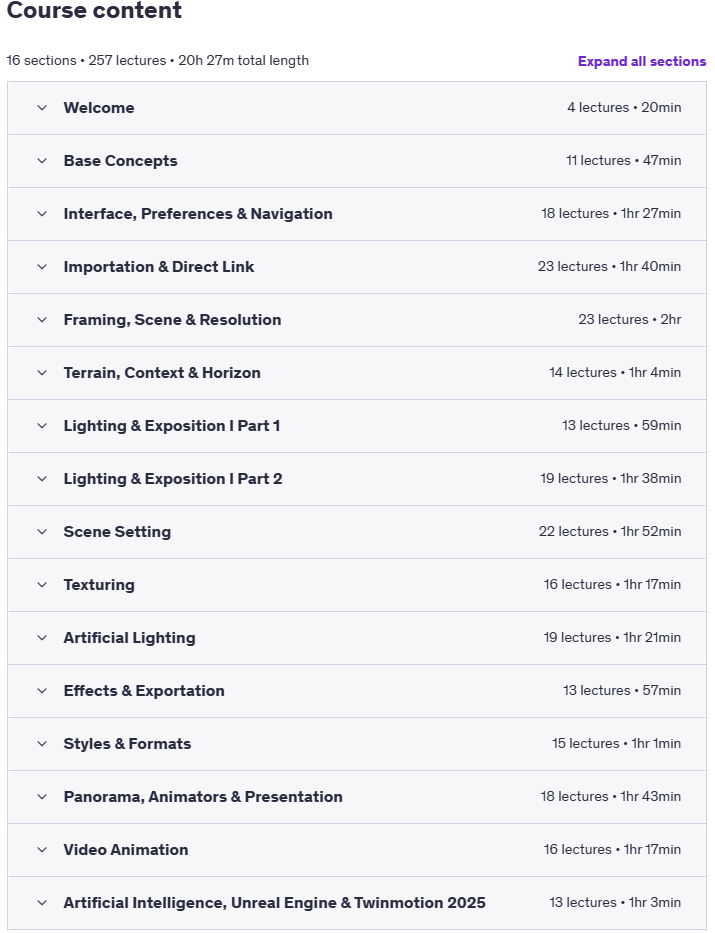
Master Rendering with Twinmotion Prerequisites
You must have a computer with sufficient resources to work with Twinmotion. You can check the hardware requirements in the first lesson.
It is not necessary to have previous experience, although having 3D modeling criteria does make the learning curve easier.
Pictures
Master Rendering with Twinmotion introduction video
Installation guide
After Extract, watch with your favorite Player.
English subtitle
Quality: 720p
Download link
File password (s): www.downloadly.ir
Size
16.7 GB