Description
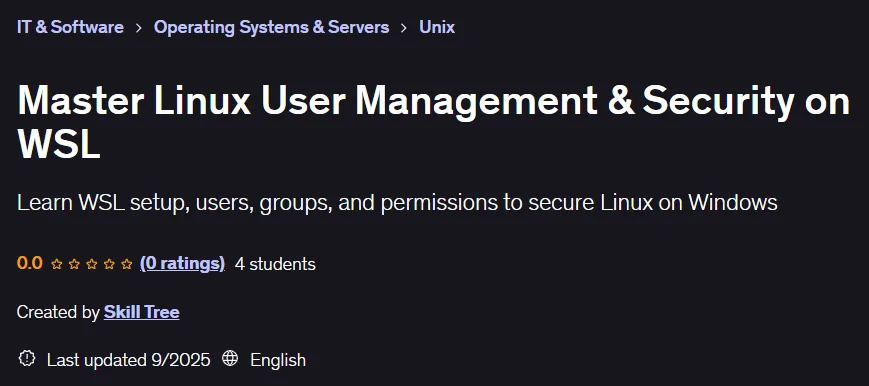
Master Linux User Management & Security on WSL. This course provides hands-on experience in Linux fundamentals, account management, group configuration, and system security in the Windows Subsystem for Linux environment. Designed for programmers, system administrators, and IT professionals, this course eliminates the traditional challenge of installing and learning Linux by taking advantage of the ability to run Linux alongside Windows without the need for a virtual machine or dual boot. The course starts with the basics, including introducing, installing, and setting up WSL, and quickly progresses to the critical levels of user management and security. Along the way, the key differences between root, system, and regular users and their role in system stability are carefully explained. Working with groups to organize users and grant appropriate permissions in multi-user environments, creating and managing users interactively and using the command line, and implementing security policies such as locking down accounts and setting passwords are taught in a hands-on manner. A large portion of the course is also dedicated to the Linux permissions system, working with basic commands such as chmod, chown, and chgrp, practicing methods for protecting sensitive files and data to limit access to only authorized individuals. By the end, learners will have a solid understanding of the Linux command line as a primary tool of control and a working Linux environment within Windows.
What you will learn
- Install and run various Linux distributions on Windows using WSL.
- Working with the Linux command line and fully understanding the terminal environment.
- Identify structural differences between root, system, and regular user accounts.
- Create, modify, and securely delete user accounts professionally.
- Manage user groups to precisely control access and facilitate team collaboration.
- Secure accounts by locking, unlocking, and protecting them.
- Enforce and monitor complex password policies to enhance system security.
- Understand and configure the file permissions system in Linux using the chmod and chown commands.
- Review and modify access rights for owners, groups, and other individuals.
- Build a strong knowledge base for a career path in systems administration and cybersecurity.
This course is suitable for people who:
- Windows users who want to experience Linux without getting involved with virtual machines.
- Beginners looking to build a solid foundation in Linux administration.
- Programmers who need Linux knowledge for the coding, testing, and deployment stages of software.
- IT professionals who want to master user management and security in Linux environments.
- Students preparing to enter the system administration or network security job market.
Master Linux User Management & Security on WSL Course Details
- Publisher: Udemy
- Instructor: Skill Tree
- Training level: from beginner to advanced
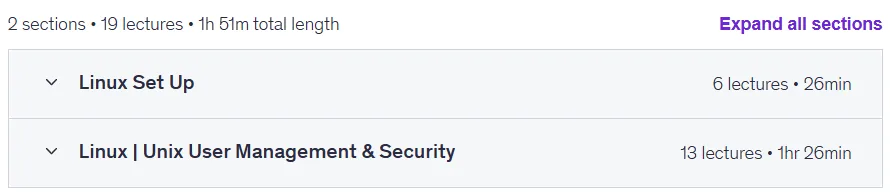
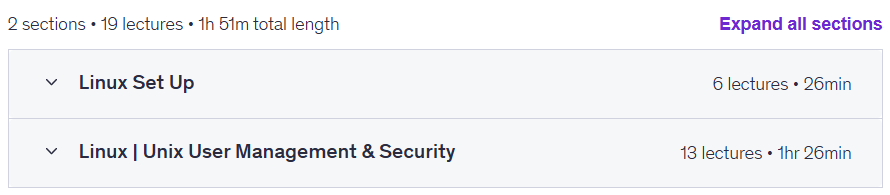
- Training duration: 1 hour and 51 minutes
- Number of lessons: 19
Course headings
Prerequisites for the Master Linux User Management & Security on WSL course
- A Windows 10 or 11 computer with internet access
- Basic familiarity with using Windows (no prior Linux knowledge required)
- Willingness to use the command line to practice exercises
Course images

Sample course video
Installation Guide
After Extract, view with your favorite player.
Subtitles: None
Quality: 720p
Download link
Downloadly
Rapidgator link
File(s) password: www.downloadly.ir
File size
399 MB