Descriptions
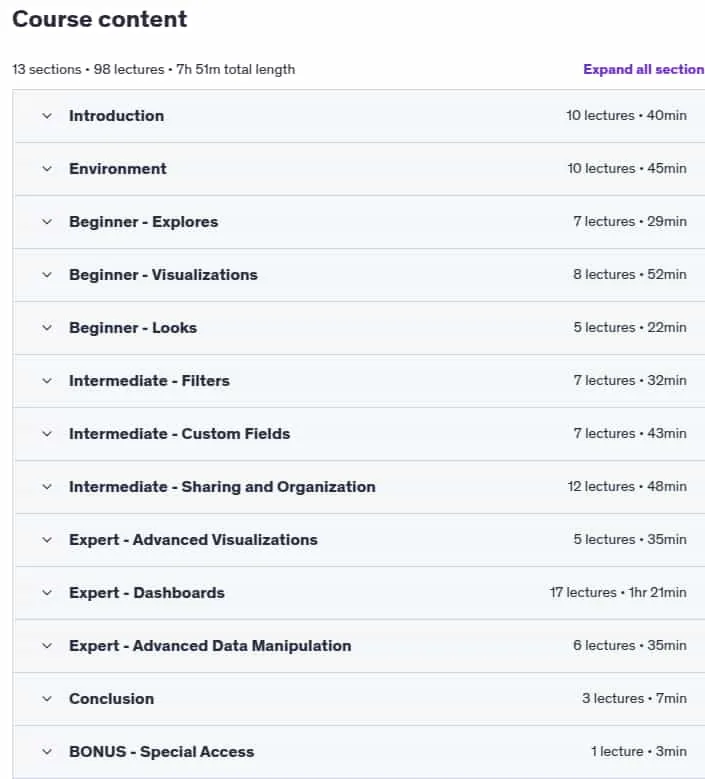
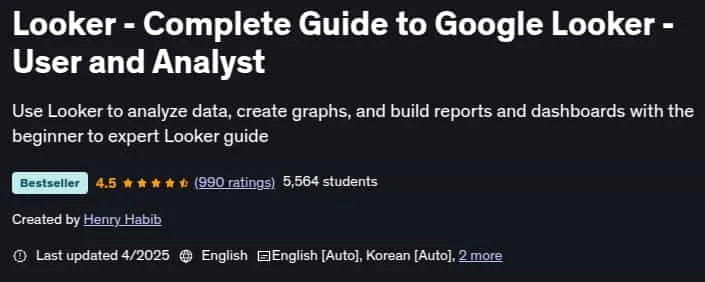
Looker – Complete Guide to Google Looker – User and Analyst, This complete Google Looker course, with over 8 hours of instructional content, is designed to take you from beginner to expert in business intelligence and data visualization. You’ll learn to explore, analyze, visualize, and access your data using Looker, a leading cloud-based BI tool similar to Power BI and Tableau. The course covers everything from Looker’s trusted data model, real-time analytics, and powerful integrations, to creating sophisticated reports, dashboards, and workflows. You’ll progress step by step, learning each concept in theory and then applying it with real-life examples, so you never feel overwhelmed.
You’ll discover how Looker is used by thousands of organizations worldwide, why it’s a top choice for data-driven companies, and how it empowers users to make trusted decisions. The course covers all main features, including cloud-based access, user-friendly interface, standardized business logic, and multi-database support. You’ll also learn to create custom fields, filters, and dynamic dashboards, automate workflows, and connect with external apps. Whether you’re a data analyst, manager, or business professional, this course will give you the skills to build impactful dashboards and reports, drive insights, and advance your career.
What you’ll learn
- Analyze data, create beautiful visualizations, and build sophisticated reports and dashboards
- Get certified in using Looker as Business Intelligence and Visualization tool
- Get familiar with Looker’s platform, interface, and terminology
- Use Explores to drill down into your data and arrive at actionable insights
- Save your analysis into custom made reports, or Looks, that also visualize your insights
- Create filters and custom fields, with manual methods using Looker expressions
- Learn about Looker’s framework and philosophy around sharing and organizing data
- Create sophisticated dashboards with dynamic tiles that link to each other
Who this course is for
- Users of any analytics, business intelligence, or visualization tools
- Data analysts, data scientists, and managers who want to quickly find insights in their data
- Managers who currently use Excel to build reports and dashboards and want a better way
- Analysts who build dashboards for senior audiences, and want to automate that process
Specificatoin of Looker – Complete Guide to Google Looker – User and Analyst
- Publisher : Udemy
- Teacher : Henry Habib
- Language : English
- Level : All Levels
- Number of Course : 98
- Duration : 7 hours and 51 minutes
Content of Looker – Complete Guide to Google Looker – User and Analyst
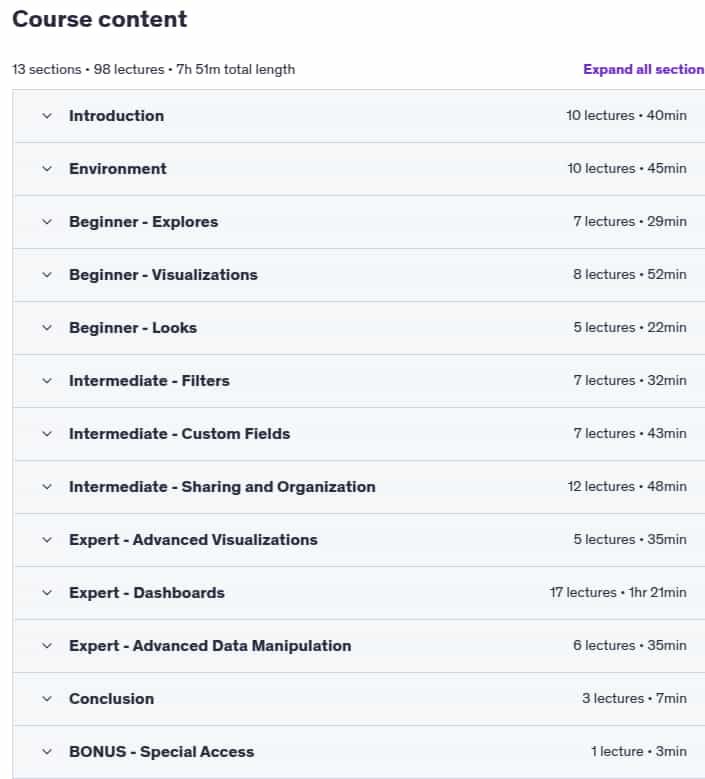
Requirements
- No experience necessary; come hungry to learn! This is a beginner to expert course
Pictures

Sample Clip
Installation Guide
Extract the files and watch with your favorite player
Subtitle : English
Quality: 720
Download Links
Password file(s): www.downloadly.ir
File size
1.45 GB