Description
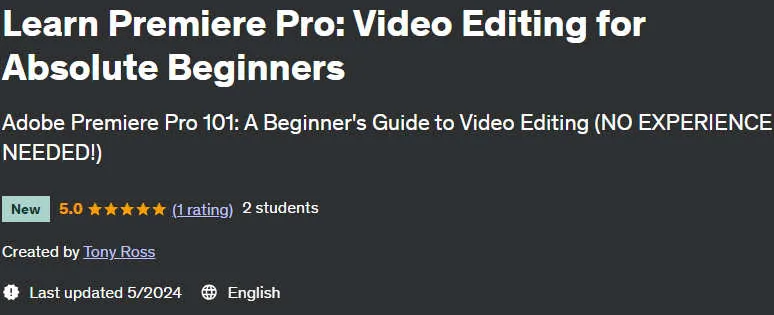
Learn Premiere Pro: Video Editing for Absolute Beginners course. This two-hour, self-paced course teaches you everything you need to get started with Adobe Premiere Pro, the leading video editing software. This course is taught by Tony Ross, a professional video editor and instructor with over 20 years of experience. Tony guides you step-by-step through the entire editing process, from importing video to adding effects and outputting the final project.
What you will learn in Learn Premiere Pro: Video Editing for Absolute Beginners
- Learn the basics of Premiere Pro completely: get to know the user interface completely and familiarize yourself with the main tools and features of the software.
- Import and edit videos like a pro in Premiere: Learn how to import and organize videos, trim and edit clips, and add transitions and effects.
- Make audio editing easy: Learn how to record and edit audio, add narration and soundtracks, and adjust audio levels.
- Captivate your audience with titles and subtitles: Learn how to create and format titles and subtitles to make your videos more engaging.
- Give your videos a special look with transitions and effects: Learn how to use transitions to create smooth transitions between scenes and effects to add creativity and appeal to your videos.
- Color correction and video color matching: Learn how to color correct your videos to improve quality and create a consistent look.
- Export your projects for sharing or streaming: Learn how to output your videos in different formats for sharing on social networks, uploading to a website or playing on different devices.
This course is suitable for people who
- Want to learn video editing with Adobe Premiere Pro, even if they have no previous experience.
- Looking for a comprehensive and easy course to learn the basics of video editing.
- They want to learn from an experienced expert with more than 20 years of experience in video editing.
- They want to learn online and in their own time.
Course highlights Learn Premiere Pro: Video Editing for Absolute Beginners
- Publisher: Udemy
- Instructor: Tony Ross
- Training level: beginner to advanced
- Training duration: 2 hours and 8 minutes
- Number of courses: 19
Headlines of the course on 2024/5

Prerequisites of the course Learn Premiere Pro: Video Editing for Absolute Beginners
- This class is for anyone who wants to learn how to use Adobe Premiere Pro. No prior experience is necessary.
Course images

Sample video of the course
Video Player
00:00
00:00
Installation guide
After Extract, view with your favorite Player.
Subtitle: None
Quality: 720p
download link
File(s) password: www.downloadly.ir
Size
1.2 GB