Description
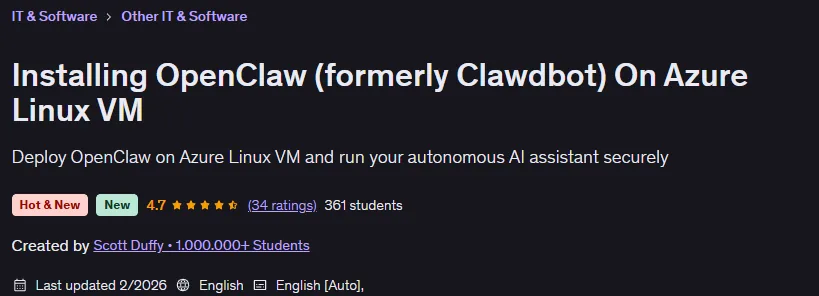
Installing OpenClaw (formerly Clawdbot) On Azure Linux VM is a course on how to deploy and configure OpenClaw, published by Udemy Online Academy. This is a practical, step-by-step course that teaches you how to deploy and configure OpenClaw—a powerful platform for building AI agents and automation—on an Azure Linux virtual machine. You will learn how to prepare and secure an Azure virtual machine, configure networking and firewalls, install the necessary dependencies, and set up OpenClaw to run reliably in a cloud environment. The course covers best practices for preparing the environment, securely managing credentials, setting up continuous storage and backup, and optimizing server performance for production-ready deployments.
In this course, you will learn how to deploy OpenClaw, an open source AI personal assistant that goes far beyond traditional chatbots. OpenClaw can run tasks on your behalf, interact with your messaging apps, manage files and calendars, and automate workflows – all from your own infrastructure instead of relying on a third-party hosted service. Whether you’re an Azure enthusiast, a developer looking to innovate with AI agents, or a productivity hacker looking to automate workflows, this course will give you the skills to take control of your AI and adapt it to your life or business.
What you will learn in Installing OpenClaw (formerly Clawdbot) On Azure Linux VM:
- Deploying an Azure Linux Virtual Machine
- Installing and Configuring OpenClaw
- Securing an OpenClaw Deployment
- Connecting and Using OpenClaw with Real Tools
- And…
Course specifications
Publisher: Udemy
Instructors: Scott Duffy • 1.000.000+ Students
Language: English
Level: Introductory to Advanced
Number of Lessons: 10
Duration: 53 minutes
Course topics on 2026/2

Installing OpenClaw (formerly Clawdbot) On Azure Linux VM Prerequisites
Basic familiarity with command-line tools
An active Azure subscription
Fundamental understanding of Linux systems
Pictures

Installing OpenClaw (formerly Clawdbot) On Azure Linux VM introduction video
Installation guide
After Extract, watch with your favorite Player.
Subtitle: None
Quality: 1080p
Downloadly link
Rapidgator link
File password (s): www.downloadly.ir
Size
474 MB