Description
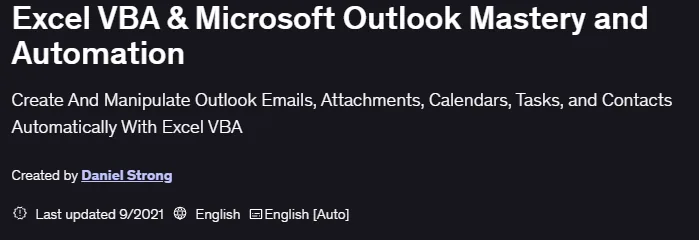
Excel VBA & Microsoft Outlook Mastery and Automation is a course published by Udemy Online Academy. It is a hands-on course that focuses on simplifying everyday office tasks by integrating Excel and Outlook through VBA. The course teaches you how to automate repetitive workflows such as generating reports, processing data, managing emails, and scheduling tasks directly from Excel. Students gain hands-on experience building macros and VBA solutions that improve productivity, reduce errors, and create seamless connections between spreadsheets and email systems in real-world business environments.
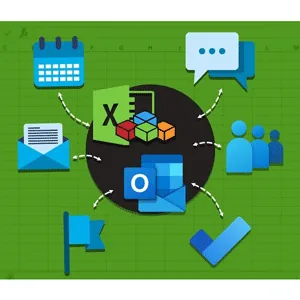
They use Excel to analyze data, create reports, or track complex lists and calculations, and they use Outlook to keep their schedule organized—with tasks, emails, meetings, and contacts. One of the least publicized and least used strategies is to use the best of both worlds – the flexibility, calculations, speed, and data storage of Excel and the email, tasks, calendar, and contacts of Outlook. This course combines these two technologies in a simple, progressive way that beginners can understand and experts will refer to again and again for reference.
What you will learn in Excel VBA & Microsoft Outlook Mastery and Automation:
- Automate Microsoft Outlook with Simple Excel Macros
- Create and Manipulate Emails Using MailItem Methods
- Understand Outlook Namespaces (Folder System)
- View, Save Drafts, or Send Emails Using Automation! Easily Set Up CC, BCC, and Distribution Groups
- And…
Course specifications
Publisher: Udemy
Instructors: Daniel Strong
Language: English
Level: Introductory to Advanced
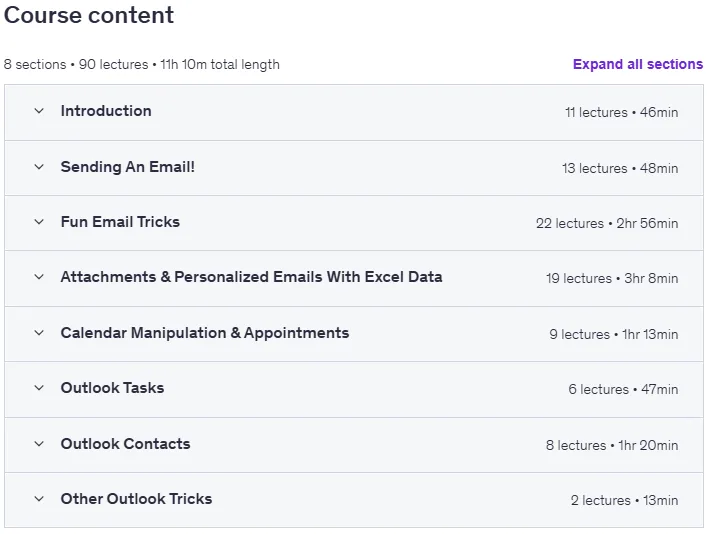
Number of Lessons: 90
Duration: 11 hours and 10 minutes
Course topics

Excel VBA & Microsoft Outlook Mastery and Automation Prerequisites
Microsoft Excel and Microsoft Outlook 2003 and up (the newer the better, obviously, but these will work)
If you have some familiarity with Excel VBA, it is a plus, but if you follow along, I break every step down so anyone can conquer this subject!
According to Microsoft, Office for Mac is sandboxed, which restricts the apps from accessing resources access or communication across processes or outside the app container. This course specifically covers the Windows Excel and Outlook VBA Methodologies and doesn’t cover Mac specific issues.
Pictures

Excel VBA & Microsoft Outlook Mastery and Automation introduction video
Installation guide
After Extract, watch with your favorite Player.
English subtitle
Quality: 720p
Downloadly link
Rapidgator link
File password (s): www.downloadly.ir
Size
4.3 GB