Description
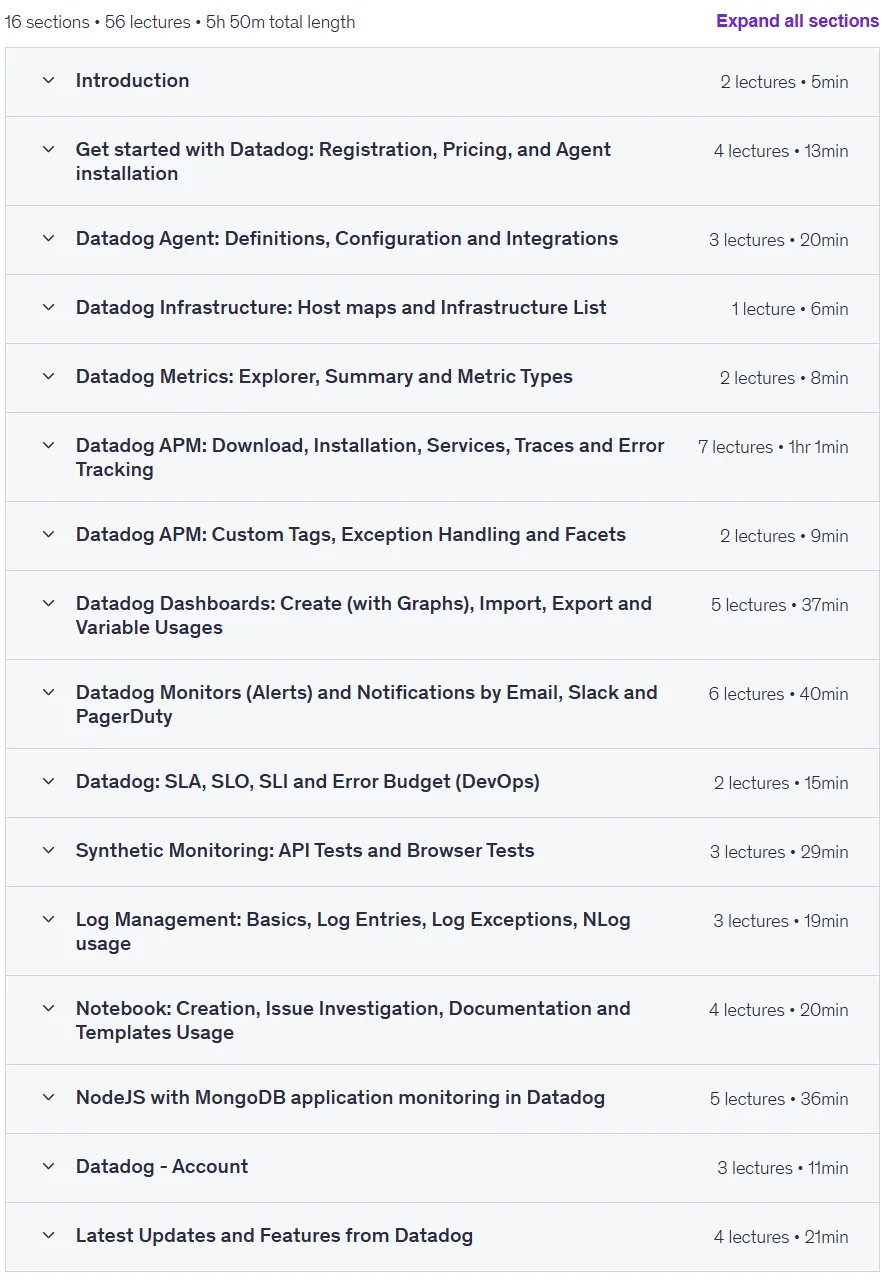
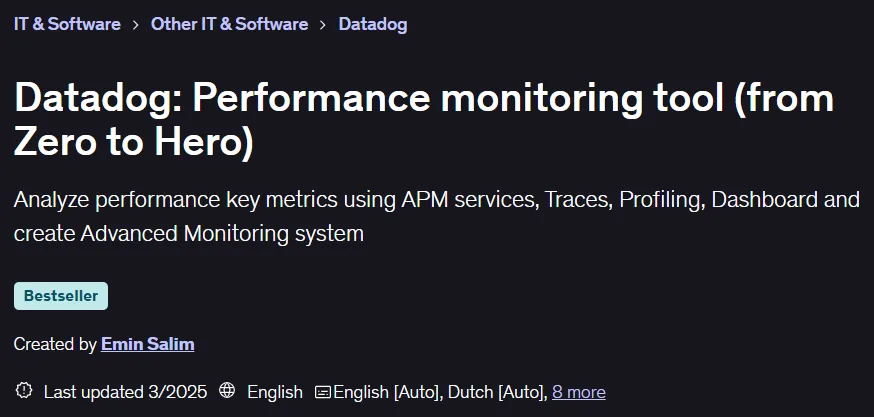
Datadog: Performance monitoring tool (from Zero to Hero) course. In this course, participants will be introduced to the fundamental concepts of application performance management (APM) and learn how to use Datadog to build a complete APM system. The ability to visualize the full path of requests and accurately identify performance bottlenecks and errors with just a few clicks is one of the key skills taught. This course will provide hands-on training on installing and configuring the Datadog Agent, working with basic metrics, analyzing traces, and profiling code, including monitoring a .NET Core API service with a SQL database. Creating custom dashboards with a variety of widgets such as time series charts, query values, and top lists to display metrics such as latency, error rates, and resource consumption is another part of the curriculum. Learners will learn how to create advanced monitors and alerts for hosts, services, specific endpoints, SQL queries, and Watchdog alerts. The concepts of SLA, SLO, and Error Budget are explained by implementing an SLO for success rate in Datadog. Integrating these alerts with platforms like Slack and PagerDuty is also covered. The course includes topics on hybrid monitoring by creating API and browser tests, managing logs using NLog, and working with notebooks for team collaboration and troubleshooting issues. It also teaches monitoring key application metrics such as availability, reliability, scalability, and uptime. Finally, you will set up and monitor a NodeJS application connected to MongoDB along with creating custom metrics and traces, as well as getting familiar with the latest Datadog updates and features.
What you will learn
- APM and Datadog Concepts:
- Understand basic and advanced APM concepts and how to use Datadog tools.
- Agent installation and configuration:
- Install and configure Datadog Agent. Includes IIS integration.
- APM service monitoring and error tracking:
- Datadog APM service monitoring, Trace observations, and error tracking. This includes monitoring the .NET Core API with the SQL service layer.
- Use Datadog Custom Tags from your .NET application.
- Dashboards and widgets:
- Create dashboards with various widgets such as Timeseries, Query Values, Toplists, Tables, Pie Charts, Service Maps, and Watchdog.
- Alerts and monitors:
- Create alerts/monitors for Host and Services. Monitors for Latency, Error and Success Call Rates, and SQL Query Duration.
- SLO and Error Budget (DevOps):
- Understand SLA, SLO, SLI and Error Budget by creating a Datadog SLO for success rate.
- Monitor key aspects of the application such as Availability, Reliability, Scalability, and Duration. Also monitor the top slowest queries.
- Integration with collaboration tools:
- Monitor integration with Slack and PagerDuty.
- Combined monitoring and tests:
- Combined monitoring and performing API and Browser Tests. Using GET/POST methods with Request Body and Authorization Bearer Token.
- Log Management:
- Basics of Log Management, Log Entries, Log Exceptions, Using NLog.
- Checking for problems with Notebook:
- How to investigate an issue using Notebook and collaborate with team members on it.
- Monitoring NodeJS/MongoDB application:
- How to set up and monitor a NodeJS application with MongoDB on Datadog – with custom metrics and traces.
- Latest updates and features.
This course is suitable for people who:
- Developers, DevOps engineers, SREs, and IT managers who want to increase the performance, reliability, and security of their applications.
- Anyone responsible for ensuring High Availability, Scalability, and Observability in modern applications.
Course details
- Publisher: Udemy
- Instructor: Emin Salim
- Training level: Beginner to advanced
- Training duration: 5 hours and 50 minutes
- Number of lessons: 56
Course topics

Prerequisites for the Datadog: Performance monitoring tool (from Zero to Hero) course
- Almost no programming experience needed. Only for 2-3 specific lectures .NET or NodeJS coding skills are needed.
Course images

Sample course video
Installation Guide
After Extract, view with your favorite player.
Subtitles: English
Quality: 720p
Download link
Downloadly
Rapidgator link
File(s) password: www.downloadly.ir
File size
2.3 GB