Descriptions
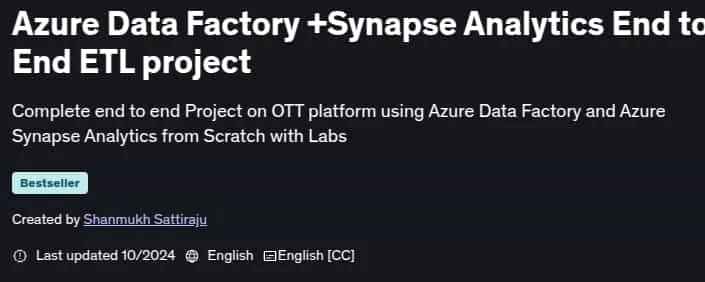
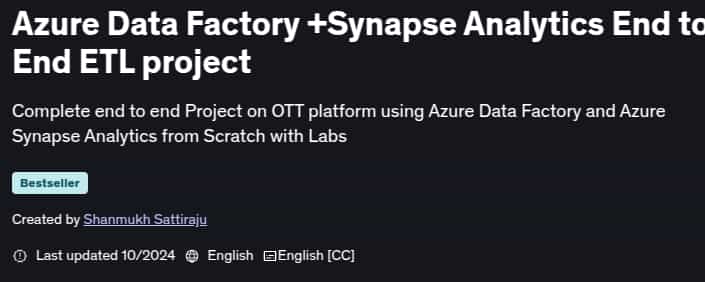
Azure Data Factory +Synapse Analytics End to End ETL project, Are you looking to build an end-to-end ETL project using Azure data engineering services? This comprehensive course on Azure Data Factory and Azure Synapse Analytics is designed to guide you through the process of creating all the necessary services from scratch, before building an ETL project from start to finish. Throughout this course, you’ll gain practical, hands-on experience with Azure Data Factory and Azure Synapse Analytics, learning how to use these powerful data engineering tools to create a highly effective ETL solution. You’ll explore the many features and capabilities of these platforms, as well as their integration with other Azure services like Azure SQL Database, Azure Synapse Analytics, Azure Key Vault, Azure Data Factory for Orchestration, Azure Storage solutions (Azure Datalake Gen2), Microsoft Power BI, and Azure Logic Apps.
What you’ll learn
- Create incremental pipeline based on last modified date
- Calling Azure Synapse notebook from Azure Data Factory
- Configure CICD from Scratch in Azure Data Factory
- Build end to end project using Azure Data Engineering Services
- Create a Self Hosted Integration Runtime and ingest data from On-premise Environment
- How to transform data with Azure Synapse Analytics
- Create and configure an Azure Data Lake
- Project Oriented Learning of Azure Data Engineering services
- Create an Azure Key vault service
- Using Secrets of Key vault in Linked services
- Create and configure an Azure SQL Database
- Writing PySpark transformation logic in Synapse Notebook
- Use of Triggers in Azure Data Factory
- Create an incremental data load pipeline to ingest file in daily basis
- Build an Automated pipeline in Azure Data Factory
- Setup CICD environment from Scratch
- Create incremental pipeline based on file name and pick today’s file
- Perform Data Analysis Using PySpark Code using Synapse Notebook
- Create and configure an Azure Data Factory
- Create and configure an Azure Synapse Analytics
- Orchestrate all pipelines in Azure Data Factory
- Loading Data into Azure SQL Database
- Ingest Data from On-premise to Azure Datalake in Azure Cloud
- Send an Automatic Alert email when a pipeline is failed
- Transform only Today’s file in Azure Synapse Analytics
- Report transformed data in Power BI
- Complete hands-on project using Azure Data Engineering Services
- Provides insights on services that needed to clear DP-203
- Understand how GetMetaData, ForEach, If Condition Activities works
Who this course is for
- Azure Data Engineers curious to do Hands-on practical Labs
- Data Engineers who want real time project experience using Azure Data Engineering Services
- Students aspiring to learn real time project on Azure Data Engineering
- Folks preparing for DP-203 to get practical understanding
Specificatoin of Azure Data Factory +Synapse Analytics End to End ETL project
- Publisher : Udemy
- Teacher : Shanmukh Sattiraju
- Language : English
- Level : All Levels
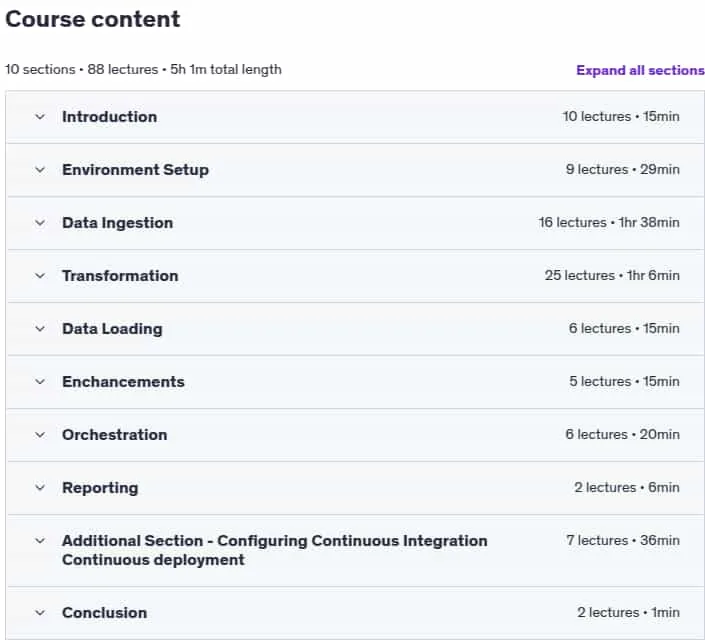
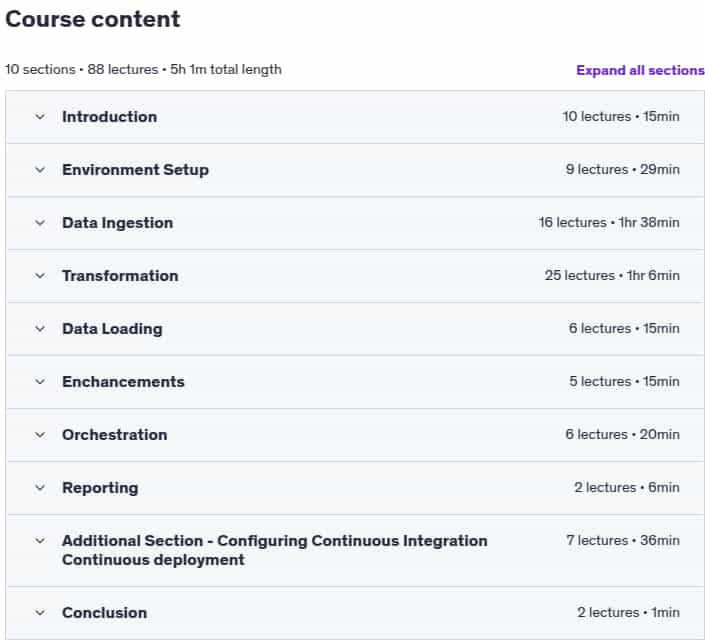
- Number of Course : 88
- Duration : 5 hours and 1 minutes
Content of Azure Data Factory +Synapse Analytics End to End ETL project
Requirements
- Basics of Azure Data Factory
- An Azure account with Subscription to perform Labs
- No Synapse Analytics Experience needed, You will learn everything you needed.
Pictures
Sample Clip
Installation Guide
Extract the files and watch with your favorite player
Subtitle : English
Quality: 720
Download Links
Downloadly
Rapidgator
Password File(s): www.downloadly.ir
File size
1.88 GB