Description
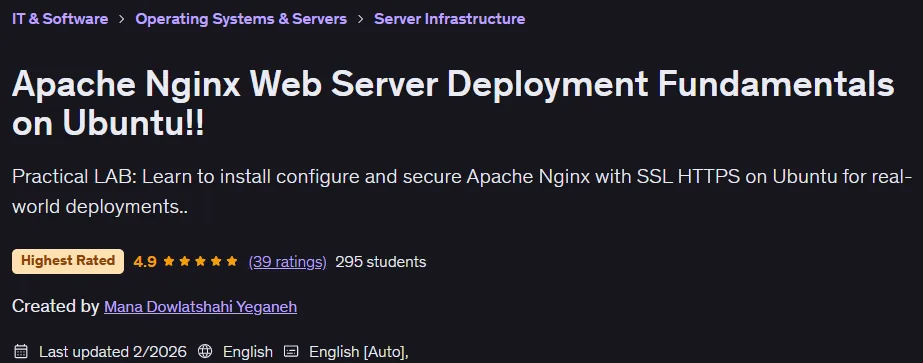
Apache Nginx Web Server Deployment Fundamentals on Ubuntu!! This course is about installing, configuring, securing, and managing an Nginx web server on Ubuntu, published by Udemy Online Academy. This is a practical, beginner-friendly course that teaches you how to install, configure, secure, and manage an Nginx web server on Ubuntu for real-world use. You will learn how to set up Nginx from scratch, configure server blocks (virtual hosts), manage domain routing, enable SSL/TLS with HTTPS, and optimize the performance of static and dynamic websites. The course also covers reverse proxy configuration, load balancing basics, setting up a firewall, managing logs, and troubleshooting common deployment issues to ensure stable and secure hosting.
Through hands-on exercises, you’ll explore how to integrate Nginx with backend applications, how to properly manage permissions and file structures, and how to maintain your server with updates and best practices. By the end, you’ll be able to confidently deploy and manage websites on Ubuntu using Nginx, with key topics including installation, configuration, security hardening, performance tuning, and production-ready deployment workflows all explained in a cohesive learning experience.
What you will learn in Apache Nginx Web Server Deployment Fundamentals on Ubuntu!!:
- Deploying Apache Nginx Web Server
- Basics in Ubuntu Linux!!
- Practical Lab >> For Personal or Cloud Lab [AZURE/GCP/AWS]
- Learn to install, configure and secure Apache Nginx with SSL HTTPS on Ubuntu for real world deployments..
- And …
Course specifications
Publisher: Udemy
Instructors: Mana Dowlatshahi Yeganeh
Language: English
Level: Introductory to Advanced
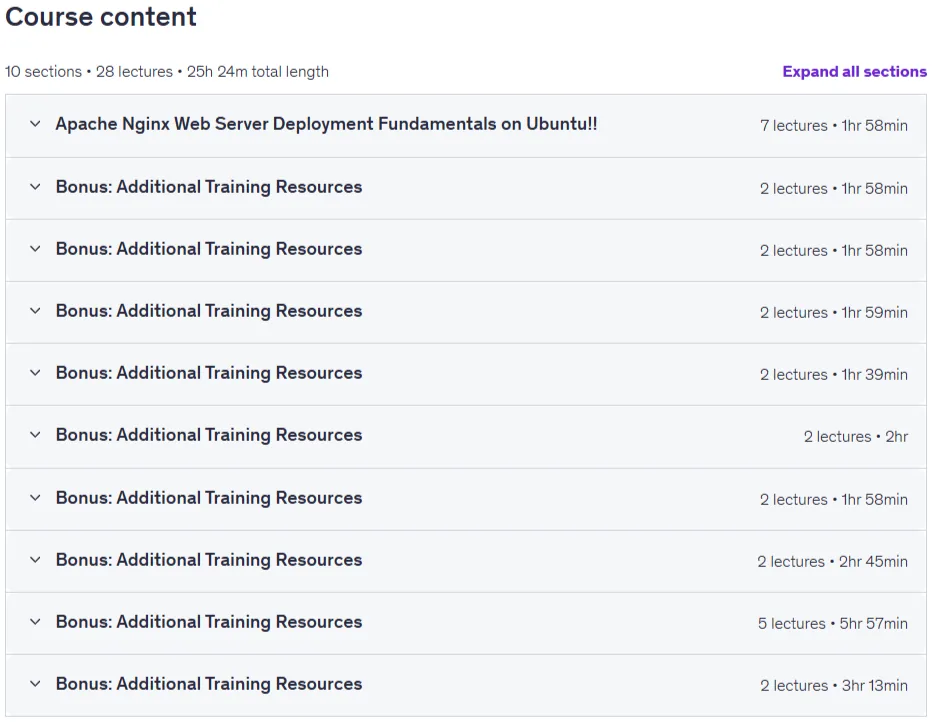
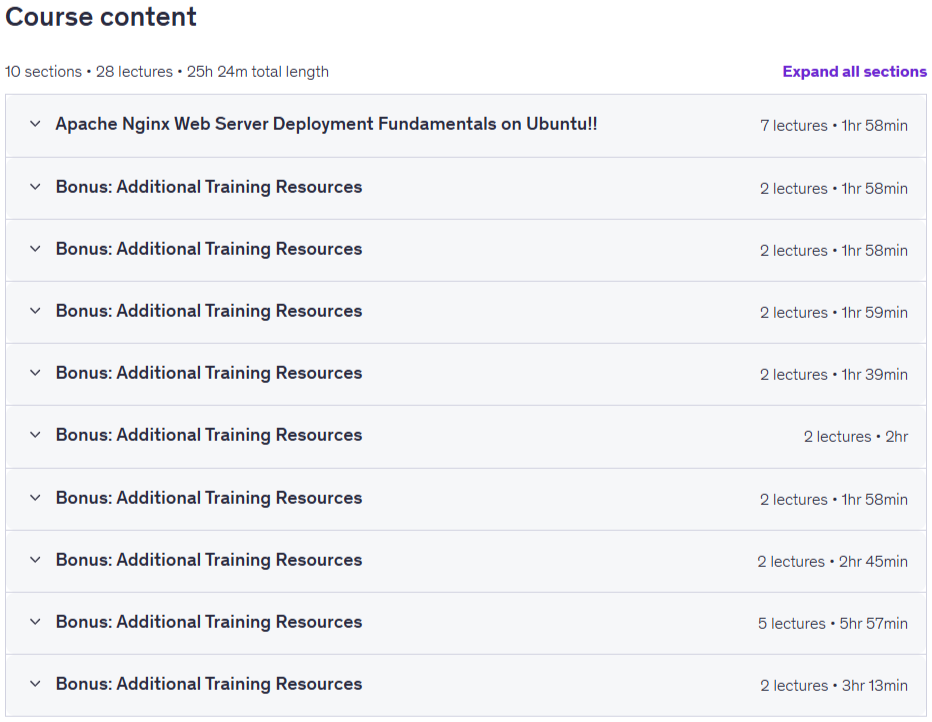
Number of Lessons: 28
Duration: 25 hours and 24 minutes
Course topics
Apache Nginx Web Server Deployment Fundamentals on Ubuntu!! Prerequisites
Before starting the Web Server Deployment Fundamentals on Ubuntu course, learners should have a basic understanding of computers, the internet, and how websites function at a general level. No prior experience with server management is strictly required, but some familiarity with Linux commands, file systems, and basic networking concepts (like IP addresses, ports, and domains) will help you progress more smoothly. You’ll be working primarily in a Linux (Ubuntu) environment, so being comfortable using the terminal or command-line interface (CLI) is highly recommended. Learners should have access to a computer capable of running Ubuntu either natively, in a virtual machine (VM), or on a cloud instance such as AWS, Azure, or Google Cloud. A stable internet connection is required to download software packages, access documentation, and test deployed web servers. You’ll also benefit from having a basic text editor and a modern web browser installed. While not mandatory, prior exposure to HTML, web development, or hosting concepts can make the learning curve easier. Most importantly, learners should come prepared with curiosity, patience, and a willingness to experiment with configuration files, troubleshoot issues, and explore how the pieces of a web infrastructure fit together. The course is designed to be beginner-friendly but technically detailed, guiding you from foundational concepts to real-world deployment practices. By meeting these simple prerequisites and maintaining a hands-on mindset, you’ll be well-prepared to follow along, practice each step confidently, and develop the essential skills needed to install, configure, and secure web servers using Apache, Nginx, SSL/HTTPS, and Ubuntu Linux.
Pictures

Apache Nginx Web Server Deployment Fundamentals on Ubuntu!! introduction video
Installation guide
After Extract, watch with your favorite Player.
English subtitle
Quality: 1080p
Downloadly link
Rapidgator link
File password (s): www.downloadly.ir
Size
22.6 GB