Description
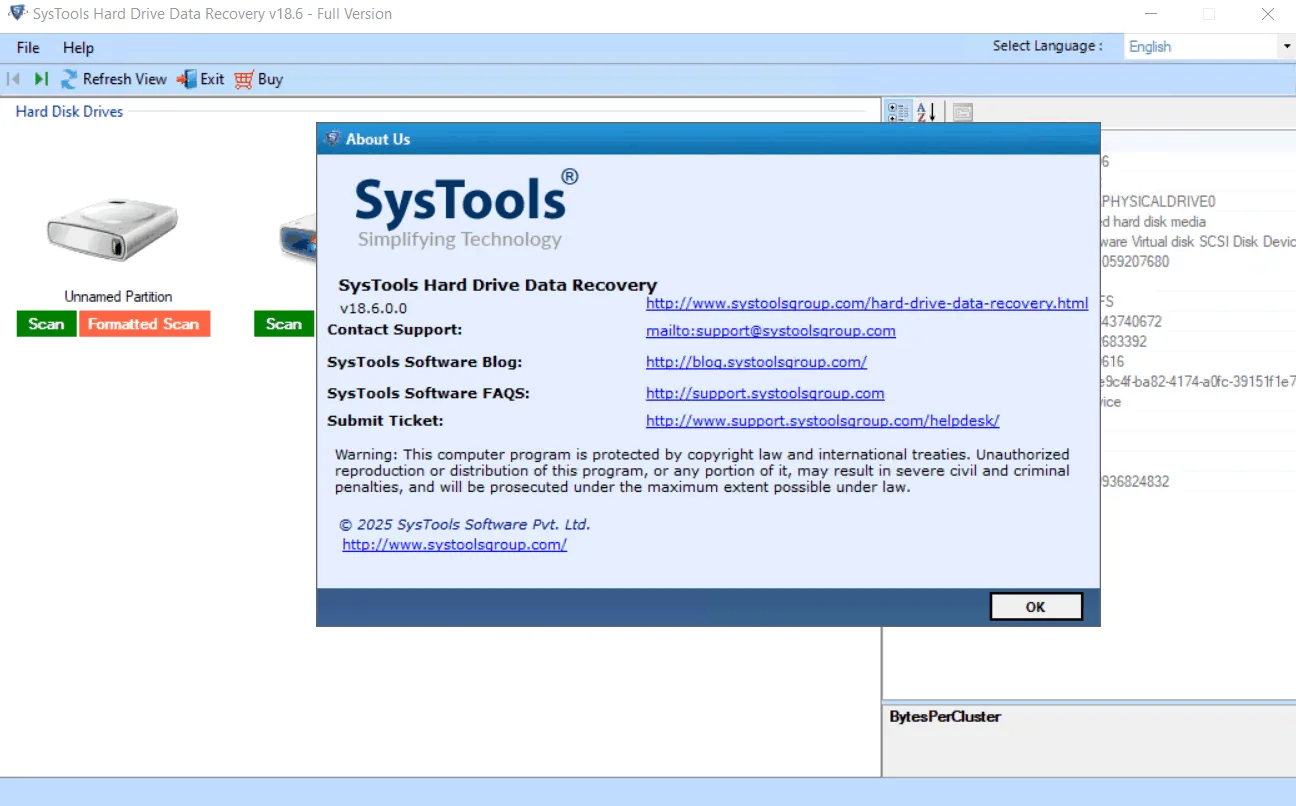
SysTools Hard Disk Recovery Wizard is a complete solution to recover permanently deleted files from NTFS and FAT file systems. It can also recover data after formatting hard drive and supports RAW hard drives professionally. Users can recover lost files from internal and external hard drives by following a few simple steps.
Program features and functions
- Ability to recover and save files and folders that have been permanently deleted from the hard drive.
- Supports data recovery from formatted or corrupted FAT, exFAT, and NTFS file systems.
- Recover data from any type of internal and external hard drive connected to the computer.
- Recover all types of files including photos, videos, music, documents and other multimedia files.
- Refresh option to detect connected external storage devices.
- Supports RAW data recovery from internal and external hard drives.
- Ability to recover lost data from desktop computers, laptops, and other systems.
- Recover data from GPT and MBR hard disk partitions.
- Recover deleted data after formatting a hard drive in NTFS or FAT formats.
- Fast data recovery from IDE, EIDE and SATA devices.
- Highlight recovered data that has been permanently deleted in red.
- Full compatibility with all versions of Windows.
System requirements
- OS
- Windows 11 (64-bit)
- Windows 10
- Windows 8
- Windows 7 (32-bit or 64-bit)
- Windows Server 2019
- Windows Server 2016
- Windows Server 2012 R2
- Windows Server 2008
- Supports Recovery for MAC OS file system – HFS+
- Processor: Intel® Core™ 2 Duo CPU E4600 @ 2.40GHz 2.39GHz or higher
- RAM
- Recommended: 4 GB
- Minimum: 2 GB
Pictures

Installation Guide and Tips
Install SysTools Hard Drive Data Recovery 18.6.0.0 Multilingual version:
- Install the software.
- Copy and replace the contents of the crack folder in the software installation location.
- Run the software.
Download link
Download SysTools Hard Drive Data Recovery 18.6.0.0 Multilingual
File(s) password: www.downloadly.ir
File size
28 MB