Description
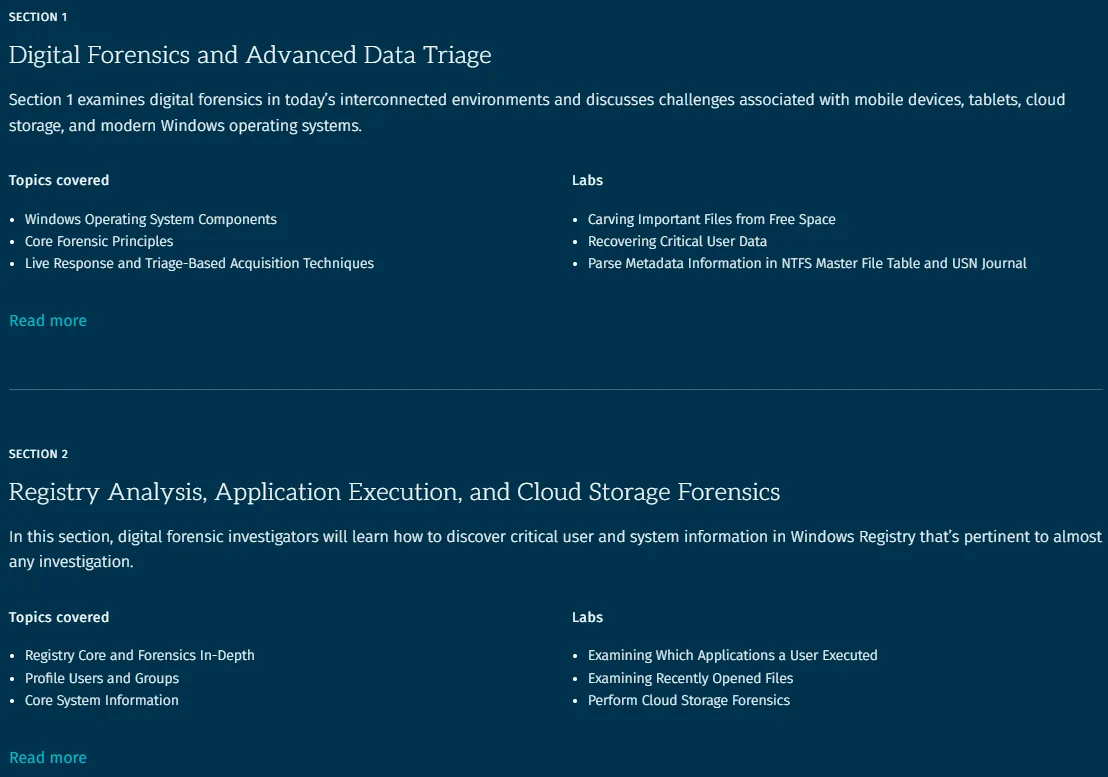
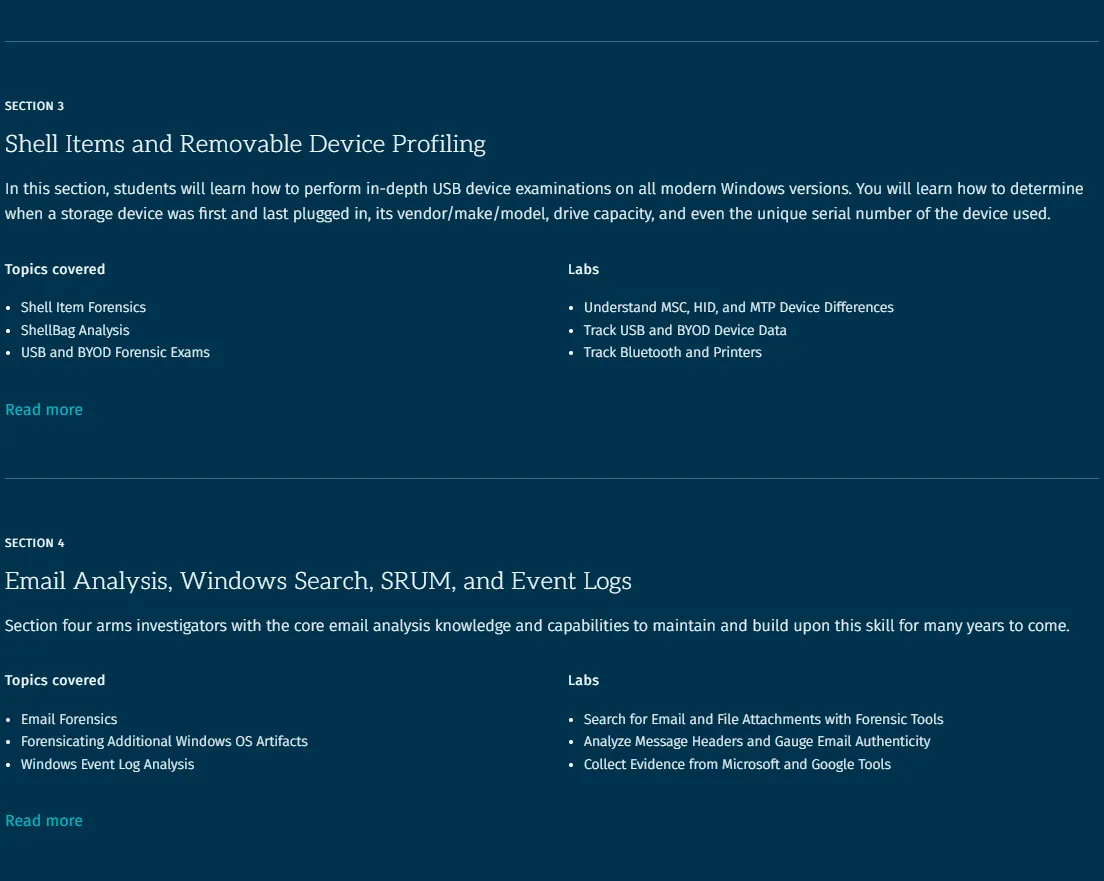
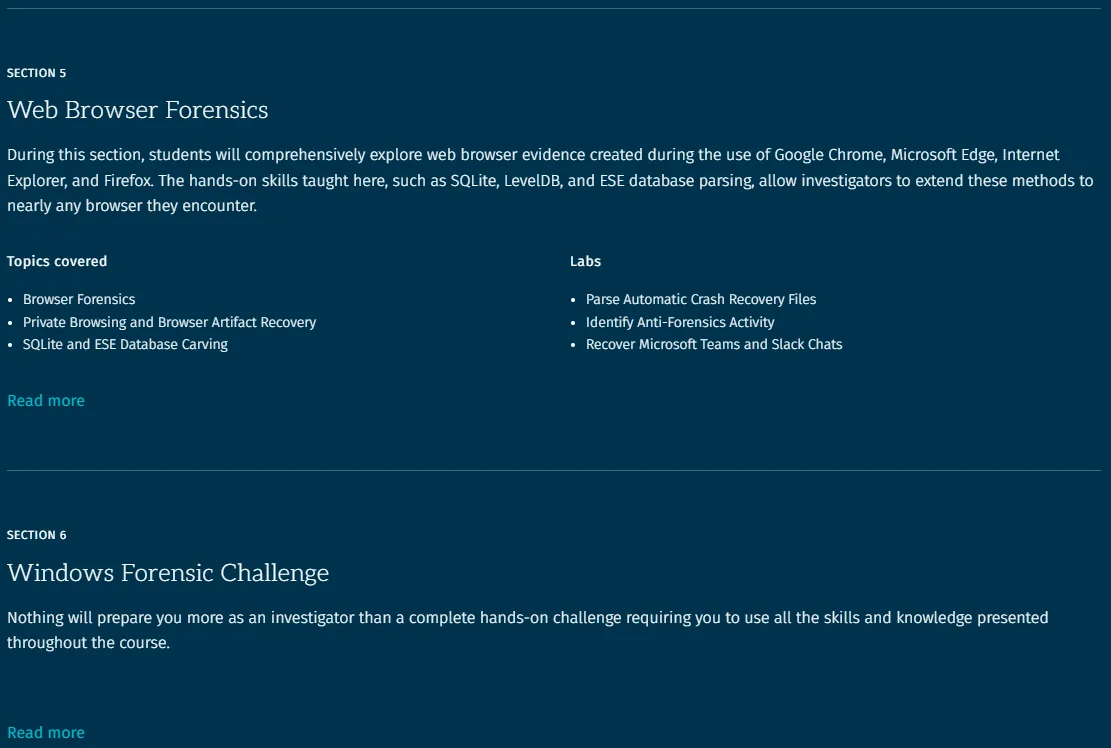
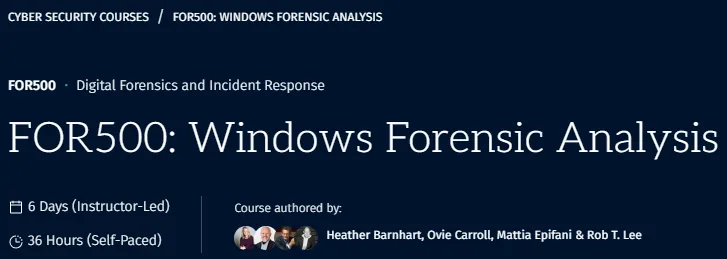
FOR500 Windows Forensic Analysis Course. This course is a comprehensive training program that provides participants with the specialized knowledge necessary to investigate Microsoft’s Windows operating system. Covering all versions of Windows up to Windows 11, this course teaches trainees how to recover, analyze, and validate digital evidence to solve cases. The skills learned are critical for tracking user activity on the network, responding to security incidents, internal investigations, investigating intellectual property theft, and litigation. By providing hands-on exercises based on real-world scenarios, this course teaches the step-by-step techniques needed to solve a forensic investigation. Graduates will be able to validate security tools, enhance vulnerability assessments, identify insider threats, and track attackers. Given the vast amount of data automatically recorded by Windows, this course shows how to extract and effectively use this information. FOR500 is also the foundation course for achieving the prestigious GCFE certification, training a new generation of digital forensics and incident response professionals to tackle crimes such as fraud, industrial espionage, and cyber intrusions.
What you will learn
- Deep Windows Forensic Analysis: You will learn how to perform deep forensic analysis on Windows 7, 8/8.1, 10, 11, and Windows Server operating systems using proven techniques.
- Use advanced tools: Using modern analytical tools and methods, you examine almost every action a suspect has taken on a Windows system, including program execution, file opening, geolocation, and use of USB devices.
- Rapid Forensics: You will learn how to perform rapid systems assessments to provide immediate responses and facilitate informed decision-making.
- Discover the exact time a program was run: Through Registry analysis and Windows artifacts, you determine the exact time a user last ran a program.
- File Activity Analysis: Using forensic analysis of browser, shortcut (LNK) files, and Registry, you determine the number of times files are opened.
- Cloud Activity Monitoring: Monitors cloud storage usage, including identifying deleted files and signs of data leakage.
- ShellBags Analysis: Identify every folder and directory that a user or attacker has interacted with.
- Event Log Analysis: You will learn how to use event logs to determine when and how users log into the system.
- Extract data from the Windows Search database: You use this database to extract a huge set of file metadata.
- Using browser forensics: Using browser forensics tools, you analyze SQLite, LevelDB, and ESE databases.
This course is suitable for people who:
- Information Security Professionals: Those who want to learn the in-depth concepts of Windows digital forensics investigations.
- Incident response team members: Those who need to use deep digital forensics to resolve data breach cases, assess damage, and develop indicators of intrusion.
- Law enforcement officers and detectives: Those who want to become in-depth experts in digital forensics for Windows-based operating systems.
- Media Exploitation Analysts: Those who need to master tactical exploitation and document and media exploitation (DOMEX).
- Anyone interested in a deep understanding of Windows forensics and has a background in information systems, information security, and computers.
FOR500 Windows Forensic Analysis Course Specifications
- Publisher: SANS
- Instructor: Heather Barnhart , Ovie Carroll , Mattia Epifani , Rob T. Lee
- Training level: Beginner to advanced
- Training duration: 39 hours and 34 minutes
- Number of lessons: 6
Course headings


FOR500 Windows Forensic Analysis Course Prerequisites
- There are no prerequisite courses required to take this course. The artifacts and tool-agnostic techniques you will learn will lead to the successful analysis of any cyber incident and crime involving a Windows Operating System.
Course images

Sample course video
Installation Guide
After Extract, view with your favorite player.
Subtitles: None
Quality: 720p
USB file download link
PDF file download link
Video file download link
File(s) password: www.downloadly.ir
File size
79.0 GB, 256 MB, 2.2 GB