Description
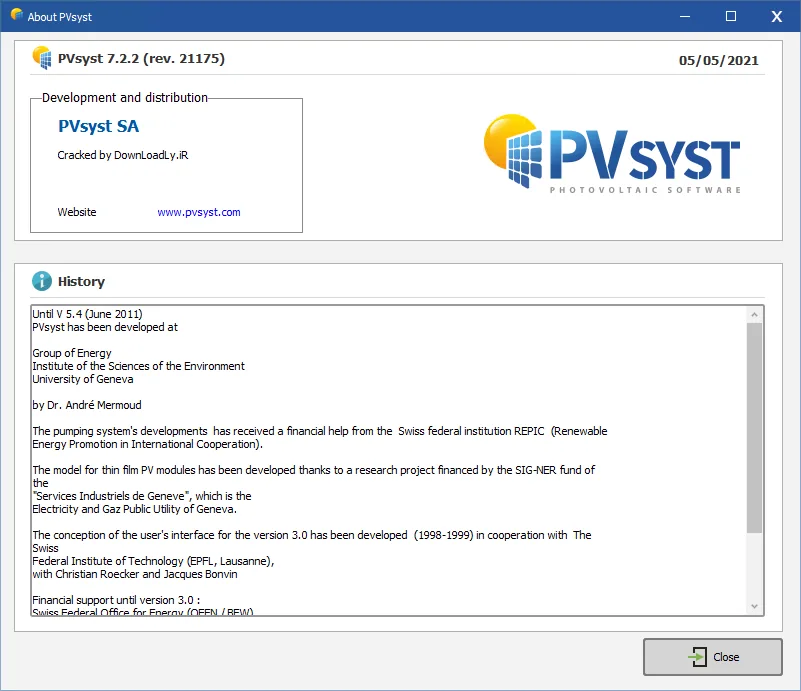
PVSyst Package is the complete software for studying, size, simulation and analysis of PV system. This software is designed for use by architects, engineers and researchers and is a very useful educational tool. The program has a detailed contextual help menu that explains the methods and models used and provides a user-friendly, guided approach to developing a project. PVsyst is able to import meteorological data from various sources and personal information.
Features and Features of PVSyst Software:
- Specify the desired power or area available
- Select PV module from internal database
- Reverse selection from internal database
- Suggest an array and system configuration to perform a preliminary simulation
- Shows the I / V curve of the PV array, along with the MPPT range, voltage, power, and current limiting inverter
- View the annual distribution of array power
- Provides specialized tools for assessing wiring losses (and other losses such as module quality), module mismatches, thermal behavior due to mechanical installation, system unavailability, etc.
- Total MWh / y power generation to evaluate PV system profitability
- Specific kWh / kWp power generation index based on available radiation (location and orientation)
- Demonstrate core energy and achievements / losses caught in the simulation
- Powerful tool for fast analysis of system behavior and potential improvement in design
- Direct search for a place using Google Maps
- Calculate the electrical circuit at the input of each inverter
- Improved Project Management: Parameter Access, Copy, Template
- Parameter optimization tool
System Requirements
Operating System:
All Windows client versions currently supported by Microsoft: Windows 8, Windows 10 (32-bit or 64-bit)
Up-to-date Windows 7 systems
Other OS like MAC OS X (see here) and LINUX are supported through the use of a virtual machine running Windows (VirtualBox successfully tested).
OS not supported:
Windows servers, Application servers (Citrix, ZenDesktop, ZenApp,…)
Other requirements:
At least 1 GB of RAM
At least 1 GB of free hard drive space
Minimal screen resolution of 1280 x 720 pixels
.NET 4.5 framework (installed by Windows Update)
Graphics card supporting OpenGL 2.0 or higher
PVsyst workspace does not support shared or remotely synced drives / folders (including OneDrive, Google Drive, Dropbox, etc…). Files and workspaces can be synced as a separate task, once PVsyst has been closed.
Picture

Installation Guide
Read the Readme.txt file in Crack folder
Version 8.06 was installed and successfully activated on Windows 10 64-bit edition on November 28, 2025.
Download Links
Download PVsyst 8.1.3.48631 Multilingual
Download PVsyst 8.0.6 (Tested)
Download PVsyst 7.4.8 ( Downloadly Exclusive Crack)
Download PVsyst Professional 7.2.8 x64 (Downloadly Exclusive Crack)
File password (s): www.downloadly.ir
Size
834 MB