Description
Supporting Windows, macOS, and Mobile Devices in the Real World. This hands-on course provides essential skills for troubleshooting and managing Windows, Mac, iOS, and Android operating systems to prepare individuals for professional roles in IT support and service desk. The curriculum starts at the basics and covers all key aspects, focusing on real-world needs. In the Windows section, participants learn how to manage BitLocker, display settings, system updates, clear browser caches, use Task Manager for locked apps, and backup methods. In the macOS section, participants learn how to set privacy permissions, manage external drives, use AirDrop, monitor the system with Activity Monitor, and back up with iCloud and Time Machine. The final section focuses on mobile, troubleshooting common iOS and Android issues such as charging, Wi-Fi connectivity, and email settings. Also covered is mobile device management (MDM) in enterprise environments and the use of collaboration tools like Webex to effectively support users in remote and hybrid spaces.
What you will learn
- Identify and fix common operating system problems in Windows, macOS, iOS, and Android, including boot errors and unresponsive software.
- Understand the basic structure and startup sequence of computer systems to improve troubleshooting and guide end users.
- Ability to adjust system parameters such as display configuration, power management options, and accessibility tools.
- Manage operating system and application updates, including installing, pausing, or rolling back updates in the event of an error.
- Implement best practices for protecting user privacy and managing app permissions across platforms.
- Use monitoring tools like Windows Task Manager and macOS Activity Monitor to improve device performance.
- Locate and back up user data using built-in tools such as File History, iCloud, and Time Machine.
- Optimize power consumption and battery settings on laptops and mobile devices to increase productivity.
- Performing troubleshooting steps for mobile devices, such as resolving charging hardware issues and data network connection errors.
- Install and manage apps through official stores and configure enterprise collaboration tools.
- Understand the role of MDM systems in securing and managing mobile devices in large organizations.
- Enable special features to assist users with special needs in Windows and Mac environments.
- Develop the skills necessary to qualify for jobs such as technical support technician, desktop specialist, and support analyst.
This course is suitable for people who:
- Beginners who want to start their career in the IT support or Help Desk sector.
- Those who are looking to gain practical experience working with a variety of devices, including personal computers and smartphones.
- Candidates preparing for international entry-level IT exams who need a practical understanding of the concepts.
- Professionals who are currently employed but want to upgrade their knowledge in non-Windows operating systems and mobile management.
- People responsible for technical support for remote users and modern work environments.
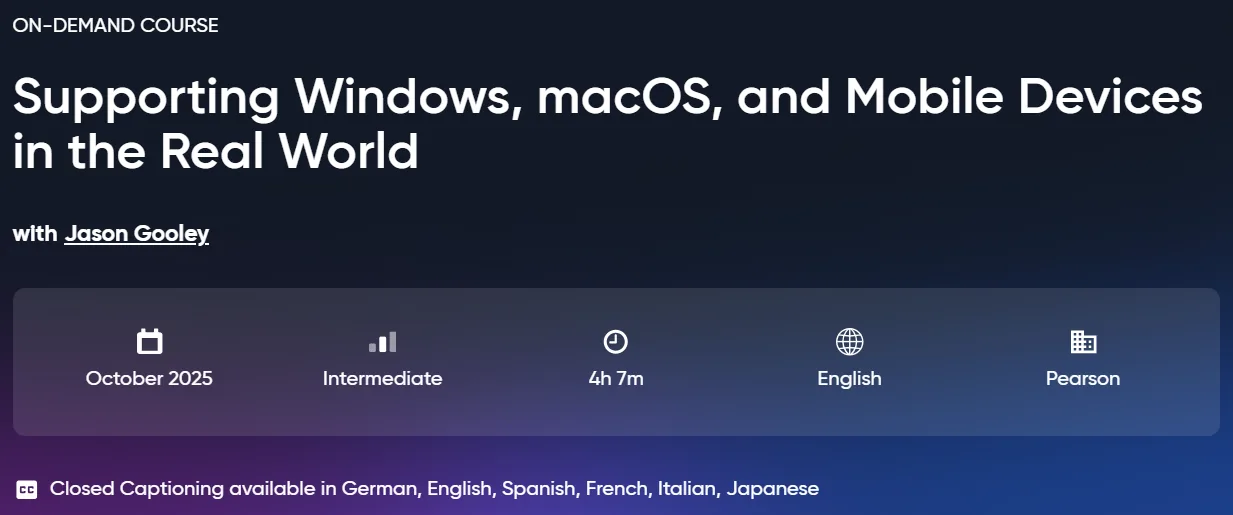
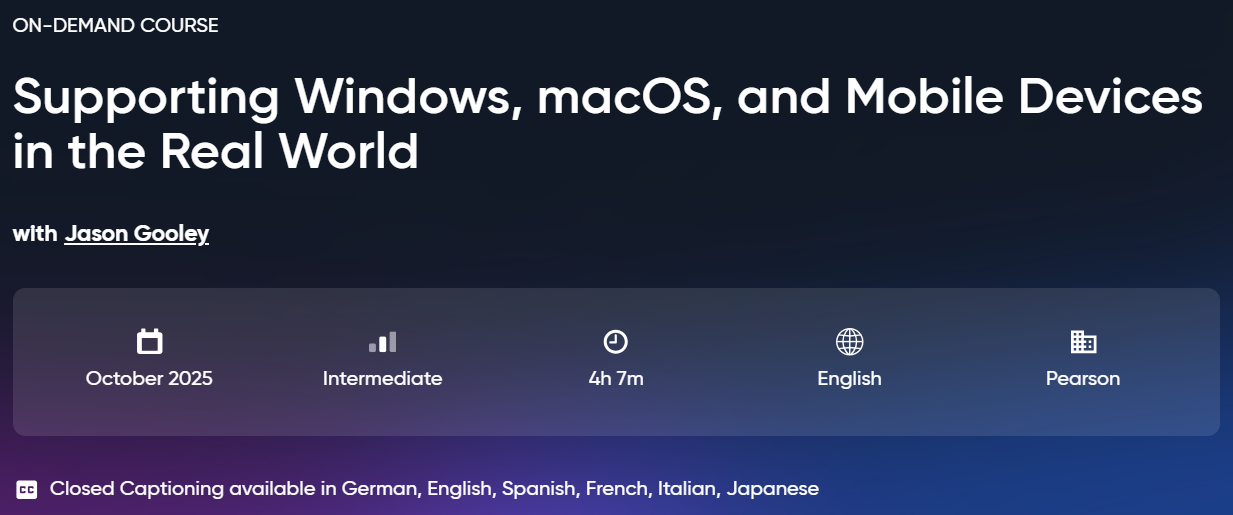
Course Description Supporting Windows, macOS, and Mobile Devices in the Real World
- Publisher: Oreilly
- Instructor: Jason Gooley
- Education level: Intermediate
- Training duration: 4 hours and 7 minutes
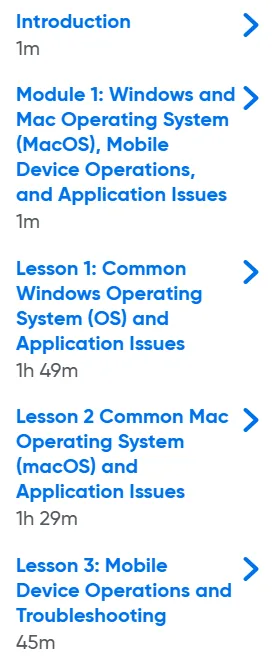
Course topics
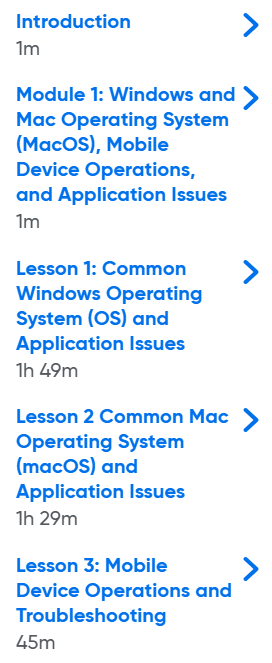
Images from the Supporting Windows, macOS, and Mobile Devices in the Real World course
Sample course video
Installation Guide
After Extract, view with your favorite player.
Subtitles: None
Quality: 720p
Download link
Downloadly
Rapidgator link
File(s) password: www.downloadly.ir
File size
906 MB