Description
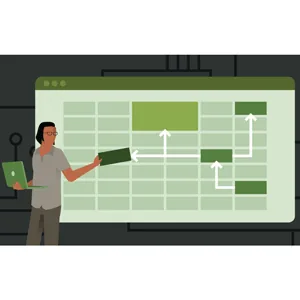
Excel VBA: Process Modeling is a course on how to automate, simulate, and optimize business processes using Excel and Visual Basic for Applications (VBA) published by LinkedIn Online Academy. This is a hands-on course that teaches learners how to automate, simulate, and optimize business processes using Excel and Visual Basic for Applications (VBA). The course covers how to design models that replicate real-world workflows, perform calculations, and generate dynamic reports, while using VBA to reduce manual effort and improve accuracy. Students gain hands-on experience creating macros, automating repetitive tasks, and building interactive dashboards and simulations to analyze process efficiency.
Key points include learning how to create and manage VBA macros, design process flow models in Excel, automate calculations and repetitive tasks, implement decision logic and conditional workflows, integrate user forms for input and control, build dynamic dashboards and reports, simulate business scenarios to evaluate process efficiency, debug and manage errors in VBA, optimize models for performance and scalability, and apply real-world examples to improve workflow automation and operational decision-making. By the end, learners will be able to model complex processes in Excel, streamline operations, and make data-driven decisions using automated tools.
What you will learn in Excel VBA: Process Modeling:
- Microsoft Excel
- Data Modeling
- Visual Basic for Applications (VBA)
- and…
Course specifications
Publisher: LinkedIn
Instructors: Curt Frye
Language: English
Level: Advanced
Number of Lessons: 44
Duration: 3h 2m
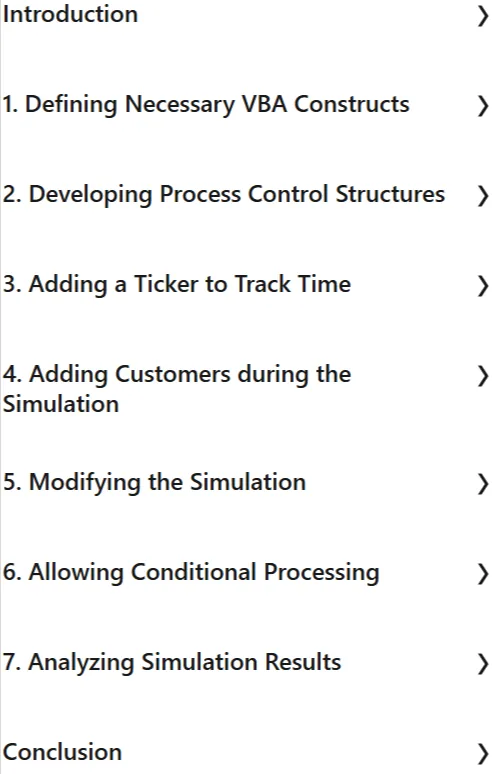
Course topics

Excel VBA: Process Modeling Prerequisites
None
Pictures

Excel VBA: Process Modeling introduction video
Installation guide
After Extract, watch with your favorite Player.
English subtitle
Quality: 720p
Downloadly link
Rapdiagtor link
File password (s): www.downloadly.ir
Size
296 MB