Description
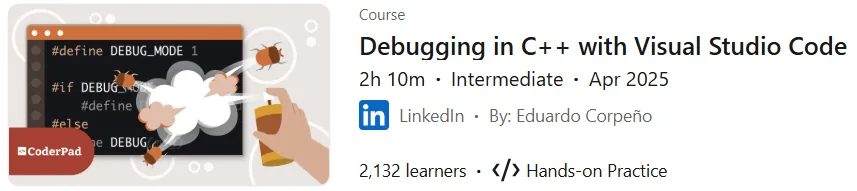
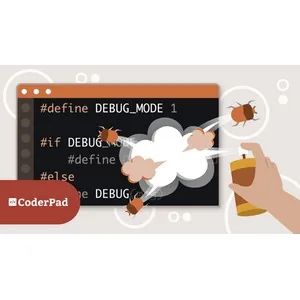
Debugging in C++ with Visual Studio Code course. This course provides practical techniques for identifying and fixing errors in C++ programs using the tools available in Visual Studio Code. Course instructor Eduardo Corpuño teaches various debugging tools and methods, from basic levels such as using print statements to more advanced techniques including using Breakpoints, Watches, and variable views. Participants will learn how to interpret compiler messages, recognize common programming mistakes, and use defensive programming strategies to reduce errors. By the end of the course, participants will be better able to handle various debugging scenarios and will be able to increase the reliability of their code. This course provides practical guidance to help developers debug more effectively, regardless of their current skill level.
What you will learn
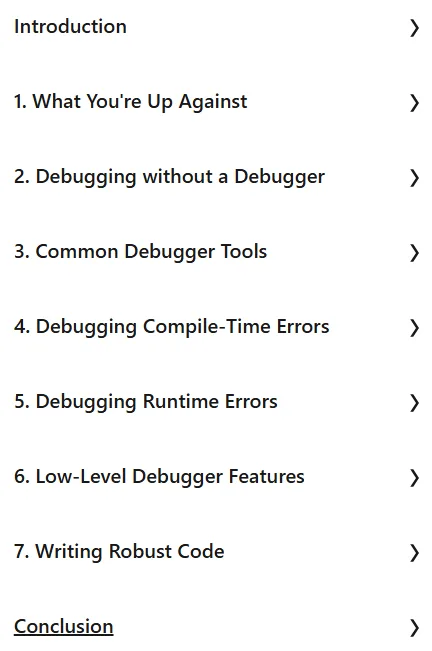
- Types of errors: You will learn about the types of bugs, compile-time errors, runtime errors, and logical errors.
- Debugging techniques without a debugger: You will learn how to use print commands for debugging, print variable values, and report code coverage.
- Common Debugger Tools: You will be introduced to the VS Code debugger, Linting, Breakpoints, and various views such as Variables, Watch, Call stack, and step-by-step tracing and execution.
- Debugging compile-time errors: You will learn how to fix syntax, semantic, and linker errors, and you will learn the importance of warnings.
- Debugging Runtime Errors: You will learn about errors such as Segmentation faults, Null pointer assignments, and Memory leaks and how to fix them.
- Advanced Debugger Features: You will learn about low-level debugger views such as Registers, Memory, Timing Diagrams, and Disassembly.
- Writing Strong Code: You will learn the concepts of defensive programming, error handling, and the use of Assertions and exception handling.
This course is suitable for people who:
- C++ programmers: People looking to improve their debugging skills.
- Beginner and intermediate developers: Those who encounter common errors in C++ coding.
- Anyone looking to learn advanced strategies for writing more reliable code.
Course details for Debugging in C++ with Visual Studio Code
- Publisher: LinkedIn
- Instructor: Eduardo Corpeño
- Education level: Intermediate
- Training duration: 2 hours and 10 minutes
Course topics

Course images
Sample course video
Installation Guide
After Extract, view with your favorite player.
Subtitles: English
Quality: 720p
Download link
File(s) password: www.downloadly.ir
File size
200 MB