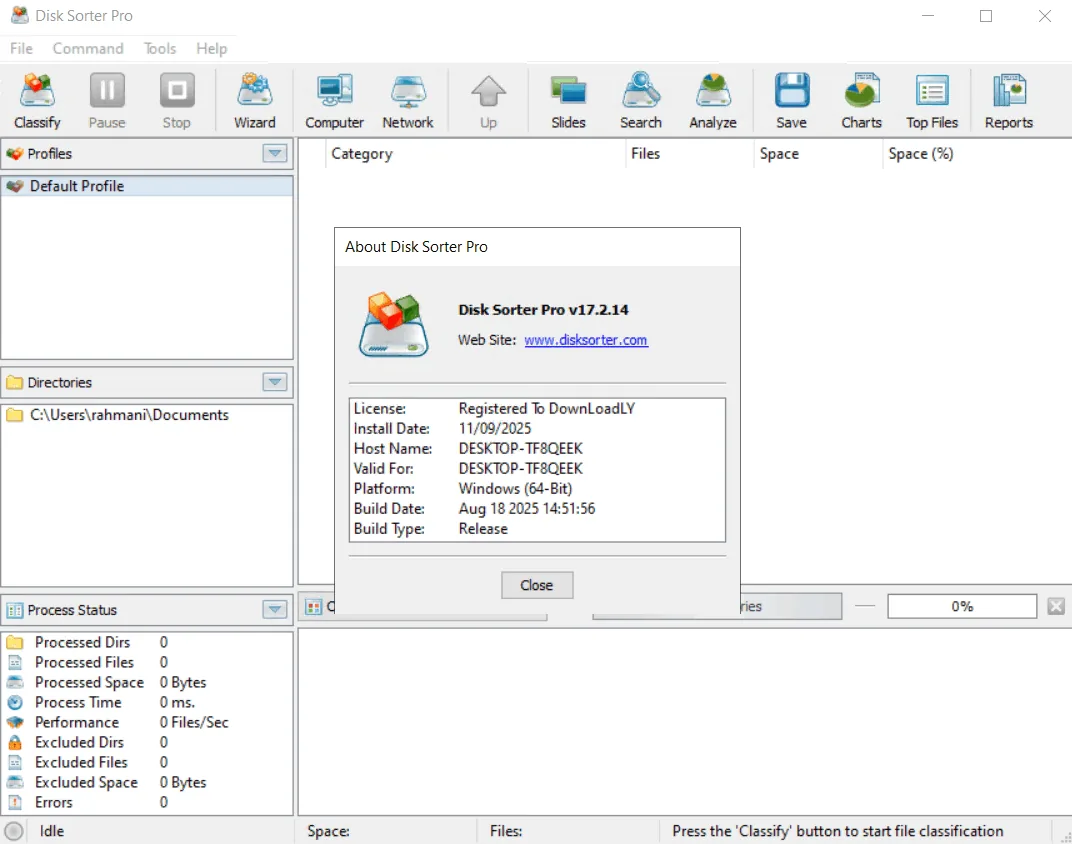
Description
DiskSorter is a powerful file sorting solution that allows users to sort files across disks, directories, network shares , and NAS storage devices . It also provides features such as saving sorting reports, exporting results to SQL databases , performing advanced history trend analysis , and performing multiple file management operations on different file categories. DiskSorter recognizes over 3,000 file types and can sort files by file type, extension , user name, creation , last modification , and last access dates.
Program features and functions
- DiskSorter software offers a basic GUI application that is equipped with file classification plugins. These plugins recognize over 3000 file types and allow classification based on various criteria. Users can generate various types of pie charts , sort and filter the classification results, and save reports in standard formats such as HTML , PDF , Excel , text , CSV , XML, and DiskSorter’s proprietary format .
- IT and storage administrators can send file classification reports from multiple servers and NAS storage devices to a centralized SQL database and analyze disk space usage trends for one or more file categories, per server and/or per user across the enterprise . This capability enables comprehensive and centralized data analysis.
- DiskSorter allows the user to scan the network, identify network servers and NAS devices, and automatically detect all accessible network shares and classify files on hundreds of network servers and NAS devices. Also, the user can export the list of detected servers and NAS devices (including the list of network shares for each server) in HTML , PDF , text and Excel CSV formats .
- To classify files on one or more servers or NAS devices , simply press the ‘Network’ button located on the main toolbar. After DiskSorter scans the network and displays a list of detected servers and NAS devices , select the desired servers and press the ‘Classify’ button. DiskSorter displays all network shares on the selected servers and NAS devices, allowing the user to classify files and save various types of file classification charts and reports. DiskSorter also offers a large number of advanced file classification options that allow the user to customize the classification operation according to their specific needs and hardware configuration.
System requirements
Windows 7, 10, 11, or Server 2016 through 2025
Pictures

Installation Guide and Tips
It is included in the Readme file in the Crack folder.
Download link
Download Disk Sorter 18.2.26 All Editions
File(s) password: www.downloadly.ir
File size
88 MB