Description
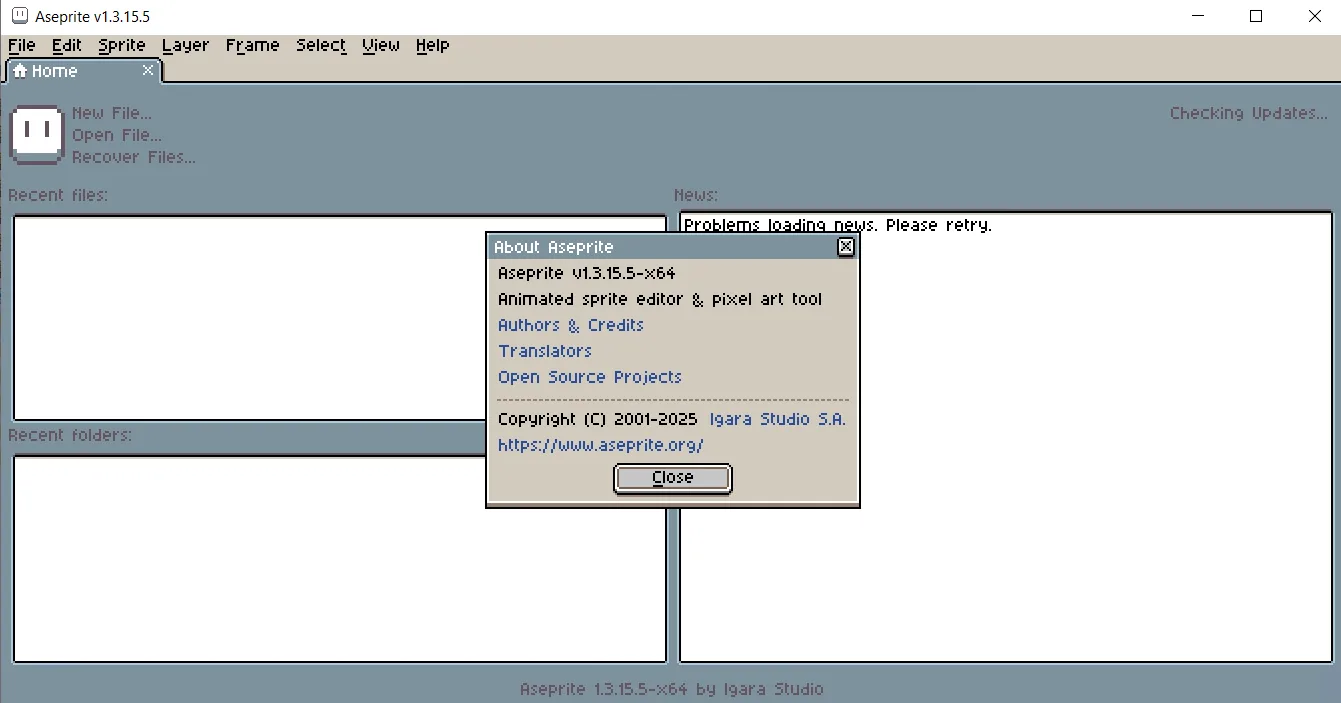
Aseprite is a powerful and specialized tool for editing and creating pixel art and sprite animations, catering to the needs of game developers and artists looking for a nostalgic or precise style. Offering a full set of features, the software allows users to create still and moving pixel images, including high-quality animated GIFs. Its user interface is designed with a focus on ease of use alongside high power, to facilitate the process of designing and organizing animations.
Using this editor, artists can organize their work with different layers, frames, and labels, and use techniques such as “Onion Skinning” to view adjacent frames and draw more precise movements. Aseprite software runs on various platforms including Windows, macOS, and Linux, and has become one of the most popular tools in the pixel art community due to its independent nature and continuous development.
Program features and functions
-
Ability to organize work using layers, frames, and labels.
-
Advanced animation tools including different playback modes, looping, and the ability to use “onion skinning” to reference other frames.
-
Full control over color palettes and alpha channel (transparency) in palette inputs.
-
It has special drawing modes like “Pixel Perfect Stroke” for drawing pixel-perfect lines and “RotSprite Rotation” for rotating with minimal distortion.
-
“Tiled Mode” feature to create patterns by repeating the image in a 3×3 grid.
-
Support for custom brushes to create effects like dithering.
-
Ability to import and export PNG images as a sequence and create animated GIF files.
-
Ability to generate “Sprite Sheet” in PNG and JSON formats for easy use in game engines.
-
Has a command line interface (CLI) to automate the conversion process and manage assets.
System requirements
OS: Windows 8, 10, 11
RAM: 128MB
FREE DISK SPACE: 80 MB
Pictures

Installation Guide and Tips
The software is pre-activated.
Download link
Download Aseprite 1.3.16.1 x64
File(s) password: www.downloadly.ir
File size
14 MB