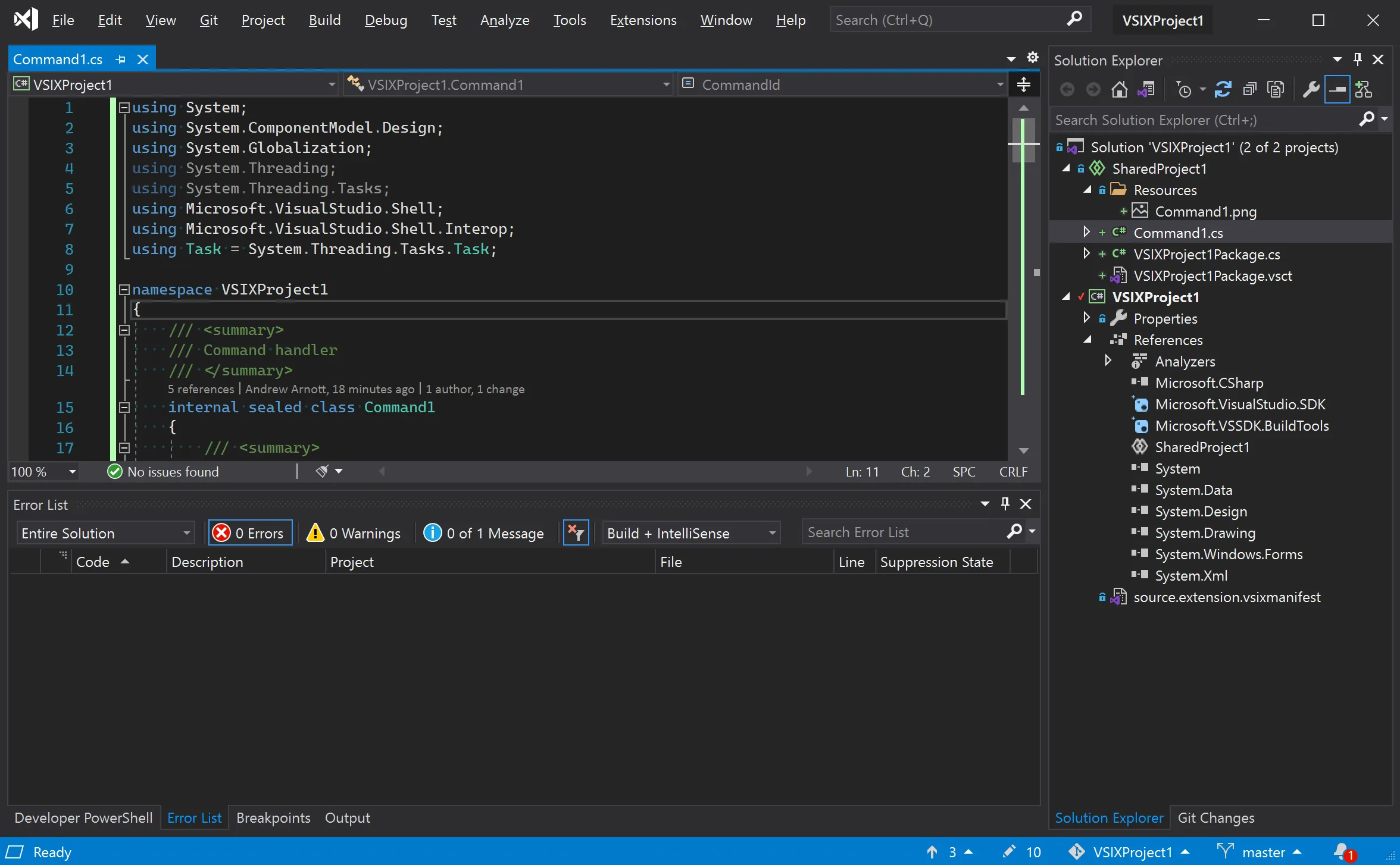
Description
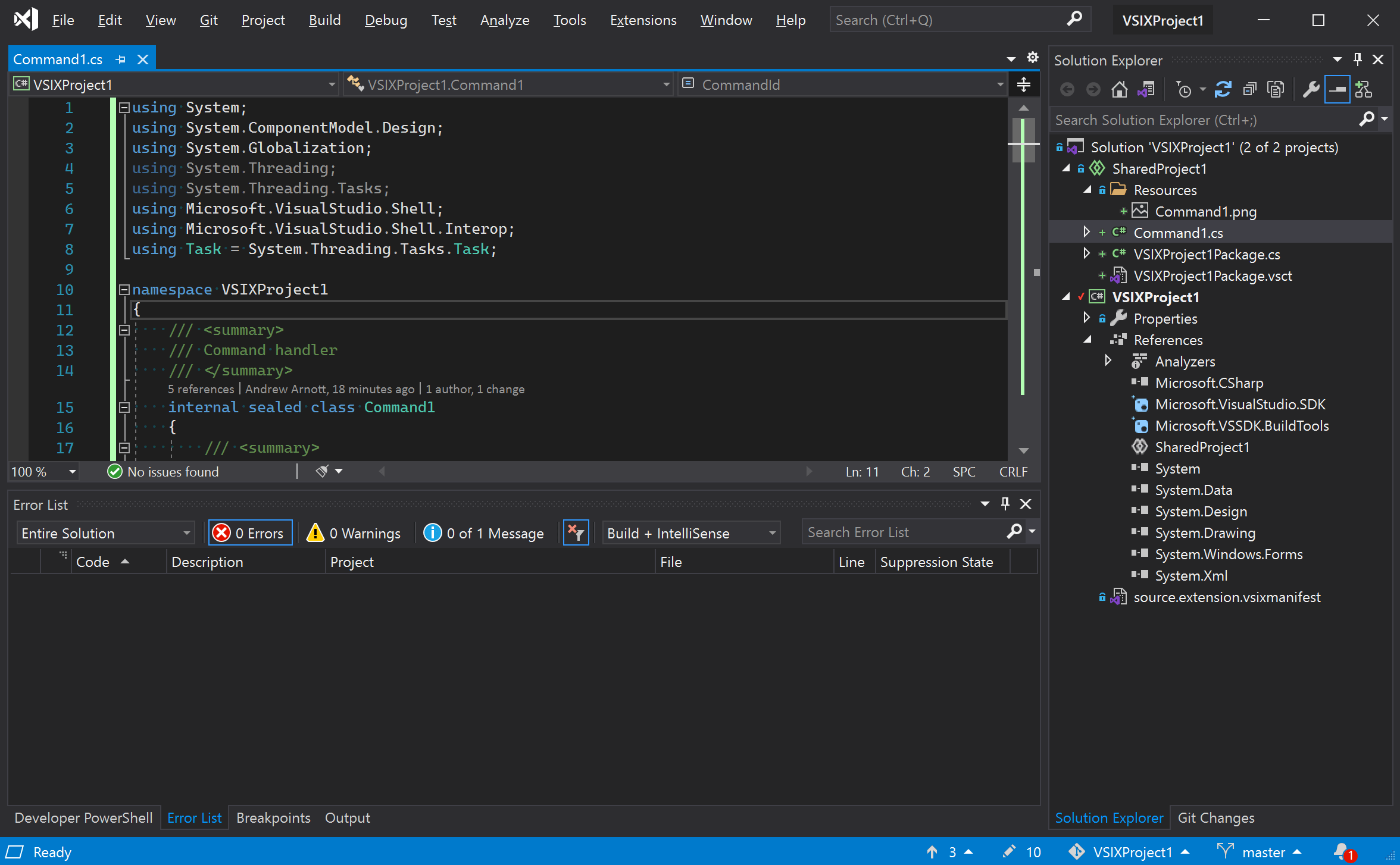
Visual Studio 2026 , Microsoft Visual Studio 2026 Enterprise v18.0.0 is the latest major release of Microsoft’s flagship integrated development environment (IDE), officially launched in November 2025. This version introduces a new era of development with deep AI integration, tighter GitHub Copilot support, and productivity enhancements such as adaptive paste, inline code actions, and AI-assisted profiling. Developers benefit from faster solution loads, improved build cycles, expanded code coverage tools, and enhanced debugging diagnostics, making it one of the most performance-optimized releases to date. The IDE also features a refreshed Fluent UI design with 11 new themes, modern iconography, and customizable layouts, ensuring a cleaner and more intuitive workspace.
Beyond performance and design, Visual Studio 2026 Enterprise v18.0.0 emphasizes scalability and developer experience. It introduces Mermaid chart rendering, enhanced editor controls, inline pull request comments, and improved exception analysis, all designed to streamline collaboration and code quality. Microsoft highlights that this release is the most community-driven yet, having implemented over 300 feature requests and fixed more than 5,000 developer-reported bugs during its preview cycle. With expanded language support, smoother upgrade paths, and a modernized settings experience, Visual Studio 2026 Enterprise positions itself as an AI-native ecosystem that empowers developers to build, debug, and deploy applications more efficiently across cloud, desktop, and enterprise environments
Features of Visual Studio 2026 :
- Faster solution load times
- Optimized build cycles
- Improved debugging diagnostics and exception analysis
- Deep integration with GitHub Copilot
- AI-assisted profiling and inline code actions
- Adaptive Paste for smarter code insertion
- Refreshed Fluent UI design
- 11 new themes and modern iconography
- Customizable layouts for personalized workflows
- Inline pull request comments
- Expanded code coverage tools
- Mermaid chart rendering for documentation and visualization
required system
- Operating System
- Windows 11 (recommended)
- Windows 10 version 22H2 or later (supported)
- Processor (CPU)
- Minimum: Quad‑core processor
- Recommended: 16 cores or more for optimal performance
- Memory (RAM)
- Minimum: 16 GB
- Recommended: 64 GB for best responsiveness
- Storage
- Minimum: 50 GB available space
- Recommended: SSD with 100 GB free space for faster builds and solution loads
- Graphics
- DirectX 12 compatible GPU
- Recommended: Dedicated GPU for AI‑assisted features and rendering
- Display
- Minimum resolution: 1366 × 768
- Recommended resolution: 1920 × 1080 or higher
- Additional Requirements
- Internet connection for installation, updates, and GitHub Copilot integration
- .NET Framework 4.8 or later (installed automatically if missing)
- Administrator rights for installation
Picture
Serial:
To install, run the vs_setup.exe file; It is noteworthy that the Visual Studio installer may be downloaded with an approximate size of 20 MB.
Also, to run the installer in completely offline mode, run the following command in CMD:
<Path to vs_setup.exe> –noweb
For example, if you have placed the installation files in C:VSSetup2026:
C:VSSetup2026vs_setup.exe –noweb
Enterprise:
BW43B-4PNFP-V7GB7-36MBD-3PJTH
Download Links
Microsoft Visual Studio 2026 Enterprise 18.3.11512.155 x64
Microsoft Visual Studio 2026 Enterprise v18.1.1.11312.151 x64
Password file(s): www.downloadly.ir
File size
83.5 GB