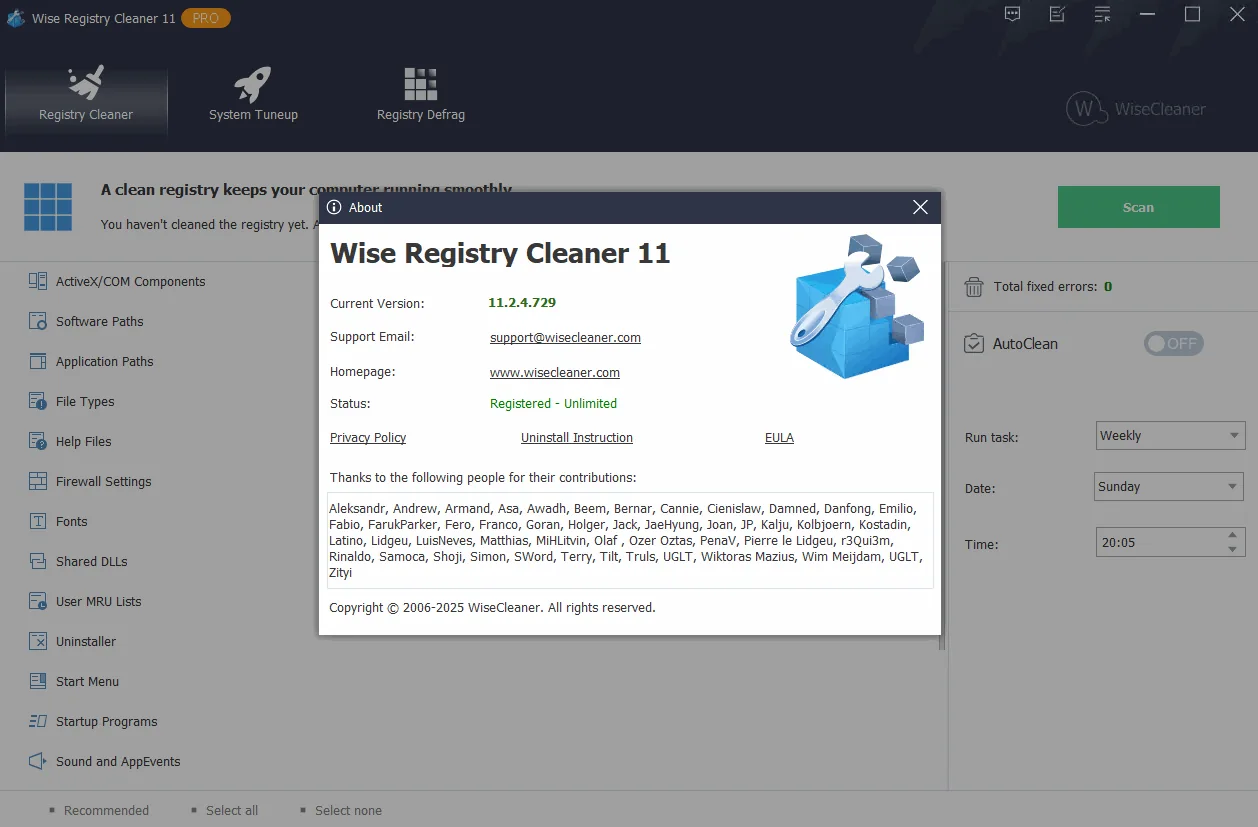
Description
Wise Registry Cleaner is a powerful tool that can detect and fix problems in the Windows registry. These problems can include things like missing references to shared DLLs, unregistered and unused entries for file extensions, and missing application paths. The software has the ability to mark registry items that are safe to delete as well as those that are not recommended to be deleted . One of its important features is the automatic backup of deleted registries. Also, the tool allows you to manually backup the entire registry before performing any operations. In short, this product is safer than other registry tools . In addition, Wise Registry Cleaner allows users to delete System Restore Points.
Program features and functions
- This new feature is ideal for computers that are used by more than one person (such as family computers or public computers in public places). People with administrative rights can easily scan and clean the registry of all users at once. There is no longer a need to log in to each user account individually to scan and fix registry problems.
- The registry grows as Windows is used, and old and obsolete items also increase in it, which ultimately leads to reduced performance and even system crash . Wise Registry Cleaner scans the Windows registry and finds errors and residual items, and then cleans or defrags them. By fixing these residual and corrupted items in the Windows registry, the system will run faster and more stably.
- The registry is automatically backed up before any cleaning operation is performed. Users can use this feature to restore the registry to a previous point in case they encounter a system problem. It is also possible to create a full registry backup or a full system backup manually at any time before making any major changes to the system or network settings on the PC.
- In the main interface, Wise Registry Cleaner can be set to clean the registry on a daily, weekly or monthly basis according to the user’s needs . The software will automatically clean the registry in the background at the specified time. In the settings section, you can also create a “One-Click Cleanup” icon and place it on the desktop. With this feature, you can clean the registry by just clicking on the icon without opening the software.
- Apart from cleaning and defragmenting the Windows registry, Wise Registry Cleaner can also optimize related system settings to boost system speed and Internet speed . After performing one-click optimization, users will see improvements in their PC performance.
- Advanced users can specify the type of registry scan as Normal, Safe, or Deep . Also, customized areas of the registry can be scanned for things like invalid file extensions, obsolete startup program entries, invalid software paths, and more. Exception rules are also allowed, so that Wise Registry Cleaner can be instructed to avoid cleaning any registry items containing specific words.
System requirements
OS: Windows
Pictures

Installation Guide and Tips
It is included in the Readme file.
Download link
Download Wise Registry Cleaner Pro 11.2.4.729 Multilingual
File(s) password: www.downloadly.ir
File size
6.0 GB