Description
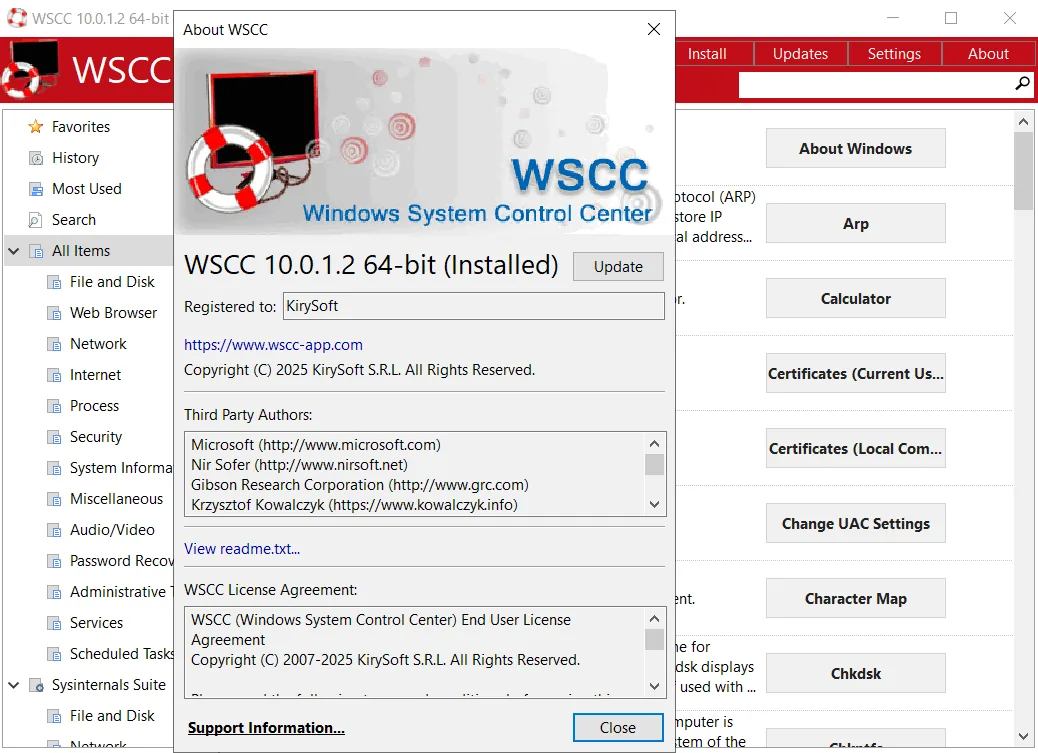
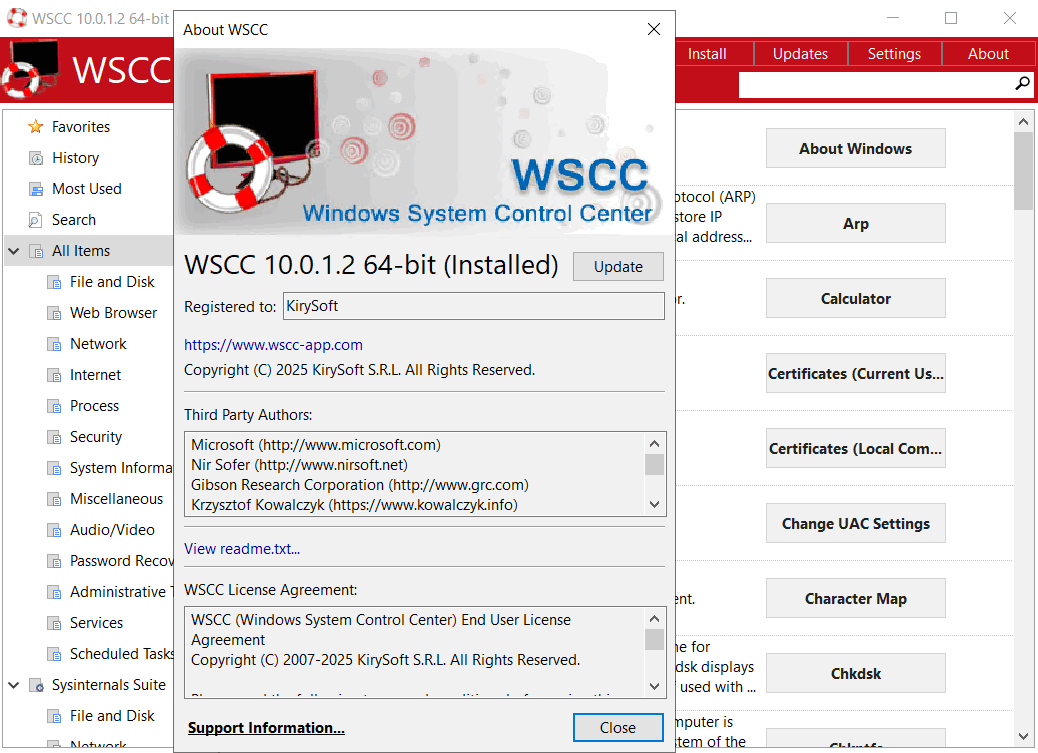
WSCC, which stands for “Windows System Control Center”, is a useful and useful tool that allows users to manage a set of Windows system tools. This software is specifically designed to organize, install, update, and run various tools from the system application suite (such as the Windows Sysinternals suite ). Its developers have tried to design the user interface in a simple and understandable way that all users, even those without much technical experience in IT, can easily use it. Its user interface consists of a standard folder structure and a details panel. The main goal of this program is to facilitate the management and quick access to these specialized tools so that users can more efficiently perform tasks related to troubleshooting and configuring their system.
Program features and functions
- Automatic installation and update of tools: WSCC has the ability to automatically install and update supported system tools. Also, if needed, the program can use the HTTP protocol to download and run programs directly.
- Simple and intuitive user interface: The program’s interface is designed to be very simple and understandable, making it easy for any type of user to use. This simplicity ensures that users, regardless of their previous level of experience with the IT world, can find their way around the program.
- Manage and organize tools: When the program is first launched, the user sees a list of installable software products such as DiskMon , PortMon , TagsReport , Page Defrag , and Autoruns , along with brief descriptions.
- Quick access to the console: This tool allows users to quickly access a console and run command line applications.
- Flexibility in display type: The type of information display in the program can be changed, and users can choose between detailed views, icons, and reports.
- Advanced display and search settings: There are features such as showing hidden items, adding tools to the Favorites list, searching online for tools, and viewing their details and properties.
- Application customization settings: Through the settings panel, users can minimize the application to the Windows tray so it is out of the way. They can also enable tooltips, check for updates, configure search to include software descriptions, search while typing, and customize the console (background color, transparency, and font).
- Lightweight and Reliable Performance: Overall, WSCC is a useful piece of software that doesn’t put a strain on your computer’s performance and has a very good response time. Also, no obvious errors, bugs, or crashes were reported in our tests.
System requirements
- Operating System: Windows 11, 10, or 7 (32-bit or 64-bit editions), and Windows Server 2025 down to 2008 R2 (all editions).
Pictures
Installation Guide and Tips
Copy the patch file to the software installation location and run it.
Download link
Download WSCC – Windows System Control Center 10.0.1.4 Commercial
File(s) password: www.downloadly.ir
File size
12 MB