Description
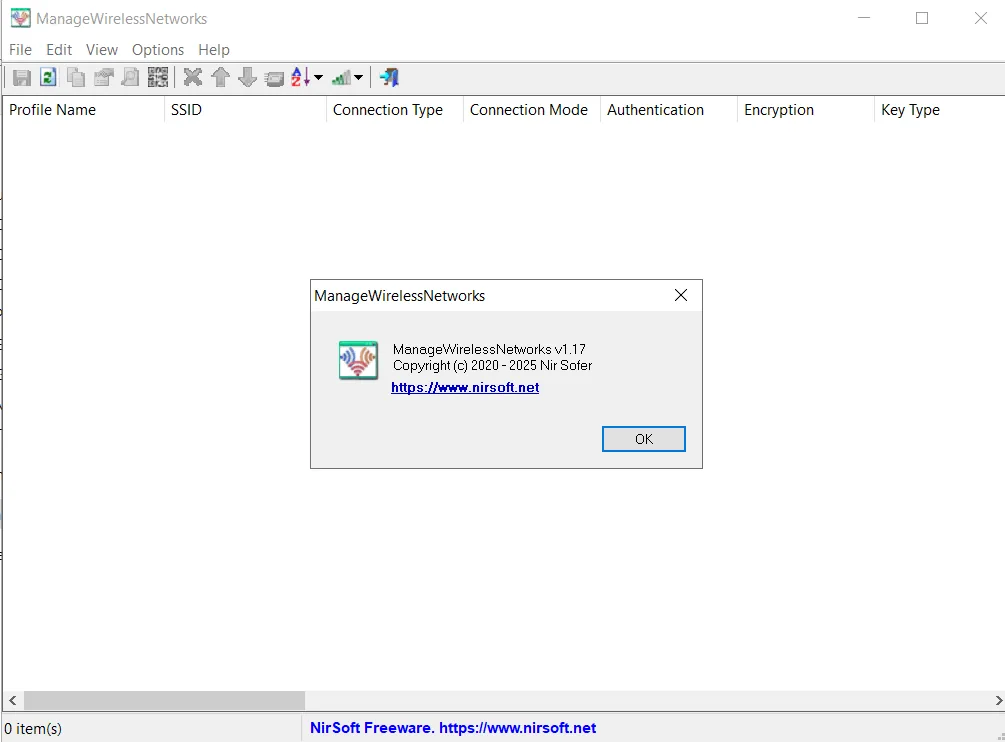
ManageWirelessNetworks is an alternative tool to the standard Windows ‘Manage Wireless Networks’ . This tool displays comprehensive information about each wireless profile on your system, even if the network card is not enabled. For each wireless profile , information such as Profile Name , SSID , Connection Type , Connection Mode , Authentication , Encryption , Key Type , Auto Switch , Non Broadcast , Profile Position , Created Time , Modified Time , Wireless Key and more is displayed. This tool allows users to precisely manage and view details about saved wireless network profiles, providing access to information that is not readily available in the standard Windows tool.
Program features and functions
- ManageWirelessNetworks also allows users to edit a profile using the standard Windows editor. For advanced users, there is the ability to edit XML wireless profiles . It is also possible to quickly switch between manual and automatic modes , and between WPAPSK / WPA2PSK / AES / TKIP modes . The program also allows you to rename a profile , rename the SSID , move the profile position up and down, and copy multiple wireless profiles to another wireless network card in the system. These features make managing wireless networks with this program much more efficient and flexible than the default Windows tool.
System requirements
- Supported Operating Systems: Microsoft Windows Vista, Windows 7, Windows 8, Windows 10, and Windows 11.
Pictures

Installation Guide and Tips
The software is active and does not require cracking.
Download link
Download ManageWirelessNetworks 1.17
File(s) password: www.downloadly.ir
File size
76 KB