Description
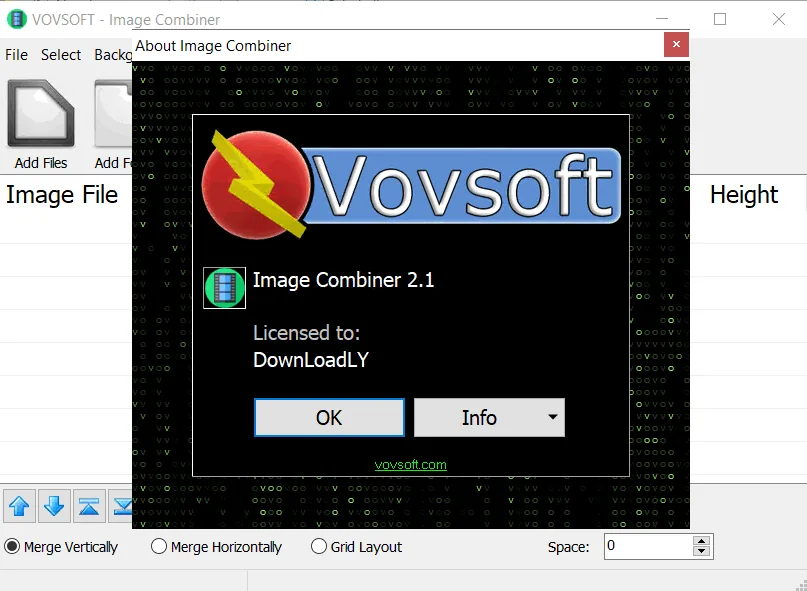
VovSoft Image Combiner is a simple and useful tool for the Windows operating system that aims to combine and merge multiple image files into a single image. This software allows the user to quickly create a large collage or composite image without the need for specialized knowledge in the field of photo editing. With the ability to support common image formats, the software has made the process of adding images and sorting them very easy.
Despite its simplicity, this tool provides the flexibility needed to combine images. The user can add images individually or select an entire folder to automatically extract compatible images. The ability to combine images vertically, horizontally or in a grid makes this a good option for creating long screenshots, virtual panoramas or simple collage pages.
Program features and functions
- Ability to combine an unlimited number of images into one output file, even if the source images are in different formats.
- Ability to merge images in three main ways: Vertical, Horizontal, and Grid Layout.
- Supports drag and drop functionality to quickly add images.
- Ability to easily change the order of images in the list before the merging process.
- Support for very large images (over 65,500 pixels) in input and output (such as PNG output).
- Ability to adjust the space between images and choose the background color for the final image.
System requirements
OS: Windows 11, 10, 8.1, 8, 7, Vista, XP (Supports both 32-bit and 64-bit editions).
Minimal system resources required (Low CPU and RAM usage).
A few MB of free disk space for installation.
Pictures

Installation Guide and Tips
It is included in the Readme file.
Download link
Download VovSoft Image Combiner 2.1.0
File(s) password: www.downloadly.ir
File size
17 MB