Description
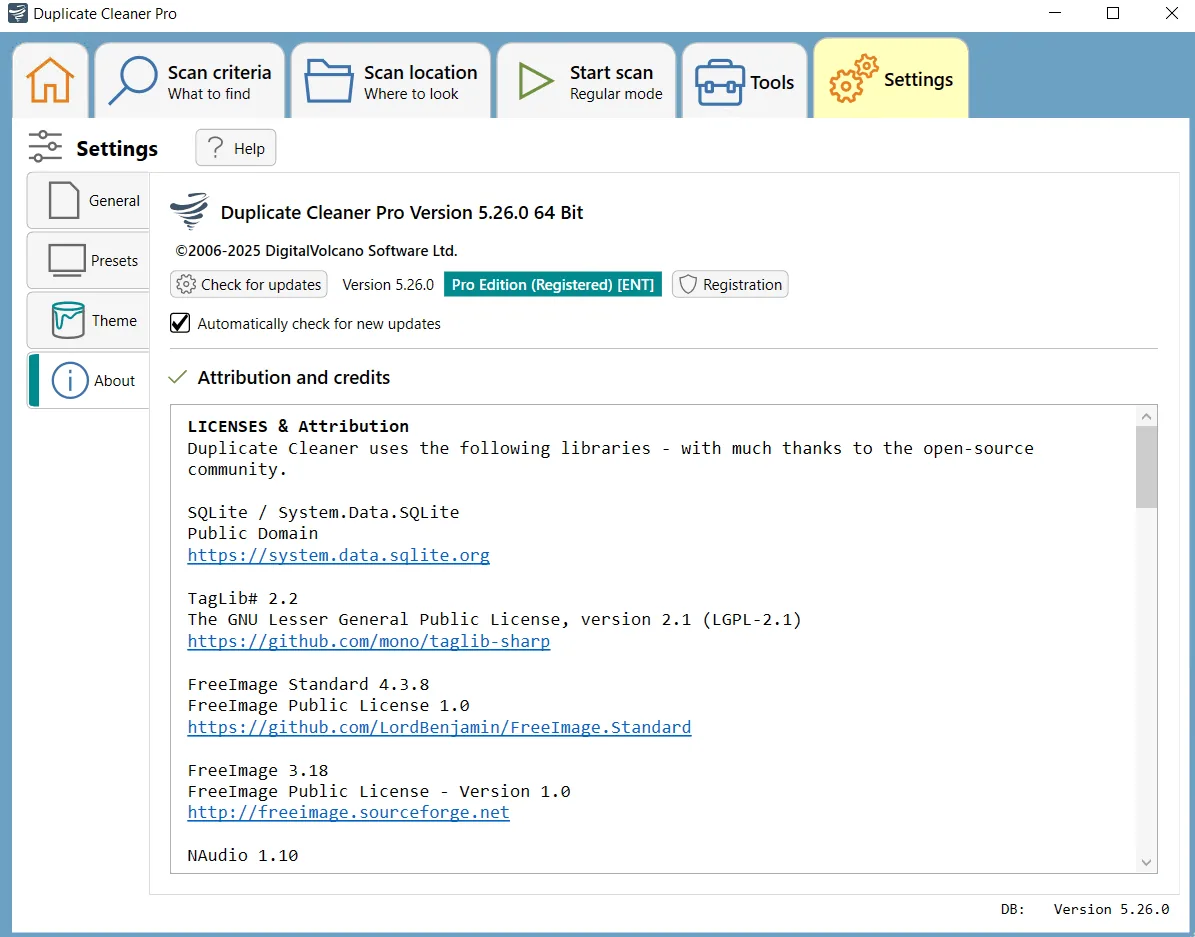
DigitalVolcano Duplicate Cleaner is a very useful program designed to help users organize the contents of their personal or corporate hard drive. Users will be surprised to know how many duplicate or redundant files they may find in little-known and forgotten document folders. The software is capable of performing deep scans for all types of files – including images, music, movies, Word documents, PowerPoint presentations, and text files. In other words, any file that exists more than once on the computer will be identified by Duplicate Cleaner. Once these files are found, the user is provided with useful tools that enable them to choose which copies to delete or move. These files can be deleted to the Recycle Bin or moved to another location. These features help users reclaim valuable storage space and tidy up their system. Also, finding and deleting duplicate files increases the overall speed and efficiency of the system, as there will be fewer files to manage and backup processes will be faster.
Program features and functions
- Find Duplicate Files: An easy- to-use interface helps the user tell Duplicate Cleaner where and what to look for. Its unique selection assistant will help select files to be deleted. Users can delete files immediately or move them to another location for later use.
- Sort your photo collection: Finding similar photos or images – even if they have been edited, rotated or resized – is no problem with Duplicate Cleaner. Users can even match based on the time the photo was taken and other tags.
- Organize your music collection: Duplicate Cleaner can scan all popular music formats. Its powerful algorithms allow you to match music tracks based on similar or exact audio content. Users can also match based on tags such as artist name and song title.
- Find Duplicate Videos: The app is now able to find similar videos and supports all common formats. Matching can be done based on frames, soundtrack or metadata.
- More power when needed: Duplicate Cleaner has enough features to satisfy the needs of even the most advanced users: these include finding duplicate folders, unique files (non-duplicate), searching inside compressed (Zip) files, advanced filtering, automatic selection, virtual folders and much more.
- Getting Started for Users: The creators have provided helpful online video tutorials for using Duplicate Cleaner. If users want to delve deeper, there is also a full searchable manual and an active discussion forum available. These resources help new users quickly get up to speed with the program and take advantage of all its features.
System requirements
- Operating System: Microsoft Windows 11, Windows 10, Windows 8, or Windows 7 (with Service Pack 1 installed).
- Disk Space: 120 MB.
- Software Prerequisites: Microsoft .NET Framework 4.7.2 or greater.
- Memory (Microsoft Store version): 1 GB recommended, minimum not specified.
Pictures
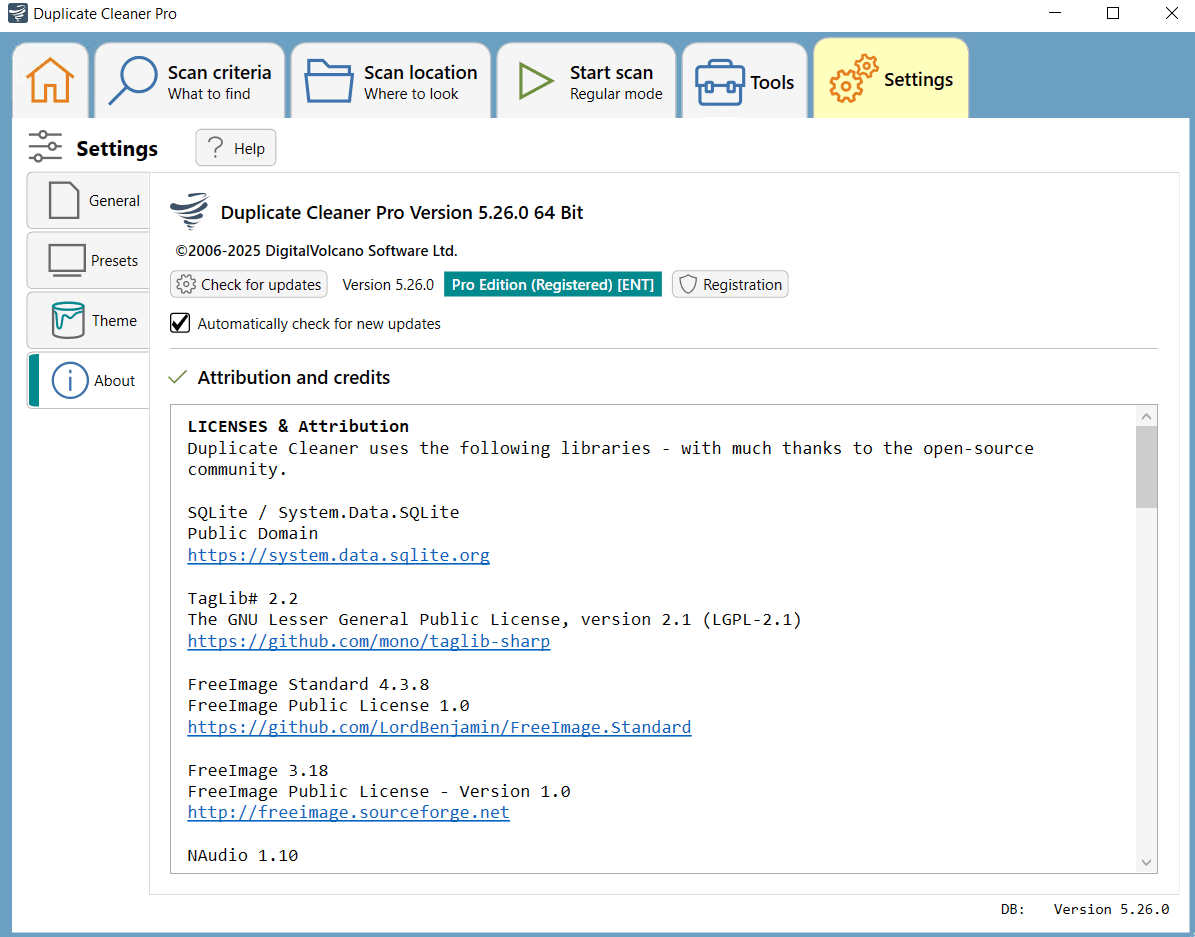
Installation Guide and Tips
Copy and replace the contents of the Crack folder in the software installation location.
Download link
Download DigitalVolcano Duplicate Cleaner Pro 5.26.0
File(s) password: www.downloadly.ir
File size
64 MB