Description
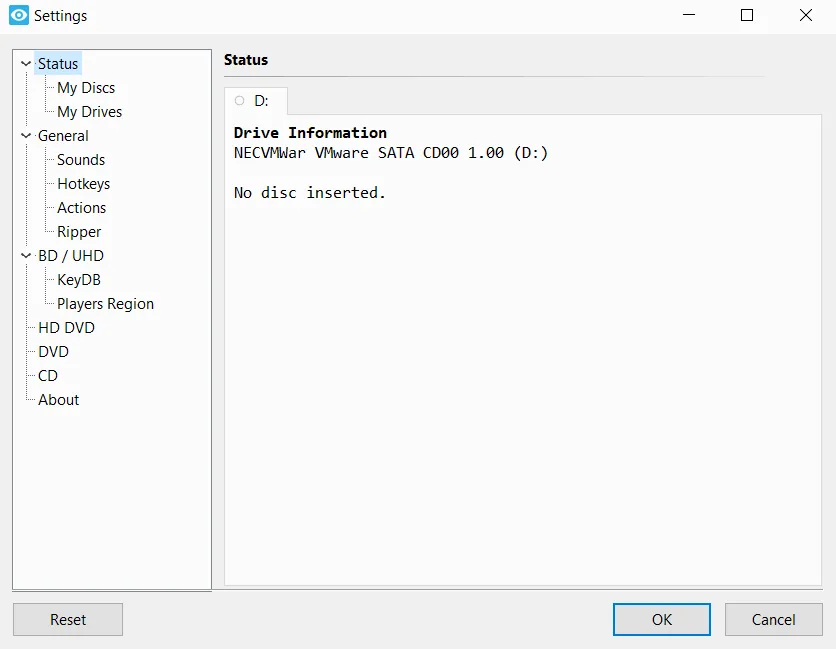
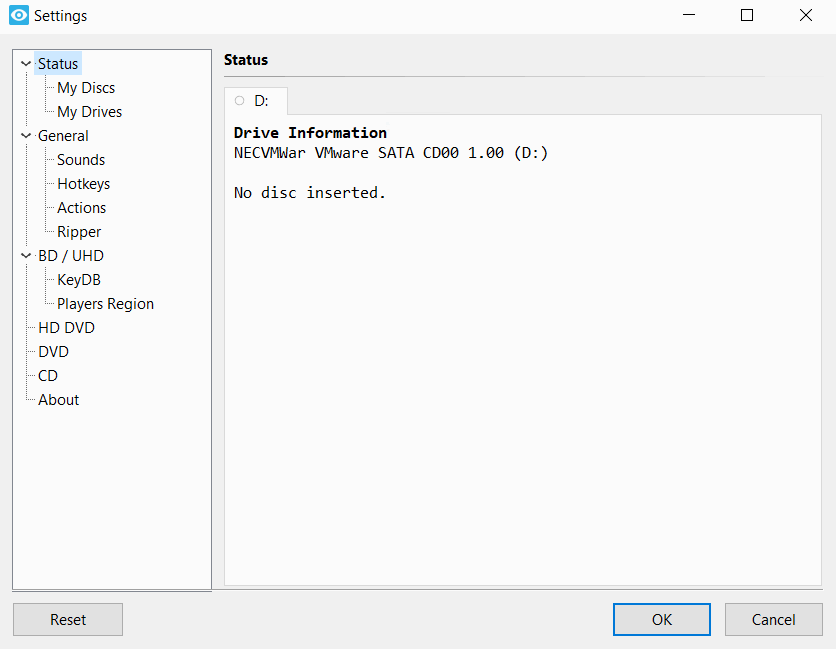
Xreveal Pro is a Windows-based application that works similarly to AnyDVD, removing restrictions on DVD and Blu-ray discs automatically and in the background. As soon as you insert a DVD or Blu-ray movie disc into the drive, Xreveal starts working in the background and automatically and transparently provides access to read the disc’s contents.
By performing this process, the DVD/Blu-ray discs will be usable for Windows operating system and all programs installed on the computer, such as DVD/Blu-ray disc backup software such as CloneDVD and CloneBD and others, and it supports practically any type of DVD or Blu-ray disc. This program also offers an optional feature to remove the region codes of the discs. By removing these restrictions, the movies become “region free” and can be easily watched with any type of DVD/Blu-ray player and any disc playback software. This feature increases the user’s flexibility to use the purchased content on different devices and regions.
Program features and functions
- Automatic operation in the background: This software runs automatically in the background of the operating system and does not require manual user intervention after inserting the disc.
- Remove content restrictions: This program removes access barriers and restrictions imposed on DVD and Blu-ray discs.
- Region Code Removal: Region codes that restrict disc playback to a specific geography are removed by Xreveal.
- On-the-fly performance: Xreveal performs its desired operation simultaneously with disk reading and does not need to store temporary data on the computer’s hard disk.
- Remove User Prohibitions: Removes restrictions defined by the disc manufacturer (User Prohibitions); this feature allows the user to select their desired language and subtitles without having to go through the disc’s main menu.
- Disable BD-Live: This feature allows the BD-Live feature (used to access online content) to be disabled to protect user privacy.
- 2D display support: Allows discs that normally require a 3D display to be played on 2D displays.
- Native compatibility with Windows architecture: The software runs natively on Windows devices with ARM64, x64, and x86 architectures, ensuring broad compatibility and optimal performance.
System requirements
- Operating System: Windows XP, Vista, 7, 8, 10, 11 or newer (both 32-bit (x86), 64-bit (x64), and ARM64 platforms are supported via specific installers).
- Storage: A minimum of 100 MB of free disk space.
- Internet Connection: Required for software updates.
- Xreveal Plugins: Installation of Xreveal Plugins 1.0 is needed to support removing BD+ and CSS protection.
Pictures
Installation Guide and Tips
Copy the Keygen file to the software installation location and activate it.
Download link
Download Xreveal Pro 2.8.7 Multilingual
File(s) password: www.downloadly.ir
File size
2 MB