Description
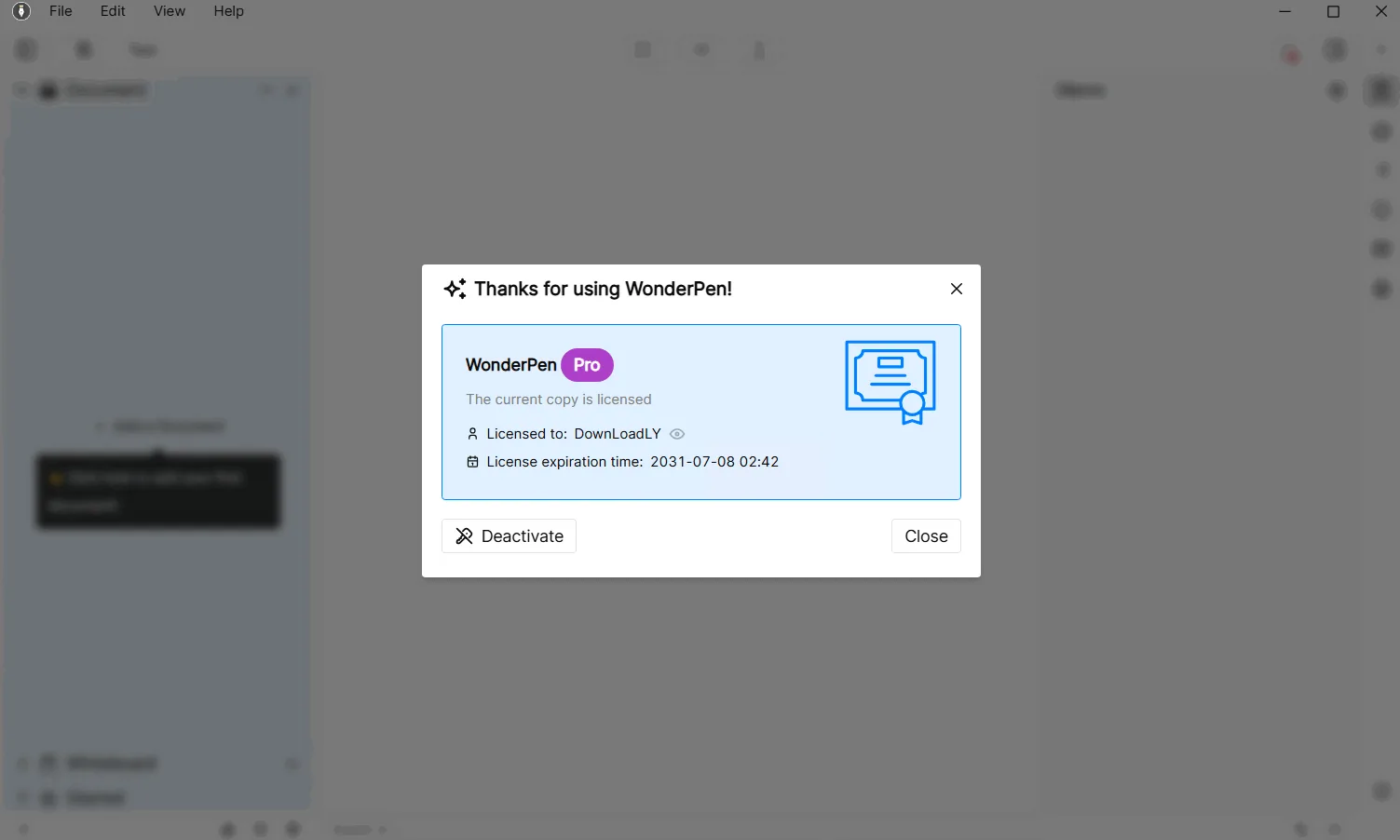
TominLab WonderPen is a focused writing program specifically designed to provide a smooth experience for writers, students, and writing enthusiasts. The software helps the user focus on their creativity and writing, and facilitates the process of organizing long texts. One of its outstanding features is the use of a tree structure for organizing documents, which allows writers to easily manage even the longest projects at unlimited levels and add dedicated notes (Memos) to each chapter or document.
The main text of the content is stored in a simple Markdown format, which makes it easy to transfer data between different applications. The application also has many customization features, including different display modes (such as day and night mode) and font and line spacing settings. To keep your information safe, WonderPen supports automatic local and cloud backup (Snapshot) and provides data synchronization between desktop and mobile devices to continue working in any scenario.
Program features and functions
-
Organize documents using an unlimited tree structure to manage long and short projects.
-
A dedicated Memo section for each document to record inspirations and chapter notes.
-
Supports global card lists for capturing reference information or instant ideas.
-
Ability to arrange and layout text with one click.
-
Save content in plain text format (Markdown) with easy data migration capabilities.
-
Supports distraction-free writing modes, including Compose Mode and Typewriter Mode.
-
Supports output in multiple formats including PDF, Word, Epub, and images.
-
Automatic local and cloud backup and synchronization between different devices.
System requirements
Operating System: Windows 10/11, macOS, and Linux (Ubuntu/Debian etc.).
Note: Windows 7/8 is not supported in recent versions (since v2.3.0).
Pictures
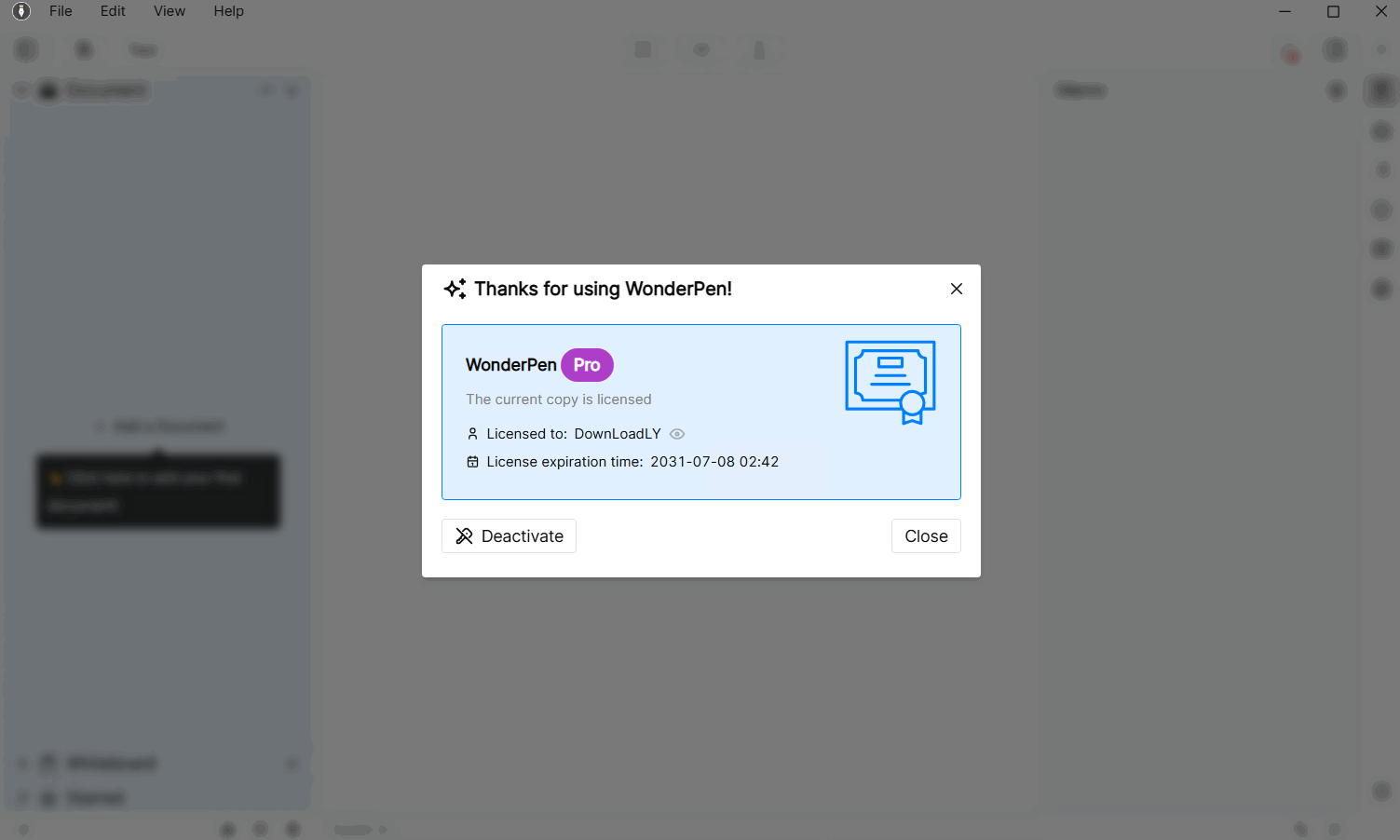
Installation Guide and Tips
- Disconnect the software from the Internet.
- Run the software.
- Click the Open or Create button and create a new Library to enter the main program environment.
- Copy the Offline activation code through Licenses in the Help tab.
- Run the Keygen file, enter the requested information.
- Enter the code copied in step 3 in this field and copy the generated code and enter it into the software to activate it.
Download link
File(s) password: www.downloadly.ir
File size
222 MB