Description
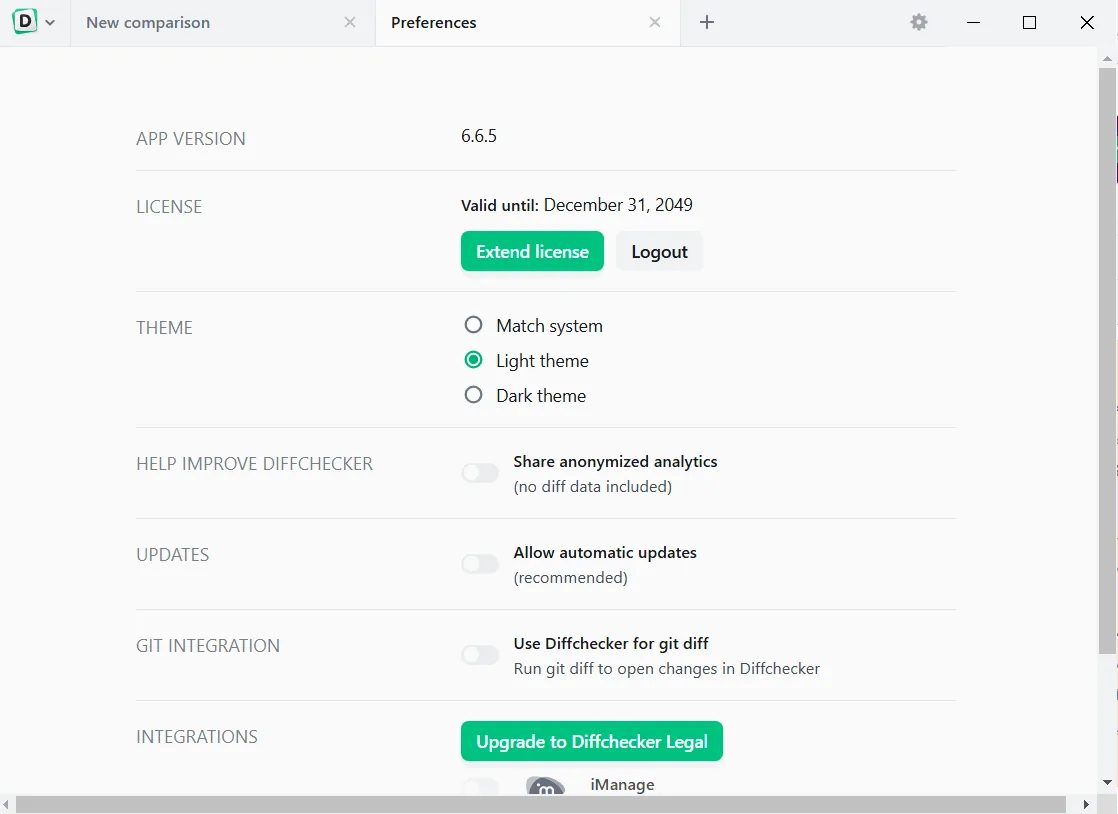
DiffChecker is a powerful tool for comparing files and texts in detail, available in both desktop and web versions. It is essential for developers, writers, legal teams, and anyone who needs to identify precise changes in their documents. With visual differences highlighting, the program allows users to quickly review modified sections of documents and merge them if necessary.
The desktop version of DiffChecker has a strong emphasis on security, with all comparisons performed offline on the user’s device, ensuring that sensitive files never leave the device. The program supports comparing a variety of content, including text, images, spreadsheets, and even folders. It also offers features such as AI-powered difference explanation and secure collaboration with end-to-end encryption.
Program features and functions
-
Accurately compare text files, images, PDF files, and Excel spreadsheets.
-
Ability to compare folders to identify changes in file structure.
-
Highlight differences at the word or character level and allow for simultaneous editing.
-
Explaining complex differences with artificial intelligence (AI).
-
Ability to annotate and collect feedback on document changes.
-
Supports syntax highlighting for over 20 programming languages.
-
Fully offline functionality for data security on the desktop version.
-
Ability to securely share comparison results via a link with end-to-end encryption.
System requirements to run the program
Operating System: Windows, macOS, and Linux.
Requirement: Desktop application requires local installation.
Pictures
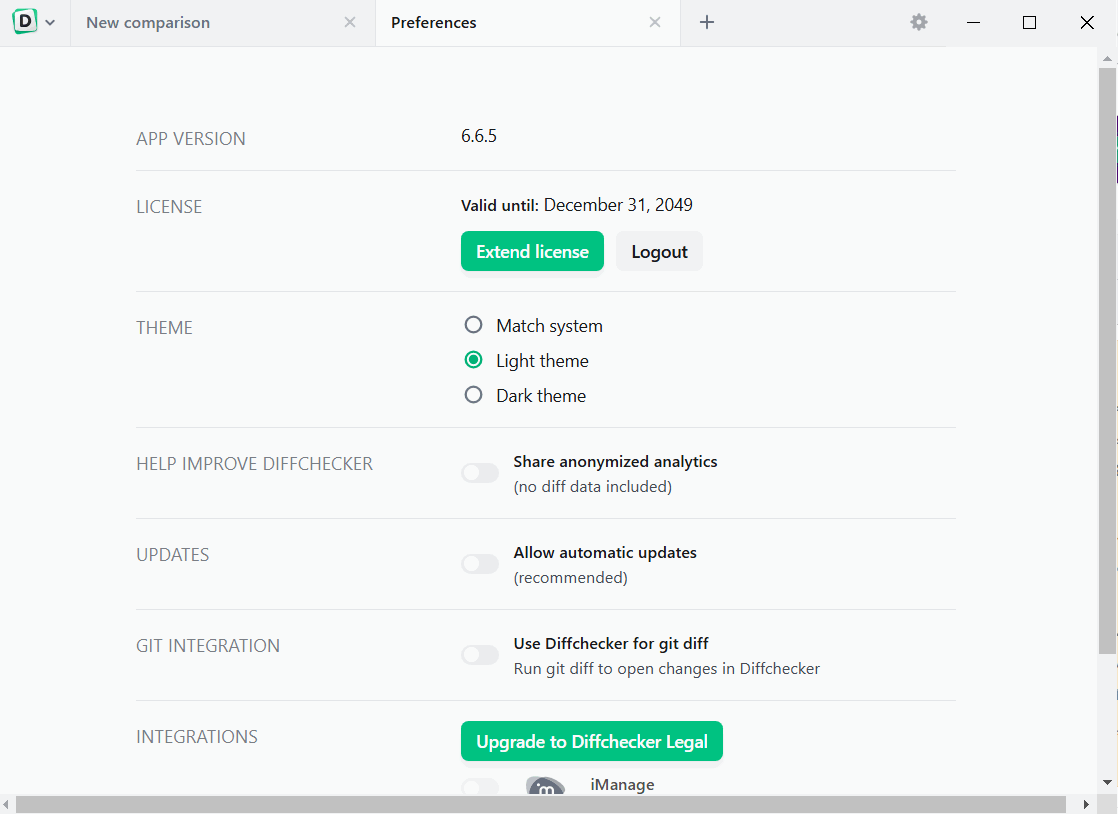
Installation Guide and Tips
It is included in the Readme file.
Download link
File(s) password: www.downloadly.ir
File size
161 MB