Description
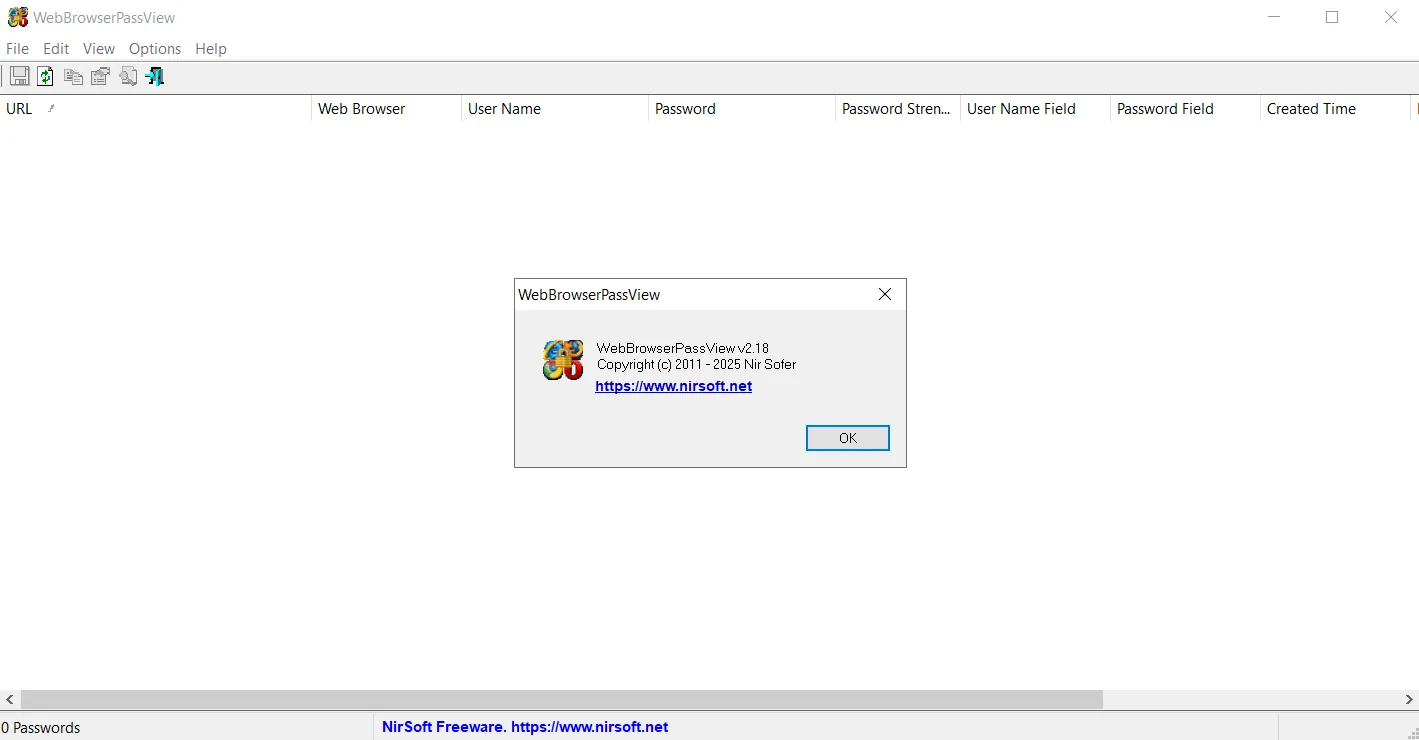
WebBrowserPassView is an efficient password recovery tool that reveals passwords saved by popular web browsers. These browsers include Internet Explorer (versions 4.0 to 11.0), Mozilla Firefox (all versions), Google Chrome , Safari , and Opera .
This tool allows users to recover their forgotten or lost password for any website, including popular websites like Facebook, Yahoo, Google, and Gmail, provided that the password is saved by the user’s web browser. Since browsers typically store passwords for faster access, WebBrowserPassView can effectively access and display this information. This capability is crucial for regaining access to essential user accounts in cases where the user does not remember their password. The program scans the specific password storage locations in each of these browsers, extracting and decrypting the saved passwords so that they are visible to the user.
Program features and functions
- Extensive password recovery capabilities: This software has the ability to recover passwords from a wide range of popular web browsers. Its support includes Internet Explorer from old to newer versions, all versions of Firefox, Chrome, Safari, and Opera. This breadth makes it a comprehensive tool for users with different browsers.
- Support for popular websites: The program is able to recover passwords for public and frequently visited websites such as Facebook, Yahoo, Google, and Gmail. This feature ensures that the user can regain access to their most important online accounts.
- Ease of Recovery: The password recovery process is easy with WebBrowserPassView. After running the program, the user can view the list of saved passwords and find their lost password.
- Ability to save recovered passwords: After successfully recovering passwords, the user can easily save them in various formats using the “Save Selected Items” option or the shortcut key (Ctrl+S). These storage formats include text files , HTML , CSV , and XML . This feature is very useful for documenting and securely storing passwords.
- Zip file password: The program installation file is in a zip file that has a password for security. The password for this zip file is @wbpv28821 , which indicates the attention to the security of access to the program itself.
- Continuous updates and bug fixes: The software is updated regularly to keep up with encryption changes in new browser versions. For example, the latest update added password decryption for Firefox 144 encryption changes and also fixed an issue with Opera password recovery.
System requirements
OS: Windows
Pictures

Installation Guide and Tips
The software is active and does not require cracking.
Download link
Download WebBrowserPassView 2.18
File(s) password: www.downloadly.ir
File size
280 KB