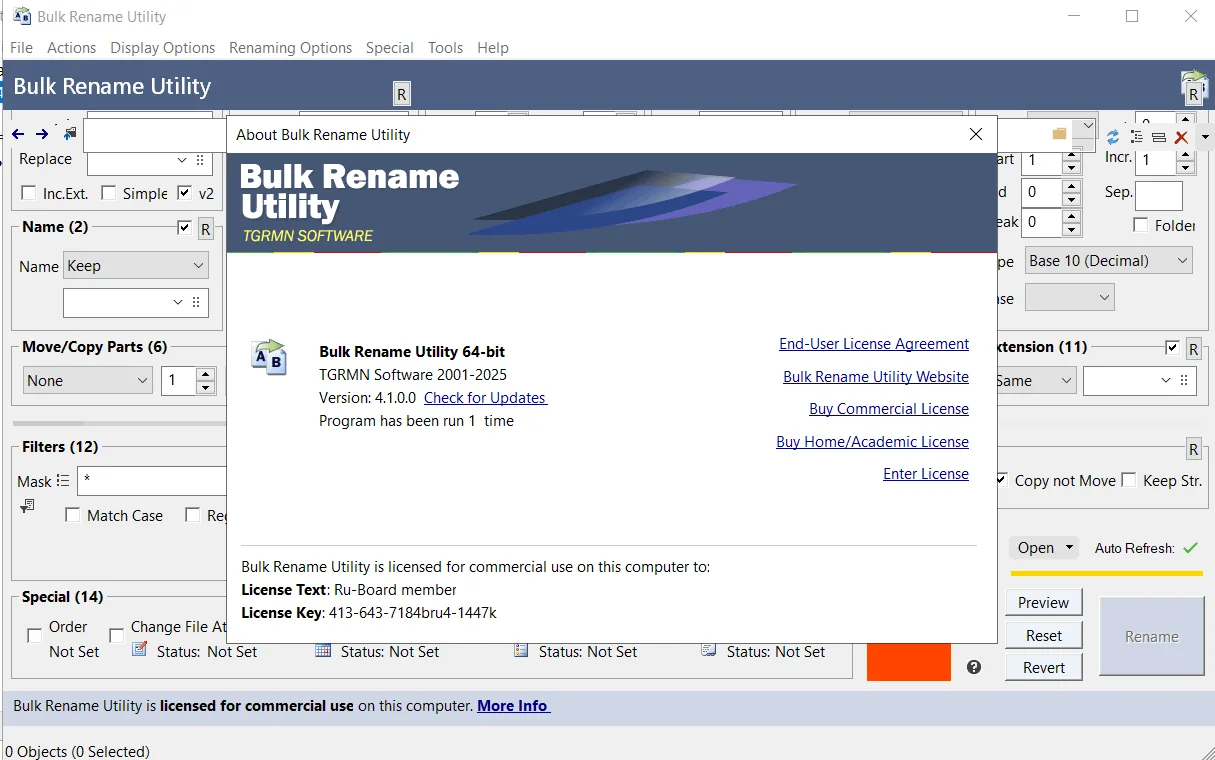
Description
Bulk Rename Utility is designed to rename files in bulk on Windows operating systems. Bulk Rename Utility is free to use for personal and home use. However, for commercial use in companies or economic entities, it requires a commercial license. This tool allows users to easily and based on very flexible criteria, rename files and folders in bulk. For example, users can add date and time to file names, replace numbers, enter text, convert letters to uppercase or lowercase, add auto-numbers, and process folders and subfolders. This software also has very extensive features.
Program features and functions
- Quickly rename large numbers of files based on flexible criteria.
- Various capabilities for renaming files: add, replace, or insert text. Convert letters, add numbers, and change or remove file extensions.
- Show detailed preview before performing the rename operation.
- Use EXIF metadata to rename photos (such as “date taken,” “resolution,” and other information contained in JPG files ). This allows users to easily rename their vacation photos from dsc1790.jpg to NewYork1.jpg .
- Rename MP3 files using ID3 tags .
- Rename files using Windows File Properties (such as length, width, height, speed, and video publisher).
- Change the creation and last modification time of files.
- Added “Bulk Rename Here” to Windows right-click menu for quick access (optional).
- Directory Recursion feature that allows processing files and folders in all subfolders.
- Using Regular Expressions to rename files and folders.
- Using Javascript to rename files and folders.
- Rename files based on an input text list ( CSV ).
- Create an Undo batch file to revert changes.
- Record all rename activities in a log file .
- Change the date and time (creation, modification, access) of files and folders.
- Change the attributes of files and folders (such as hidden, read-only, and archived).
- Rename photos using EXIF metadata (such as “date taken” and “resolution”).
- Rename MP3 files using ID3 tags .
- Rename files using Windows File Properties (such as length, width, height, rate, publisher, title, etc.). Over a hundred attributes are available for different file types.
System requirements
- Windows 11, 10, 8, 7
- Windows Server (2025, 2022, 2019, 2016, 2012, 2008)
- Windows Vista, XP
- Windows 2000/NT
Pictures

Installation Guide and Tips
Activate the software using the Key.txt file.
Download link
Download Bulk Rename Utility 4.1.0.0 Commercial
Rapidgator link
Download Bulk Rename Utility 4.1.0.0 Commercial
File(s) password: www.downloadly.ir
File size
13 MB