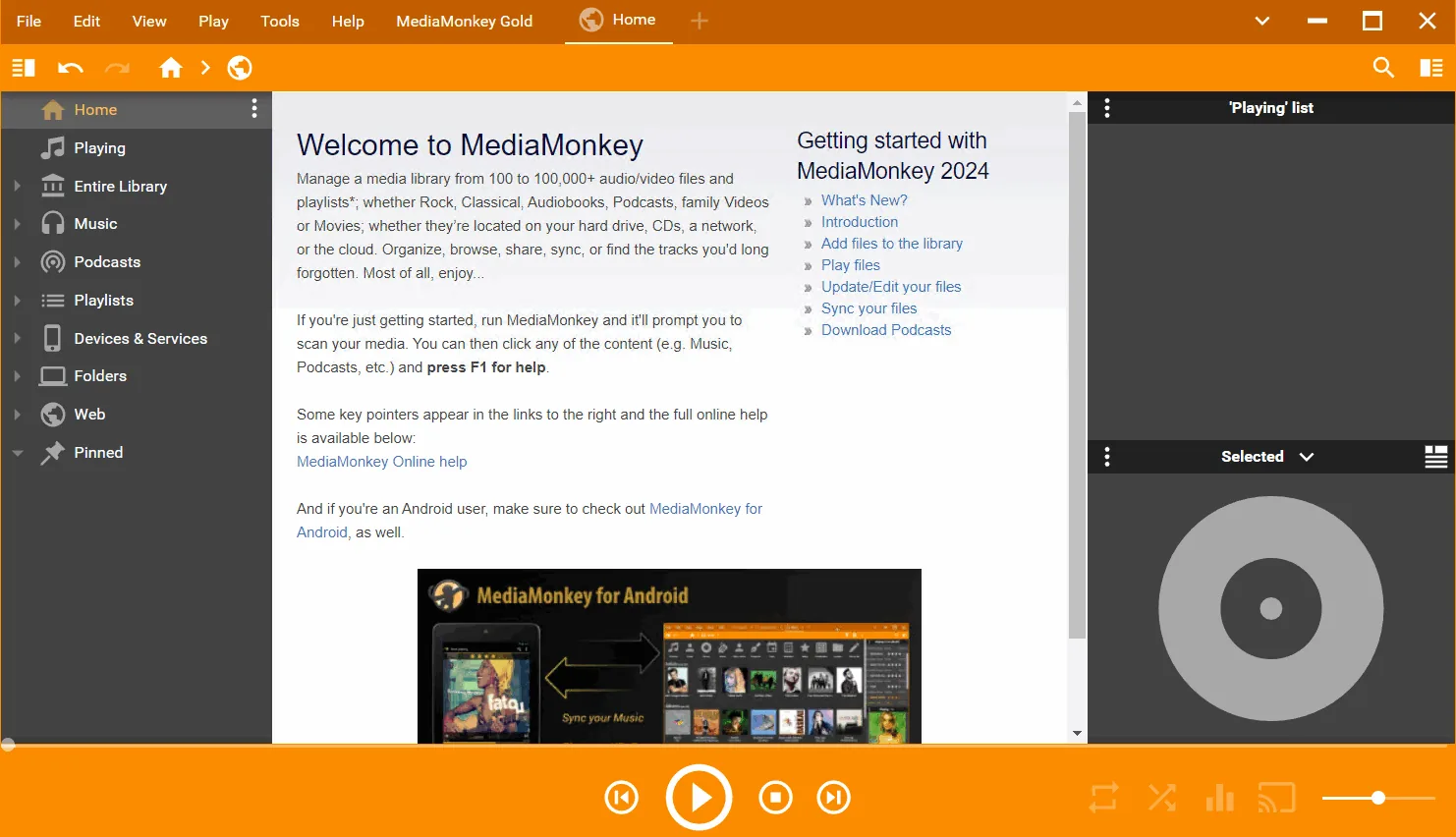
Description
MediaMonkey is a music management and media player software designed for serious music collectors and iPod users . It can catalog CDs , audio files in OGG , WMA , MPC , FLAC , APE , WAV and MP3 formats . It can also search for Album Art and missing track information via Freedb and the web. The software includes a smart tag editor and an automatic tool for renaming files and directories to organize your music library.
MediaMonkey automatically adjusts the volume level so that the user does not have to constantly change the volume control. The software supports hundreds of Winamp plug-ins and visualizations . If desired, it can use Winamp as the default player. MediaMonkey includes a CD ripper , CD/DVD Burner and audio converter for saving music and playlist editors for manual or automatic creation of music mixes . It also has a portable audio device synchronization feature that allows the user to synchronize tracks and playlists with devices such as iPods and other portable audio devices.
Program features and functions
- Advanced Search : This app allows the user to find music in their collection based on various criteria such as Composer , Year , and Beats per minute using advanced search capabilities. It can also search for lyrics .
- Library Filtering : Users can personalize their music library by setting filters to only display Artists or Albums that match specified criteria.
- Smart Tag Editor : This feature helps the user easily edit and organize the information of their audio files.
- Support for various formats : Supports various audio formats such as OGG , WMA , MPC , FLAC , APE , WAV and MP3 .
- Encode MP3 : This version allows you to encode unlimited MP3 files without having to manually install a new MP3 encoder .
- Virtual CD : Users can catalog their physical CDs and have a virtual version of them using the Virtual CD feature to easily understand which CDs they have and which tracks have been copied to the hard drive.
- Import and Save Audio Tracks : This software allows the user to import and save audio tracks from Audio CDs and MP3 CDs with high flexibility .
- Create Previews : Allows you to create short samples ( Previews ) of audio tracks that can be used to select suitable audio files to add to the collection.
- Sleep Timer : Using this feature, the music gradually stops over a specified period of time and eventually the computer turns off.
- High speed in CD burning : Allows you to burn CDs at the maximum speed allowed by the hardware.
System requirements
- Windows: 32-bit or 64-bit versions of Windows 10 or Windows 11.
Pictures

Installation Guide and Tips
- Copy and replace the MediaMonkeyEngine.exe file in the software installation location.
- Run the software and activate it using the information in the serial.txt file.
Download link
Download MediaMonkey Gold 2024.2.1.3210 Multilingual
File(s) password: www.downloadly.ir
File size
121 MB