Description
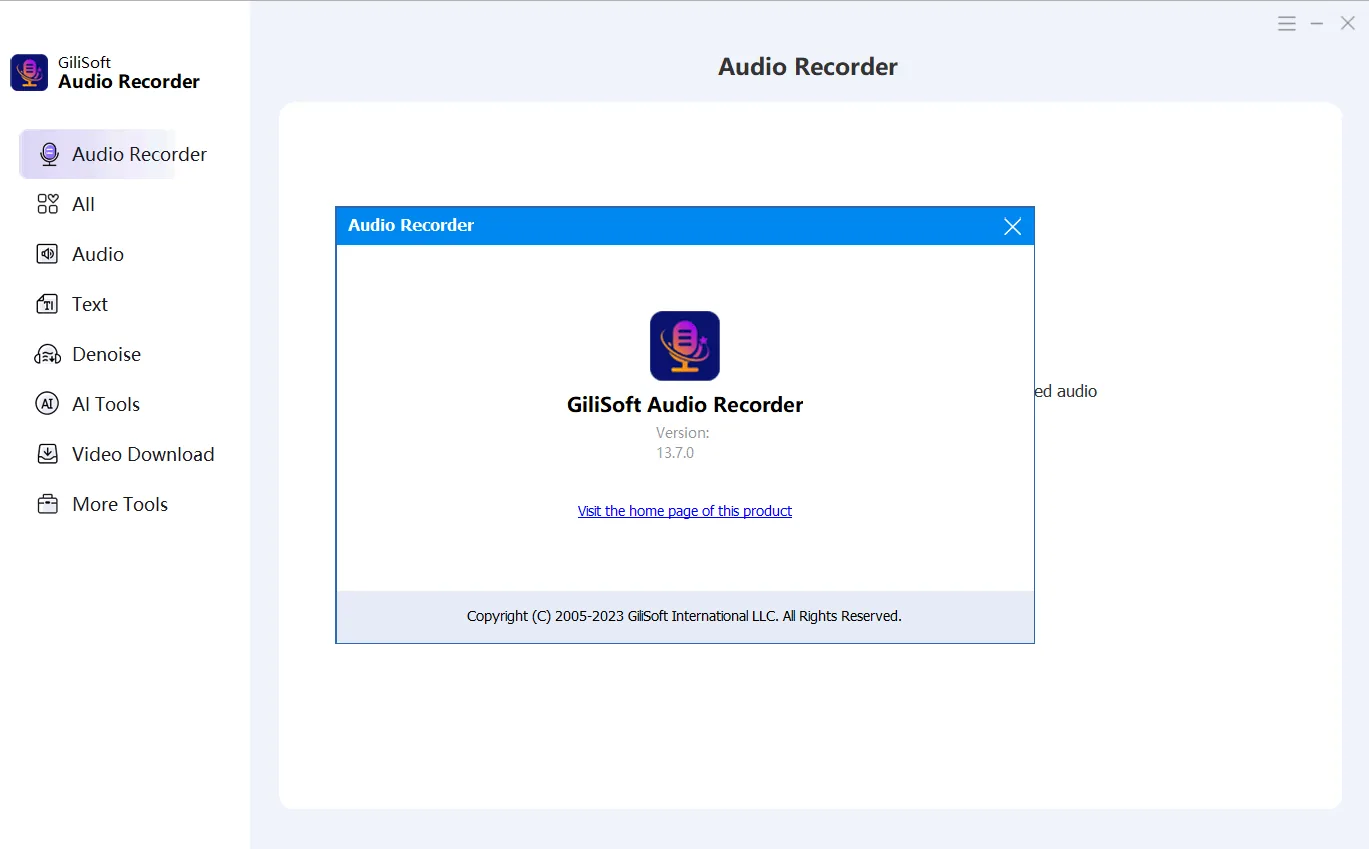
GiliSoft Audio Recorder Pro is a professional audio recording software that provides users with a variety of features. This software works directly with the system sound card and allows users to save computer and microphone sounds in various formats such as AAC, MP3, WAV and WMA. This software is designed for Windows 7 and 8 operating systems and makes recording audio very easy, even for people who do not have much technical knowledge. GiliSoft Audio Recorder Pro ensures high quality in recorded files with its advanced audio engine.
Program features and functions
- GiliSoft Audio Recorder Pro is a powerful audio recorder that simplifies the process of recording audio. While many similar software confuses users, this program simply allows users to record computer sounds and their own voice at the same time. All they need to do is select the “Computer sounds and microphone” option. This feature eliminates the need to enable complicated settings such as “Stereo Mix” and improves the user experience.
- CD-quality recording: This software can record audio played by various applications, including Windows Media Player, iTunes, Spotify, Skype, and many others. These sounds can be from local files or internet streams. The advanced built-in audio recording engine of this program provides CD-level quality recordings.
- GiliSoft Audio Recorder Pro records any audio source automatically detected on the computer without the need to install a virtual audio device. Users can easily record audio from over 500 radio stations and popular online music sites such as YouTube, Pandora, and BBC Radio.
- Record Skype, Yahoo Messenger and Google Talk conversations This program records all audio conversations, including those in Skype, Yahoo Messenger, Google Talk and other VoIP programs, and saves them in formats such as WAV, MP3, OGG or WMA. The software can work in two modes: automatic (when a call or conversation is made, it automatically starts recording) or manual. It can also be set to run automatically when Windows starts.
System requirements
- Windows 7, 10, and 11 are officially supported.
- Older versions, including Windows 2000, have been supported by past versions of the application.
Pictures

Installation Guide and Tips
Read the Readme.txt file in the Crack folder.
Download link
Download GiliSoft Audio Recorder Pro 13.9 x64 Multilingual
File(s) password: www.downloadly.ir
File size
544 MB