Description
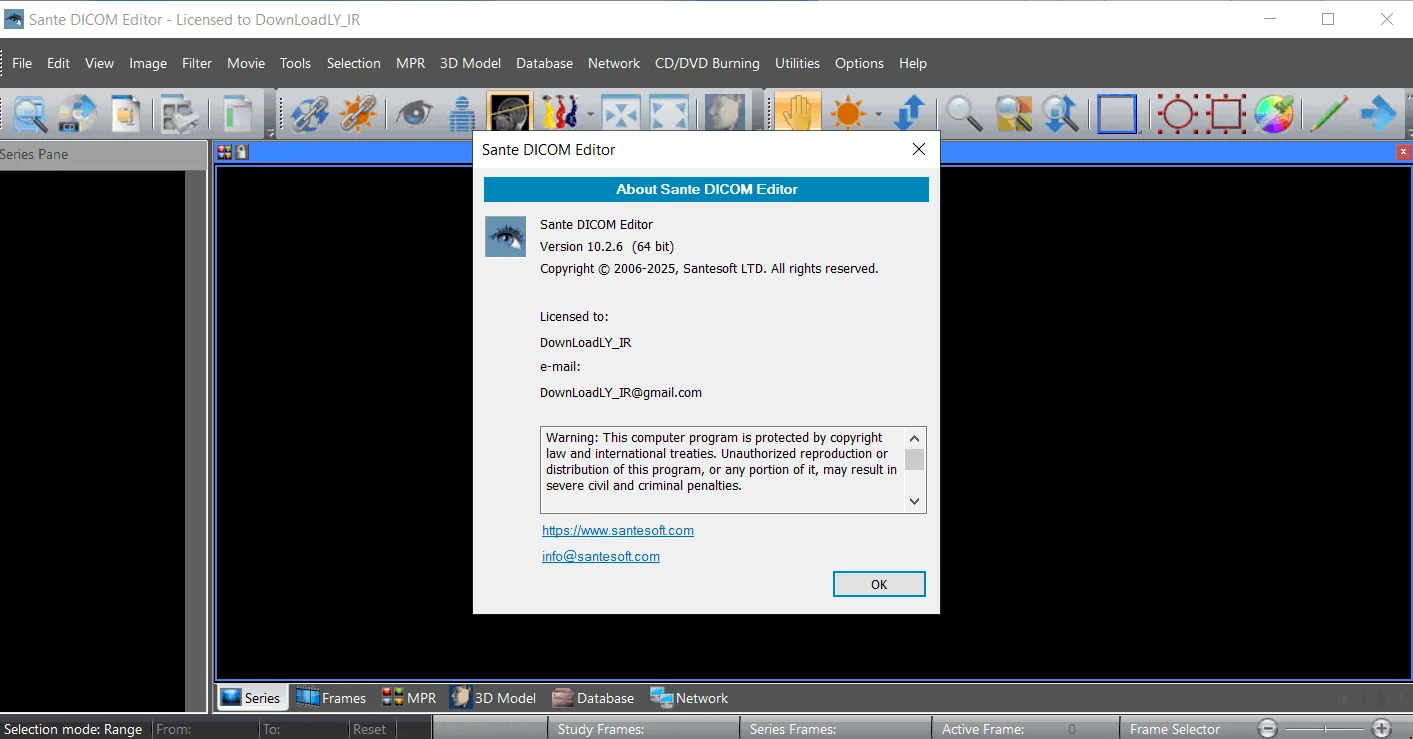
Sante DICOM Editor is a professional software with multiple features, including DICOM editor, viewer, anonymizer, converter, dicomizer, PACS client, mini PACS server, patient CD/DVD burner (with viewer) and many more. This software is a unique viewer and not a “regular DICOM viewer” built with free libraries like dcmtk, itk and vtk. Unlike hundreds of other DICOM viewer software that differ only in appearance, menus and dialog boxes, Sante DICOM Editor is a unique program with unparalleled capabilities. Designed and produced from scratch by in-house developers with the most advanced programming tools, this software is the result of two decades of research and development in the field of DICOM imaging.
Sante DICOM Editor is a powerful editor and industry-leading software for processing, editing, converting and managing DICOM files. It is used by almost all major companies and medical device manufacturers as well as by the world’s largest universities and hospitals. Among its capabilities are the ability to edit and modify DICOM files, add and remove Attributes and even edit and change Sequence Attributes.
Program features and functions
- Has a permanent license with no expiration date.
- Providing free updates and technical support throughout the product’s lifetime.
- PACS client that supports all DICOM network services (C-FIND SCU/SCP, C-MOVE SCU/SCP, C-STORE SCU/SCP, C-GET SCU/SCP, C-ECHO SCU/SCP).
- Ability to be used as a mini PACS server (the number of patients and studies stored depends only on the disk capacity).
- Supports a variety of character sets (latin, chinese, japanese, korean, cyrillic, arabic, greek, turkish, etc.).
- Compatible with all modalities (CT, MR, NM, US, XA, MG, CR, etc.), all manufacturers and all DICOM 3.0 and NEMA 2 file types.
- Ability to edit and modify DICOM files (even Sequence Attributes).
- Ability to edit all DICOM files of a series or study simultaneously.
- DICOMDIR editor.
- Dual monitor support (new feature in version 6).
- Support for Structured Reports (new feature in version 6.3).
- Presentation State Editor.
- Structured Report Editor.
- Ability to print on DICOM printers and Windows printers.
- DICOM to DICOM conversion, DICOM file modification (Transfer Syntax, image width and height, color depth, adding frames, deleting, sorting, etc.).
- Has a built-in Anonymizer, removes burned-in information from the image (De-identification)
System requirements
- Windows 11, 10, 8.1, 8, 7, or Vista
- Windows Server 2025, 2022, 2019, 2016, 2012, or 2008
- Note: Windows XP and earlier versions are not compatible.
- CPU Intel Core i3 or AMD Ryzen 3 (or greater)
- Graphics card with a minimum of 2 GB of memory
- Must be compatible with DirectX 11
- A minimum of 8 GB of RAM is required.
- 16 GB of RAM is recommended for working with large US (ultrasound) files.
Pictures

Installation Guide and Tips
Activate the software using the Keygen file.
Download link
Download Sante DICOM Editor 10.4.1
File(s) password: www.downloadly.ir
File size
153 MB